Published
Mar 2, 2026
Running an AI-powered business assistant should simplify your workflow — not slow it down. Yet, many users encounter unexpected issues when trying to log in to Manus, such as the notorious 1043 error or browser access interruptions. These problems can disrupt tasks, delay business operations, and cause frustration for teams relying on automated AI support.
Whether you’re managing customer communications, coordinating orders, or automating repetitive tasks, uninterrupted AI access is critical for B2B efficiency. In this guide, we’ll walk through the most common Manus login issues, provide practical solutions, and explain why exploring an alternative like Dealism can lead to a more seamless and reliable experience for teams that depend on AI daily.
Common Manus Login Issues and How to Fix Them
1. Error 1043 – Login Method Mismatch
One of the most frequent problems users face is the 1043 error. This occurs when the login method does not match the one used during account registration. For example, signing up with Google authentication but attempting to log in via email + password will trigger this error.
For B2B teams, this is particularly frustrating because even a brief login delay can hold up critical tasks such as responding to client inquiries or updating inventory.
{"code":1043,"message":"The mailbox has been registered","detail":{},"error_name":"user.exceptions.ExistSameEmailError","msg":"The mailbox has been registered","error":"user.exceptions.ExistSameEmailError"}
Official Fixes:
Confirm the login method you used originally by checking the welcome email from Manus.
If unsure, contact Manus support with your registered email and purchase information. They can verify your account and provide guidance. You can also check the official 1043 error guide for step-by-step instructions.
Keep a shared document within your team noting the registered login method for each account to avoid future confusion.
This error highlights a limitation in Manus AI agent login — switching between authentication methods is not seamless, which can interrupt your business conversations and cause delays.
2. Browser Access Issues
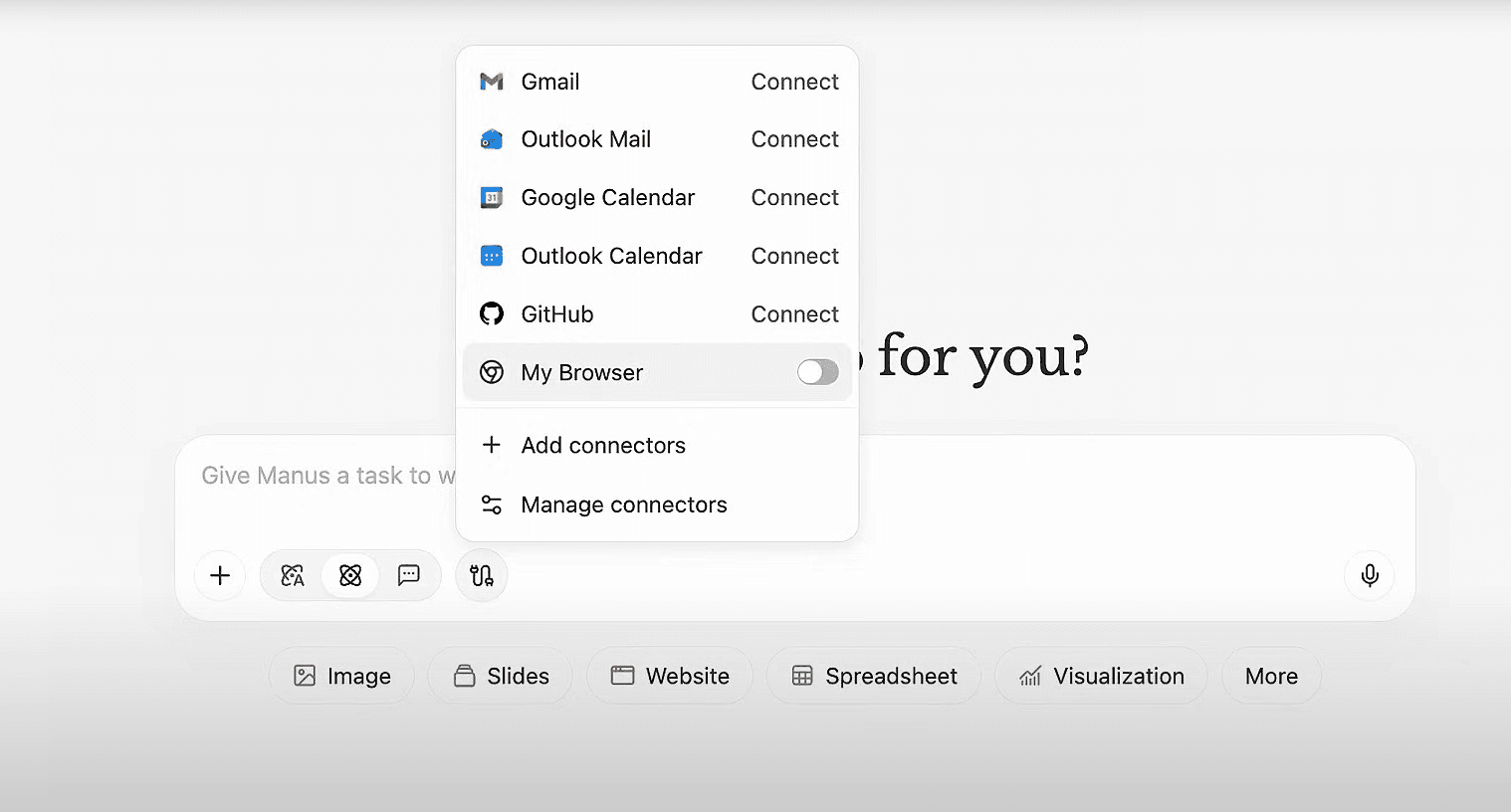
Even with correct credentials, some users find that automated scripts fail to log in to third-party platforms through Manus. CAPTCHAs, multi-factor authentication (MFA), or website security settings can prevent the AI agent from completing login tasks.
For example, a marketing team automating product updates on multiple e-commerce platforms might find the AI agent blocked mid-task, requiring manual intervention. These interruptions may not only slow down operations but also increase the risk of errors when manually repeating the steps.
Practical Fixes:
Click the “Browser” button in Manus tasks to manually log in.
Complete authentication once, allowing Manus to store credentials for future automated access.
Regularly update saved credentials and check for expired sessions to avoid repeated access failures. For more details, see the browser access troubleshooting guide.
While this solution works, it requires extra manual steps and monitoring, which can reduce efficiency for busy B2B teams. Manual browser overrides are a temporary fix. For businesses that can’t afford to have an AI agent 'stuck' on a login screen, a platform like Dealism provides a more robust infrastructure designed to execute business conversations and actions inside chats without constant supervision.
Feature / Issue | Manus (General AI Agent) | Dealism (B2B-Optimized Agent) |
Login Logic | Strict 1-to-1 mapping. Switching Google/Email triggers Error 1043. | Unified Enterprise Login. Multi-method auth without session conflicts. |
Browser Access | Frequent manual intervention needed for CAPTCHAs/MFA. | Persistent Session Tunneling. Seamless background execution for B2B tasks. |
Team Sharing | Shared accounts often trigger "Multi-device conflicts." | Role-Based Access (RBAC). Multi-user collaboration without kick-outs. |
Automation Flow | High risk of interruption during browser script errors. | Process-Driven Execution. Built-in retry logic for IM/WhatsApp environments. |
Support Level | General ticket-based support (slow response). | Proactive SMB Support. Dedicated assistance to ensure business continuity. |
3. Network and Device Limitations
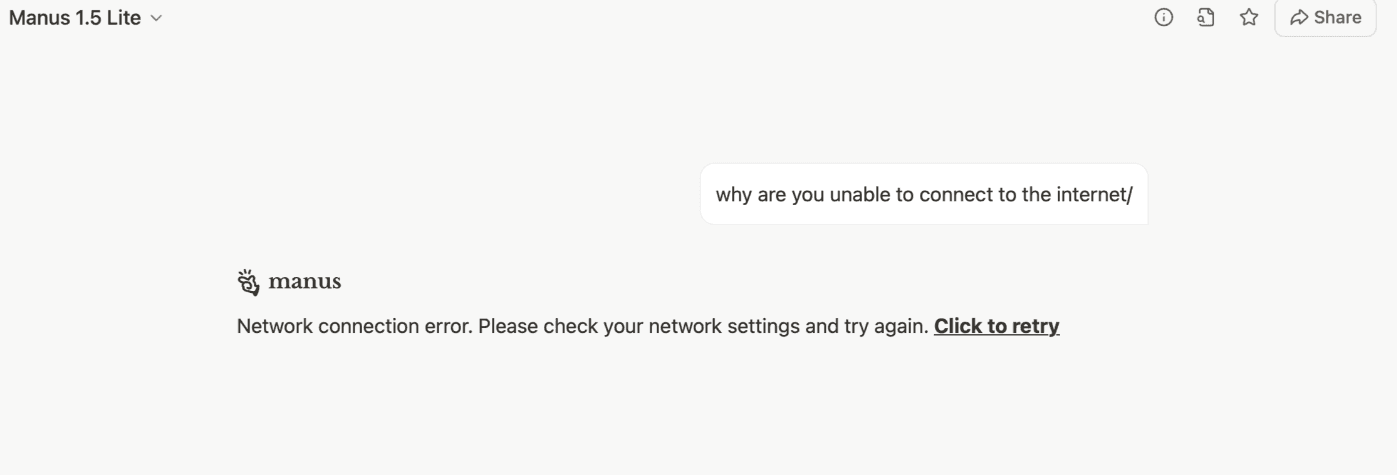
Other login problems often stem from enterprise network restrictions or device/browser compatibility issues:
Some company firewalls or VPNs may block certain scripts, preventing login.
Using outdated browsers or unsupported devices can cause session errors.
Cached data or conflicting cookies may interfere with login attempts.
Quick Tips:
Use modern browsers like Chrome or Edge, fully updated.
Ensure your network allows access to Manus domains.
Clear cache and cookies to avoid session conflicts.
Assign a dedicated device for AI operations to reduce conflicts caused by shared workstations or multiple accounts.
Even with these adjustments, B2B teams may still experience sporadic login failures, which makes relying on Manus a riskier option for mission-critical workflows.
Why Manus Login Problems Happen Frequently
Frequent login challenges are not just inconvenient — they reflect systemic issues with Manus AI agent login:
Multiple Authentication Methods: Switching between Google, Apple, Microsoft, or email login can cause conflicts.
Browser Automation Limits: Captchas, MFA, and anti-bot measures disrupt automated workflows.
Server Updates or Maintenance: Temporary service interruptions can prevent login or cause session errors.
High Volume Usage: Teams running many simultaneous AI tasks may encounter throttling or session expiration more often than individual users.
For B2B teams relying on automated AI agents to handle tasks like customer follow-ups, order management, or data processing, even short interruptions can lead to significant productivity loss. Documenting these recurring issues internally is helpful, but it doesn’t fully solve the underlying reliability problem.
Why Dealism is a Smarter Alternative for B2B Teams
Manus functions primarily as a general-purpose AI agent, designed for reporting, research, and broad automation. It is not optimized for executing real-time sales workflows in WhatsApp, Instagram, or IM channels. Frequent login issues and browser interruptions further reveal structural limitations for teams that rely on uninterrupted business execution.
Dealism is different. It doesn’t just support work — it runs business conversations as structured, actionable processes inside chats. Each conversation becomes a mini workflow: understanding intent, clarifying needs, making decisions, and pushing the next action automatically.
While Manus helps you analyze, Dealism helps you execute.
This structural difference explains why Dealism delivers more consistent performance for SMBs that need real results in sales-driven environments.
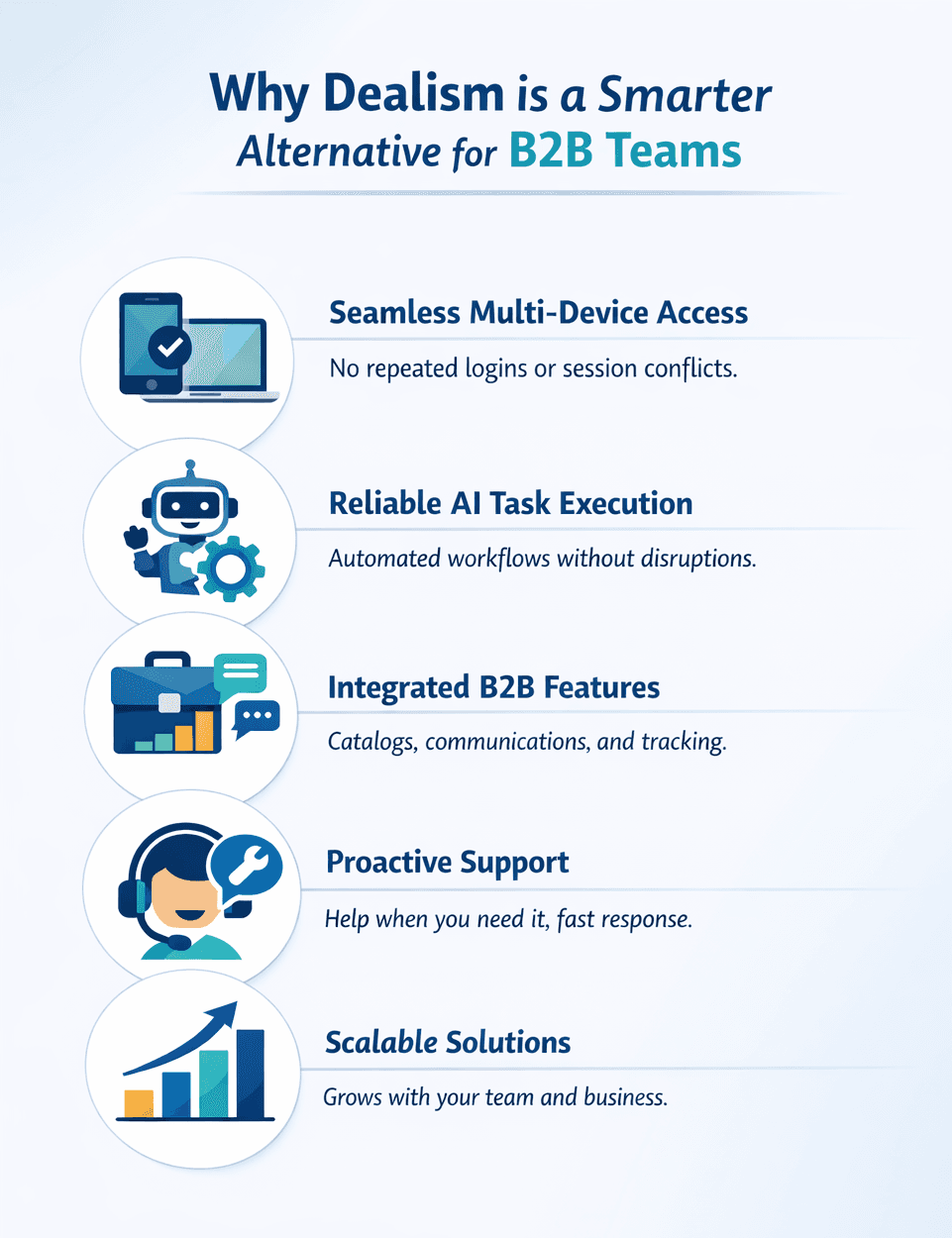
Dealism solves these problems by providing:
Seamless Access Across Devices: No repeated logins or session conflicts.
Reliable Execution of Conversations: Multi-tasking AI agents handle real-time interactions without disruption.
Integrated B2B Features: Manage catalogs, track inquiries, and coordinate communications in one platform.
Proactive Support: A dedicated team resolves issues before they impact your workflow.
Scalable Solutions: Supports multiple users and complex operations as your team grows.
Step-by-Step Recommendations for Teams Facing Login Issues
Apply Official Manus Fixes: Resolve 1043 errors and browser access issues using the steps above.
Evaluate Workflow Impact: Track how often login errors disrupt operations. If frequent, consider an alternative.
Pilot Dealism: Run a small trial to experience uninterrupted conversation execution.
Compare Efficiency Gains: Measure time and effort saved versus Manus.
Document Lessons Learned: Keep an internal log of login failures, successful fixes, and workflow interruptions.
By following these steps, teams can minimize downtime, streamline automated business conversations, and reduce frustration caused by login errors, all while testing more reliable solutions.
Start Your 7-Day Trial Today
Don’t let login problems or workflow interruptions slow your business. Dealism turns messy chats into real business actions:
Understand customer intent
Clarify requirements
Make structured decisions
Execute follow-ups automatically
Move conversations toward booking or payment
Not a CRM. Not a rule-based bot.
Just an AI execution agent built for SMBs that need real results.
Start your 7-day trial today and see how Dealism transforms conversations into revenue.