
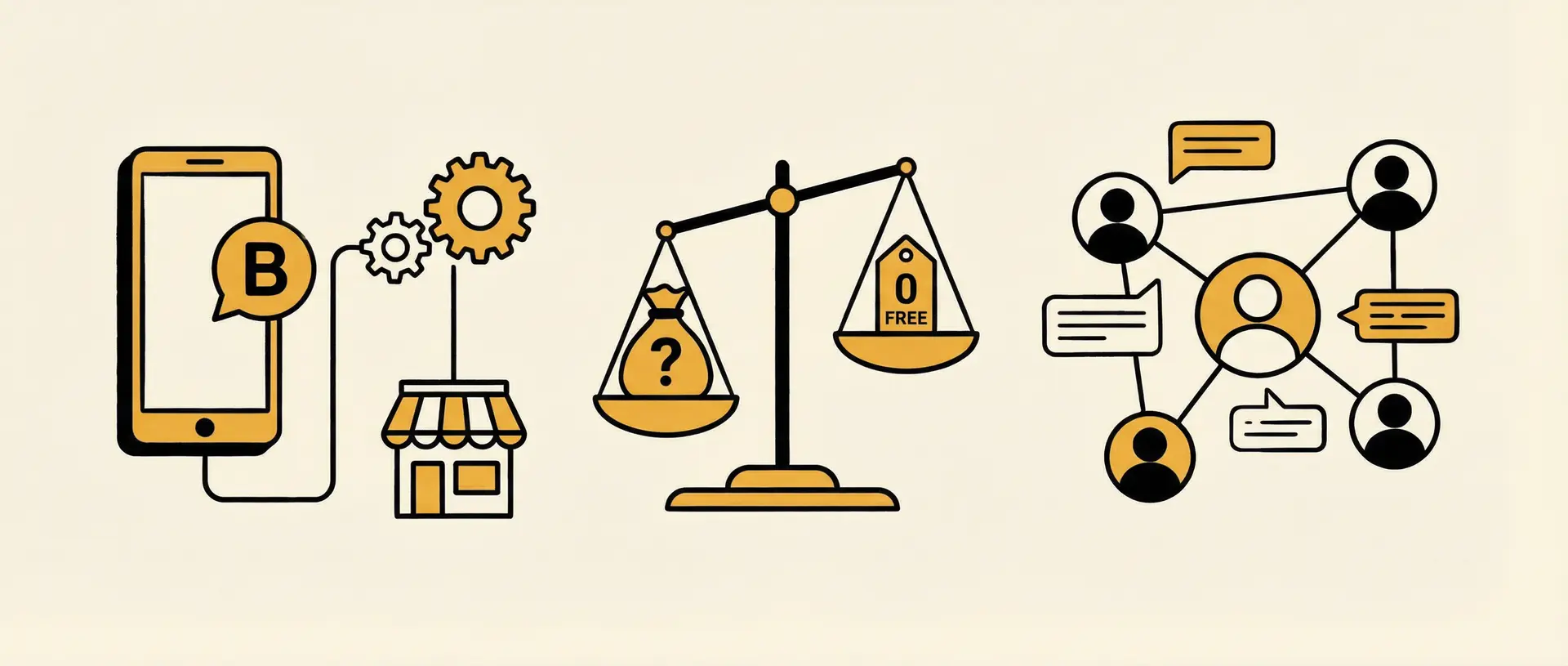
WhatsApp Business gives small businesses a free app for creating a business profile, organizing customer chats, showing products, and using basic tools such as quick replies, greeting messages, and away messages. It is different from the regular WhatsApp app, and it is also different from the WhatsApp Business Platform used for integrations and larger-scale automation.
So, is WhatsApp Business free? The core Business App is free to download and use. The Business Platform/API can involve Meta message charges, provider fees, and software costs. This guide explains the difference, what is scheduled to change in 2026, and when a business may need more than the free app.
Already using WhatsApp Business but still handling every sales conversation manually? Dealism adds an AI sales layer to supported WhatsApp connections. It can answer questions with approved business information, understand what a customer needs, recommend an appropriate next step, continue follow-ups, and involve a person when judgment is required.
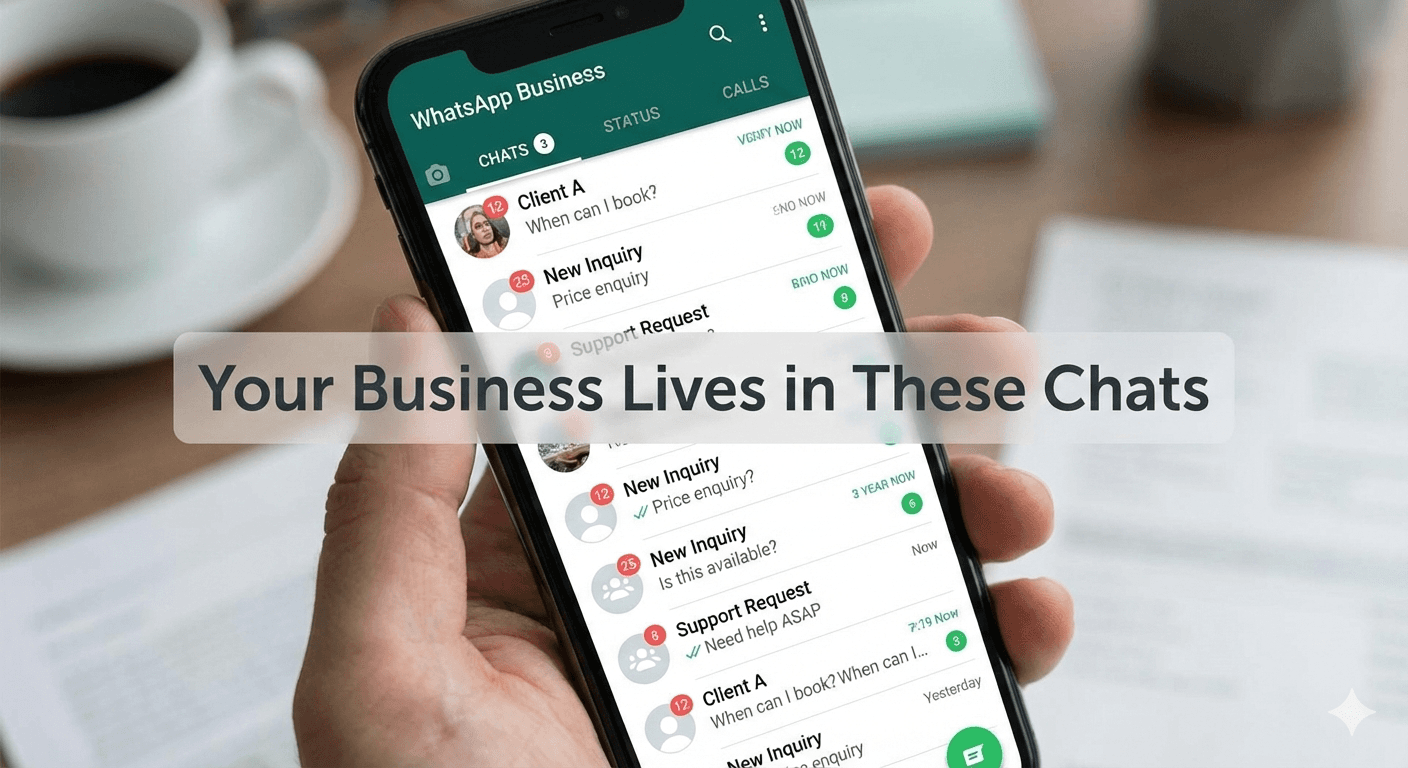
1. What is WhatsApp Business? (The Fundamentals)
WhatsApp Business is Meta's business-focused version of WhatsApp for small companies, local services, stores, and independent professionals. The free Business App adds tools for presenting business information and managing customer conversations. The separate WhatsApp Business Platform provides programmatic access for integrations, multiple agents, templates, and automation.
Unlike the personal app, a WhatsApp Business account allows you to build a structured "digital storefront." Key features include:
Verified Business Profile: Share your address, website, email, and operation hours to build immediate trust.
Organized Labeling System: You can categorize chats with labels like "New Lead," "Pending Payment," or "Follow-up Required." This is the first step toward moving away from messy, unorganized message lists.
Service Catalogs: Instead of sending individual PDFs or photos, you can create a mobile storefront within the app where customers can browse your services or products.
Automated Greetings & Away Messages: Let customers know that their message was received and set expectations outside business hours.
Quick Replies: Save frequently used answers and insert them during a conversation without typing the same information repeatedly.
Businesses that spend most of the day at a computer can also manage WhatsApp conversations from a desktop.
2. WhatsApp Business vs WhatsApp: A Strategic Comparison
It’s a common mistake to think they are the same. While the underlying technology is similar, the purpose—and the results they deliver—are very different.
Feature | WhatsApp (Personal) | WhatsApp Business |
Primary Use | Friends & Family | Action & Execution |
Business Profile | ❌ No | ✅ Yes (Branding & Trust) |
Automation | ❌ No | ✅ Basic (Greetings/Away) |
Catalog | ❌ No | ✅ Yes (Showcase Offerings) |
Analytics | ❌ No | ✅ Basic (Read/Sent stats) |
Message Sorting | ❌ No | ✅ Labels & Categories |
WhatsApp Business makes customer communication more organized, but its native automation remains limited to predefined tools such as greetings, away messages, and saved replies. A person still needs to understand the customer's question, decide what to recommend, remember the follow-up, and step in when the situation is unusual. This broader guide to WhatsApp automation options explains how the available levels differ.
3. How to Use WhatsApp for Business: 5 Steps to Success
Setting up the app is only the beginning. To turn it into a revenue-generating tool, you need a strategy for execution:
Download and Separation: Available for both iOS and Android. Use a dedicated business number to ensure your personal life stays personal.
Optimize the Profile for Conversion: Your description shouldn't just be your name. It should be your value proposition (e.g., "Dental Clinic: Helping you smile confidently").
Build a Frictionless Catalog: Upload your top 5 services or products with clear pricing. This reduces the repetitive "How much?" friction in conversations.
Use the Native Messaging Tools: Create quick replies for recurring questions and configure greeting and away messages. These tools reduce repetitive typing and help you respond while the customer's interest is still active, but they do not understand intent or continue a sales conversation on their own.
Identify the "Chat-to-Action" Path: Define what success looks like. Is it a booked appointment? A completed payment? Use labels to track where each customer is in this funnel.
4. Is WhatsApp Business Free? App vs. Platform Costs
Short answer: the WhatsApp Business App is free to download and use for its core features. The WhatsApp Business Platform/API is a different product: Meta can charge for delivered messages based on the message category and the recipient's market. A Business Solution Provider, inbox platform, or automation tool may charge an additional subscription or usage fee.
Cost layer | Is it free? | What the business pays for |
|---|---|---|
WhatsApp Business App | Core app features are free | Manual messaging, profile, catalog, labels, greeting and away messages, and quick replies |
WhatsApp Business Platform/API | Not completely free | Meta message charges that vary by category and market |
BSP or inbox provider | Depends on the provider | Platform subscription, seats, setup, support, or message markup |
Dealism | Separate from Meta's fees | AI replies, qualification, recommendations, contextual follow-up, and human handoff |
Meta charges for access to the WhatsApp Business Platform and delivered messages. A BSP may charge for infrastructure or inbox access. Dealism is the conversation layer: it helps the business decide what to say, what to ask next, when to follow up, and when a person should take over. These are separate cost layers, so businesses should evaluate them separately.
Pricing update — last verified August 6, 2026: WhatsApp's public Business Platform pricing page currently describes service messages and utility messages sent in response to users as free inside the customer service window. Meta's developer pricing notice for service messages says that, effective October 1, 2026, service messages will resume per-message charging and utility messages sent inside the open service window will no longer receive the same free treatment. Rates vary by market and should be checked against Meta's latest rate card before budgeting.
“Free app” does not mean “zero operating cost.” A business may still spend time answering the same questions, qualifying inquiries, checking availability, sending links, and remembering follow-ups. The right comparison is not only app price versus software price; it is the total cost of managing each customer conversation and the value produced by that conversation. Businesses comparing platforms can also review these WhatsApp marketing tools for small businesses.
5. WhatsApp Business + Dealism: From Organized Chats to Sales Actions
WhatsApp Business helps a small company present itself professionally and organize manual conversations. Dealism becomes relevant when the team needs those conversations to keep moving without relying on someone to notice every message, repeat every answer, and remember every follow-up.
Dealism is a separate AI conversation platform. It is not part of the free WhatsApp Business App and does not remove Meta messaging charges. Dealism supports official WABA Coexistence for eligible existing Business App numbers, a dedicated WABA number, and Desktop QR for Personal WhatsApp or WhatsApp Business App.
Customer-conversation task | Native WhatsApp Business App | Dealism |
|---|---|---|
Greeting or away message | Fixed message | Can continue the conversation using approved business information |
Answer a product or service question | Person or saved response | Can answer within configured business knowledge |
Understand customer intent | Manual | Can ask about goal, timing, location, preference, or budget |
Recommend the next action | Manual | Can guide the customer to a product, booking, checkout, or salesperson |
Remember a promising lead | Labels and team discipline | Can support contextual follow-up |
Handle an exception | A person monitors the inbox | Can involve a person for judgment or approval |
Imagine a customer messages a local clinic: “How much is the first appointment, and do you have anything after work?”
A greeting message can confirm that the message was received. A quick reply can paste a standard price. With Dealism, the connected agent can use the clinic's approved information to explain the available service, ask which location or time range works, offer the appropriate booking path, and transfer medical questions or exceptions to a person.
The value is not sending more messages. It is helping the conversation reach the right next step without pretending that every situation should be automated.
Create your free Dealism account and test this workflow with one low-risk WhatsApp conversation →
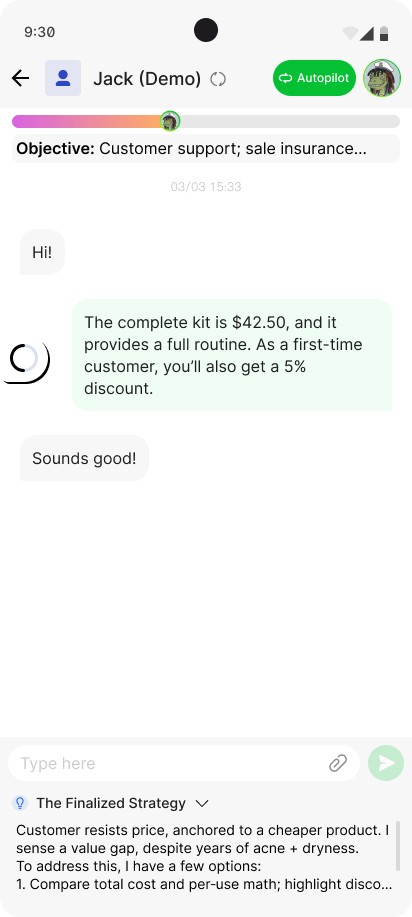
Dealism uses approved business knowledge and conversation context to help the customer reach an appropriate next step.
A practical Dealism workflow can look like this:
A customer asks about price, availability, a product, or an appointment.
Dealism answers with approved information from the business.
The agent asks only the questions needed to understand the customer's goal, timing, location, or budget.
It recommends an appropriate product, booking page, checkout, or next step.
It keeps the context available for follow-up and involves a person when judgment or approval is needed.
6. Industry Examples: What the Workflow Looks Like
Clinics and Wellness Businesses
With Dealism, a clinic can answer approved non-clinical questions about services, hours, location, preparation, and appointment availability. The agent can collect the reason for the visit and offer the correct booking path, while transferring clinical questions or exceptions to a qualified person.
Coaches and Consultants
With Dealism, a coach can ask about the customer's goal, timeline, preferred format, and approximate budget before recommending a consultation or transferring a qualified lead to the coach.
Local E-commerce
With Dealism, a store can answer approved product questions, clarify preferences, recommend relevant items, share a checkout link, and help with routine order questions when the required information is available.
7. Frequently Asked Questions (FAQ)
Can I use the same number for WhatsApp and WhatsApp Business?
The same phone number normally cannot be active in both Personal WhatsApp and WhatsApp Business App at the same time. Using the Business App and Business Platform/API on one number requires official Coexistence. Dealism provides this path through Meta Embedded Signup for eligible Business App numbers, while Meta decides final availability.
Is WhatsApp Business safe for sensitive data?
WhatsApp messages use end-to-end encryption, but encryption alone does not make every business workflow compliant. Businesses handling medical, financial, legal, or other sensitive information should review local law, access controls, consent, retention, and the behavior of every connected tool.
Do I need a CRM to use WhatsApp for business?
No. A small business can start with the free app, labels, and a clear follow-up process. A CRM or conversation platform becomes useful when several people handle customers, conversations must be tracked across stages, or integrations and reporting are required.
Does WhatsApp Business cost money?
The core WhatsApp Business App is free. The WhatsApp Business Platform/API can generate Meta message charges, and providers or automation tools may charge separately. Check the latest Meta rate card for your market and message categories.
Final Thoughts: Start Free, Then Add What the Workflow Needs
WhatsApp Business is the free foundation: profile, catalog, labels, quick replies, and basic automated messages. Dealism is the next conversation layer for businesses that need to answer with their own knowledge, qualify interest, recommend an action, continue follow-up, and involve a person at the right time.
You do not need to replace every human reply. Start with one repetitive, low-risk conversation such as product availability, service qualification, or appointment routing, then review how the agent performs before expanding the workflow.
Compare Dealism plans and choose the right WhatsApp automation setup →


