WhatsApp Link Generator
Enter a phone number and an optional pre-filled message.
How it works
Three quick steps. No signup needed.
Enter the number
Type the phone number with country code.
Add a message
Optionally include a pre-filled greeting or question.
Share or scan
Copy the link, share it, or download the QR code.
Why use this generator
Turn every WhatsApp chat into a closed deal
Dealism is an AI sales assistant that replies on WhatsApp, qualifies leads, books meetings, and follows up automatically — 24/7.
Basic Info, Knowledge, Strategies & Initial Performance Testing
Playground
Each created Sales Agent in the Playground is provided with a Demo Customer to simulate and practice conversations between the Sales Agent and contacts, allowing you to verify the effectiveness of the Sales Agent’s dialogues.
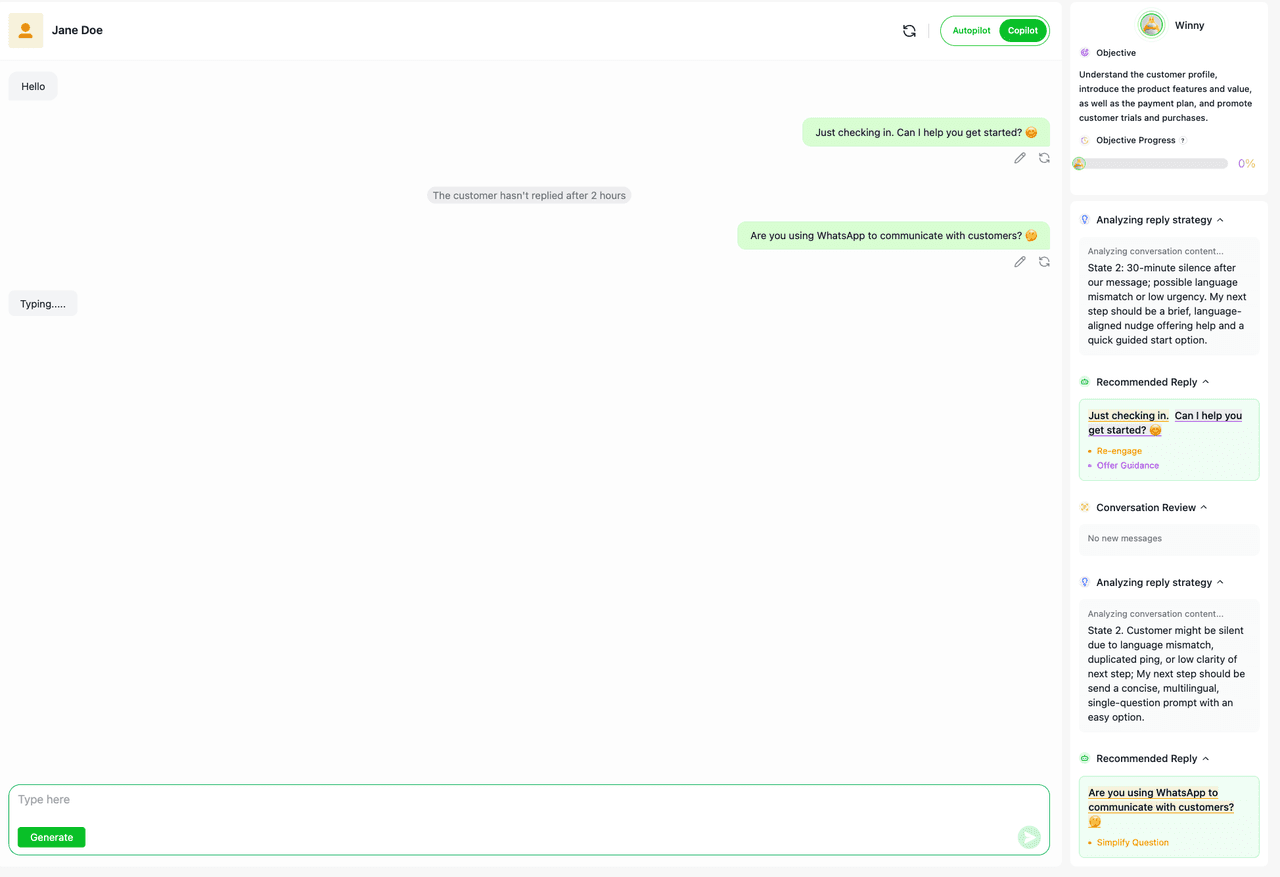
During the process of the Sales Agent assisting in sales and generating recommended replies, it will:
(1) Analyze the current sales progress of the customer
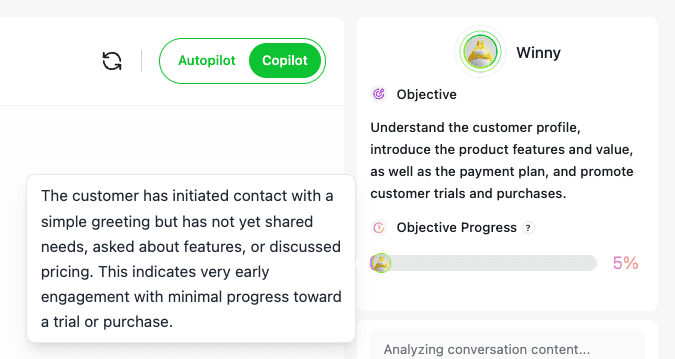
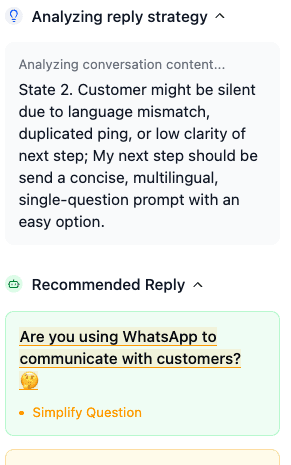
(2) Analyze the customer’s needs and select the appropriate reply strategy
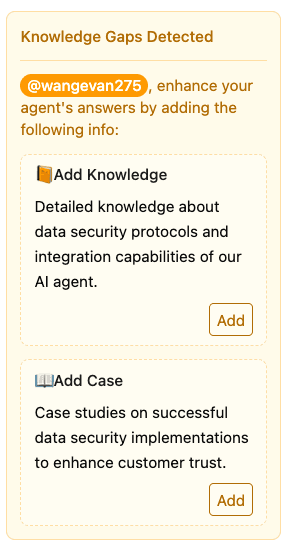
(3) Identify additional knowledge content that can be supplemented during the sales process
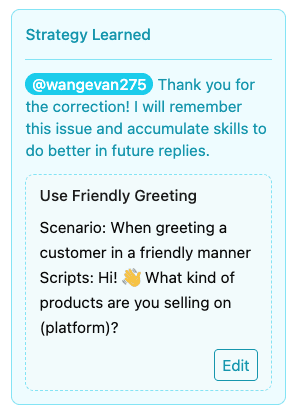
(4)Independently learn reusable sales experience and insights during practice sessions
In addition, in the Playground, the Sales Agent offers two simulation modes: Copilot and Autopilot.
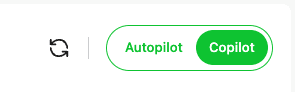
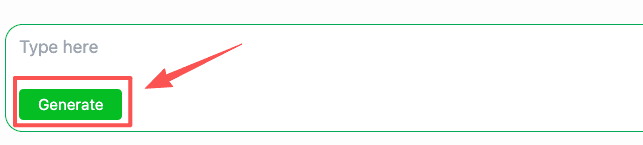
When Copilot mode is enabled, you need to click the Generate button for the Sales Agent to create a recommended reply.
When Autopilot mode is enabled, the Sales Agent will automatically generate and send recommended replies whenever the Demo Customer responds.
Customer
The Customer module is used to centrally manage all customer messages from channels such as WhatsApp. It allows you to view and reply to messages from contacts. During the reply process, you can select a Sales Agent to assist in generating recommended replies. The assistance is available in two modes: Copilot and Autopilot.
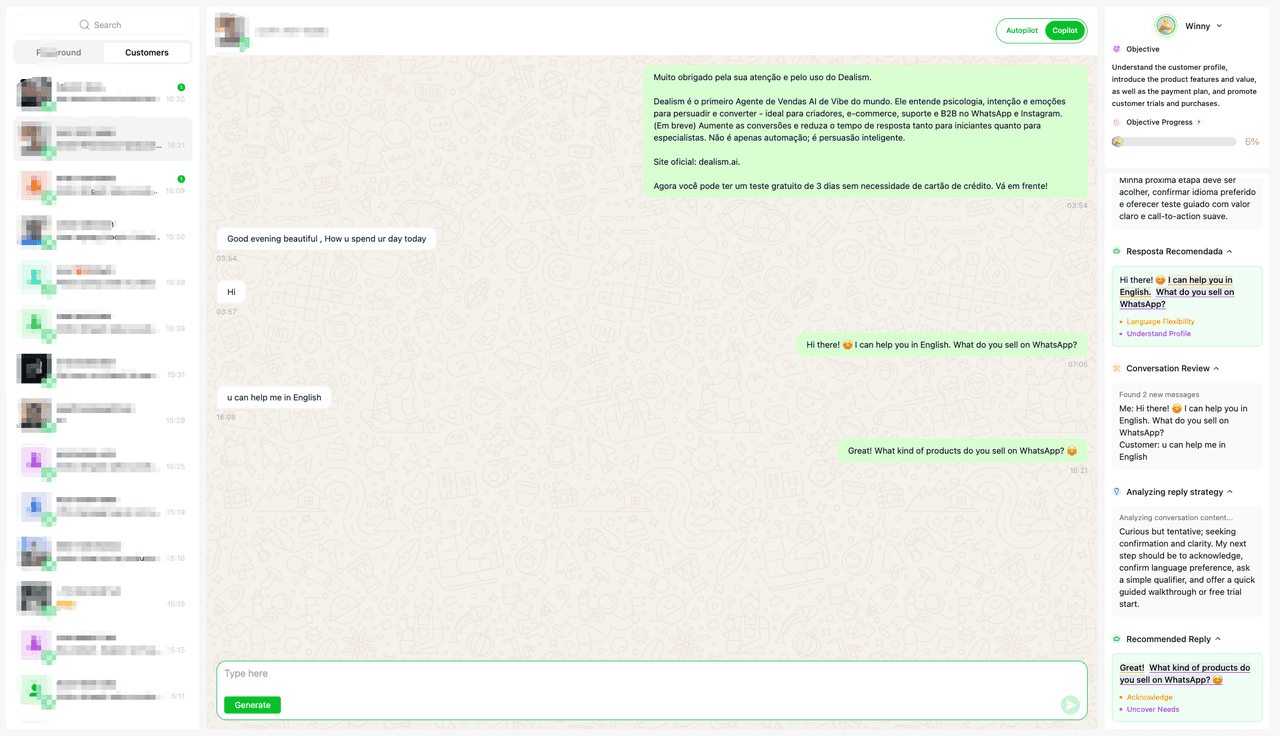
During the process of the Sales Agent assisting in sales and generating recommended replies, it will:
Analyze the current progress of the customer’s sales journey
Analyze the customer’s needs and select the appropriate reply strategy
Independently learn reusable sales experience and insights during practice sessions
When Copilot mode is enabled, you need to click the Generate button for the Sales Agent to create a recommended reply.
When Autopilot mode is enabled, the Sales Agent will automatically generate and send recommended replies whenever the Demo Customer responds.
Tips:
Currently, AI Responses are only consumed when the Customer generates a recommended reply.
Guide
