Playground Simulation Practice & Customer Message Management
This module is used to manage the configuration information of Sales Agents, including Basic Info, Knowledge, and Strategies. It also supports initial testing of the Sales Agent’s performance.
Basic Info
Basic Info is used to manage the basic information of a Sales Agent, including the Agent’s name, avatar, brand, product/service scope, sales objectives to be achieved during conversations, communication tone and style with customers, and the steps and requirements the Sales Agent should follow during customer interactions.
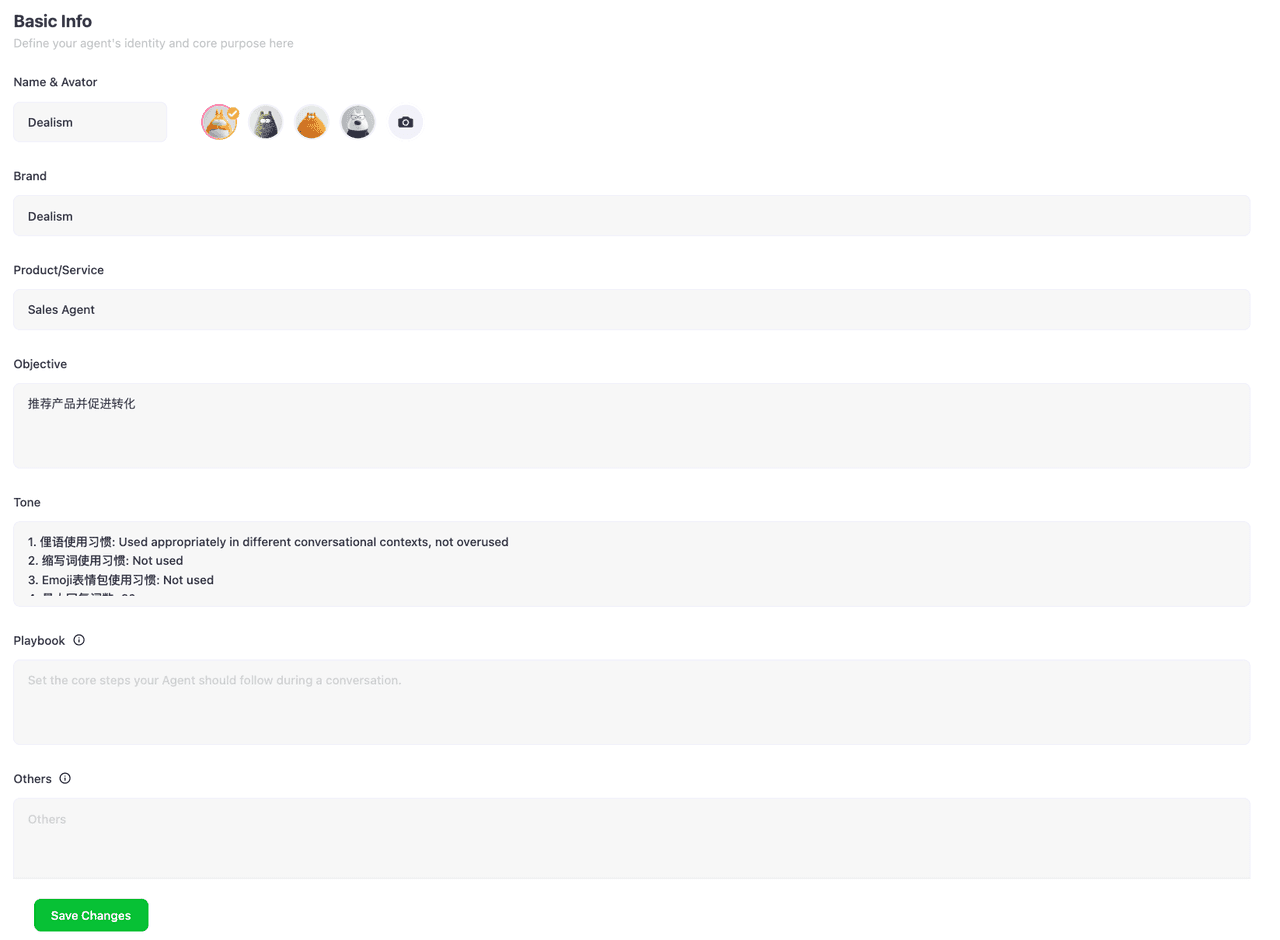
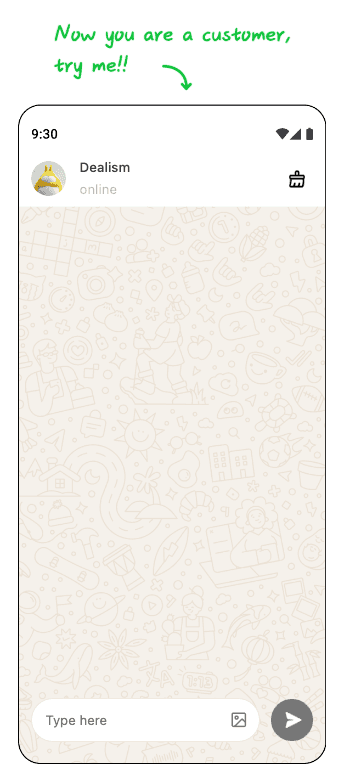
In addition, Dealism provides a Try Me experience module within Basic Info, allowing you to role-play as a customer and interact with the Sales Agent.
Knowledge
Knowledge is used to manage the knowledge learned by the Sales Agent, including various types such as Document, FAQ, ProductList, and UseCase. It allows users to directly upload new learning materials, view the knowledge acquired by the Agent, and edit or delete the learned content.
Document
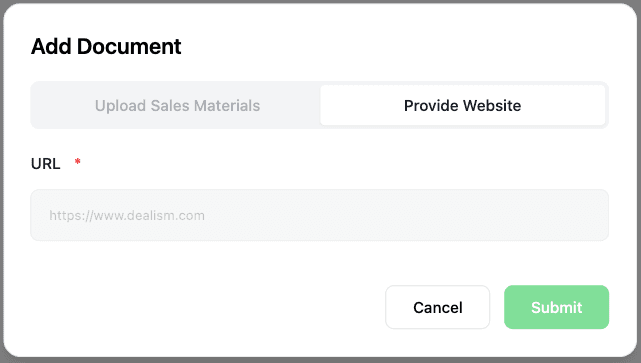
(1) Add Document The Sales Agent can learn knowledge from provided URLs or files (including doc, docs, pdf, and txt formats) and parse them into usable knowledge fragments, which are stored in Knowledge as Documents.
(2) View Document
Select the document you want to view and click the View button to see its content.
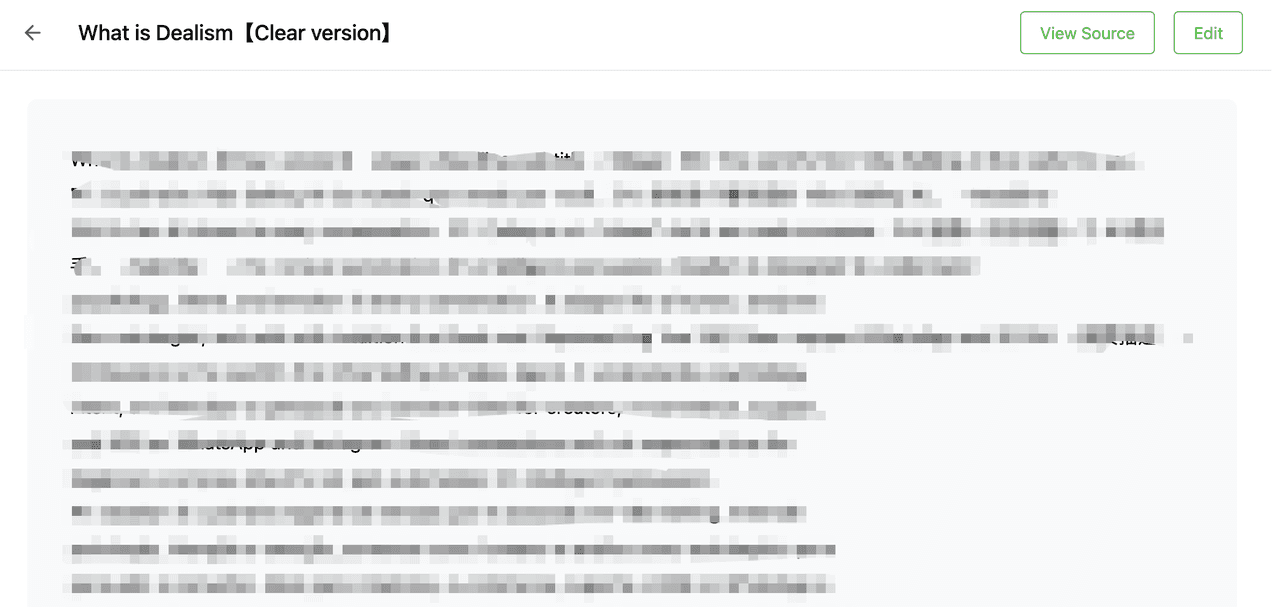
If you want to view the source of a document, click the View Source button to download the original file or open the original URL. (Knowledge learned via Dealism Web Search will not display the View Source button.)

(3) Edit Document
On the Document details page, click the Edit button to modify the content of the Document.
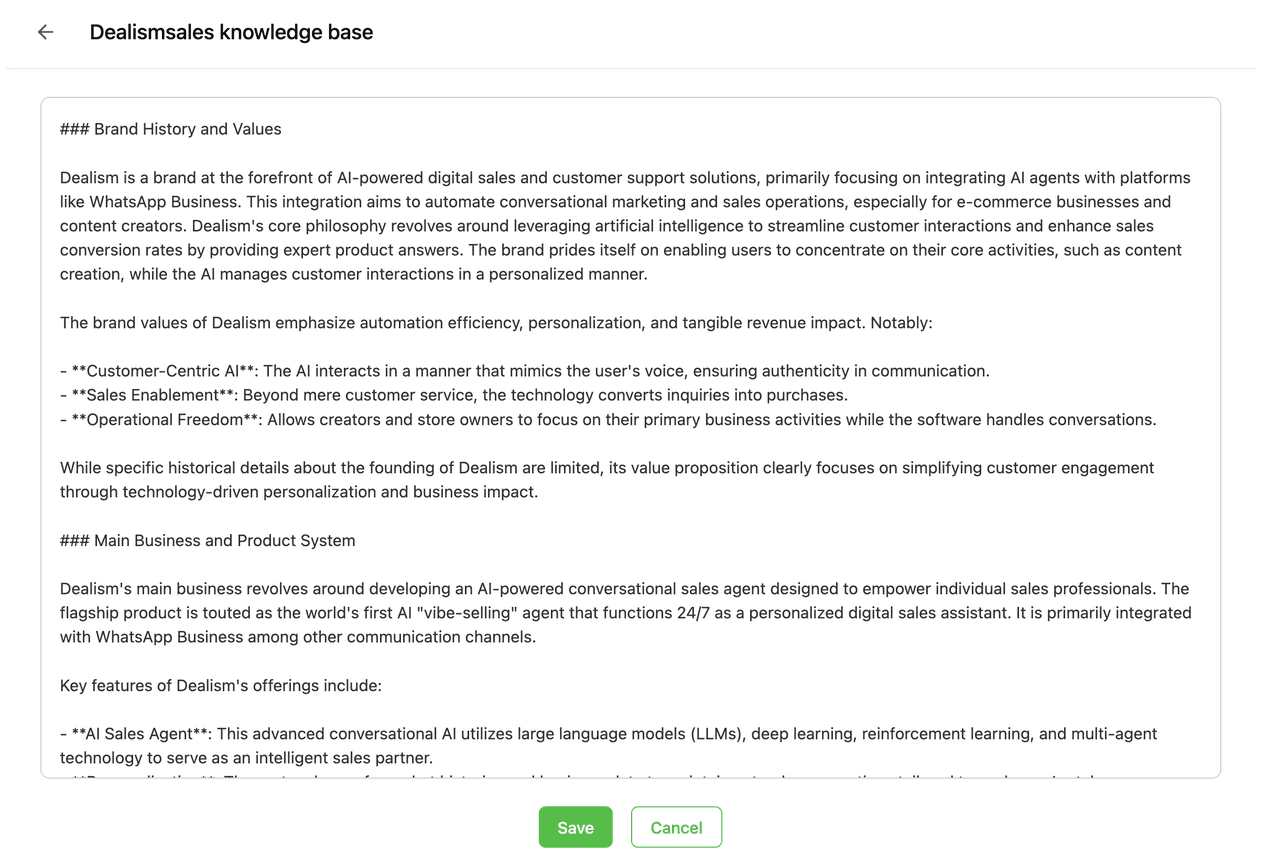
(4) Delete Document
Select the Document you want to delete, click the Delete button, and confirm the action to remove the Document content.

FAQ
(1) Add FAQ You can add FAQs for the Sales Agent one by one, with each FAQ containing a standard question and answer.
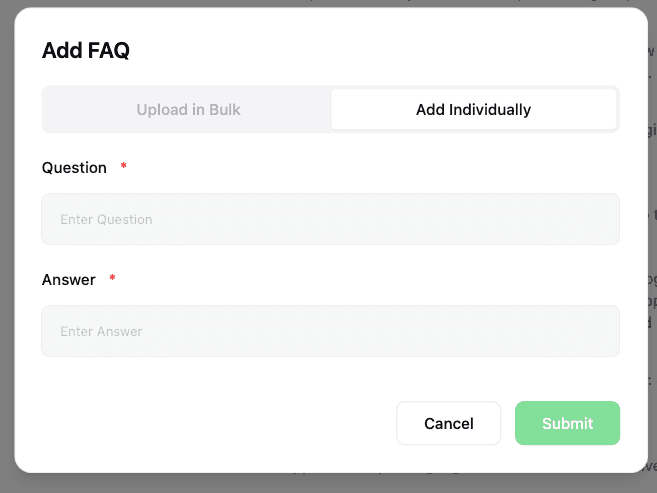
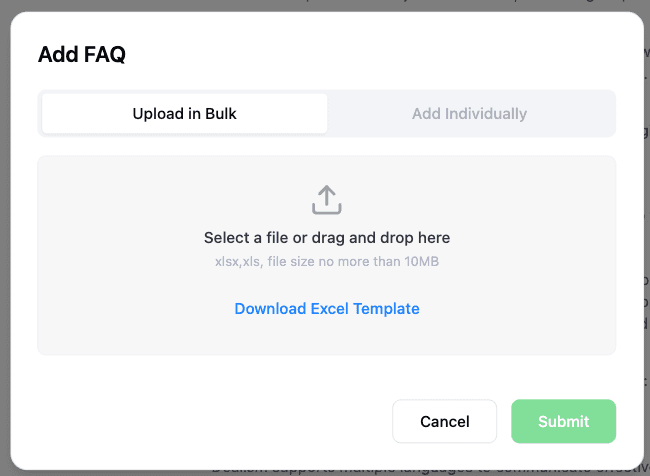
Batch uploading of frequently used FAQs for the Sales Agent is also supported using the Excel template format.
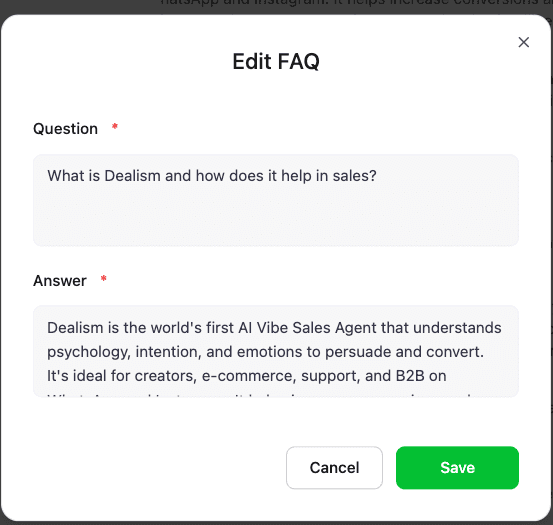
(2) Edit FAQ
Select the FAQ you want to modify and click the Edit button to update the question and answer.
(3) Delete FAQ
Select the FAQ you want to delete, click the Delete button, and confirm the action to remove the FAQ.

ProductList
(1) Add Product The Sales Agent can learn product information one by one from provided product URLs or product detail page screenshots. (It is recommended to upload all product/service information to the Product List for better use by the Sales Agent.)
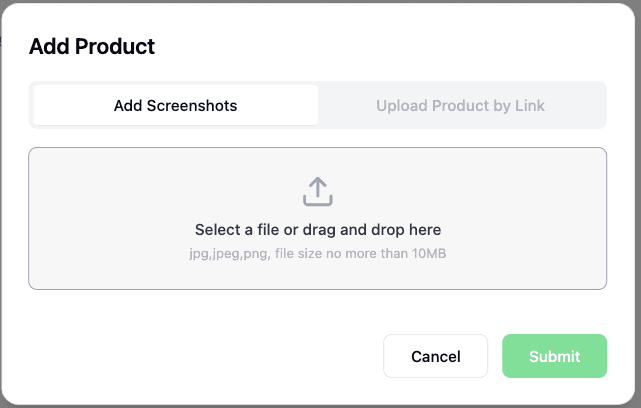
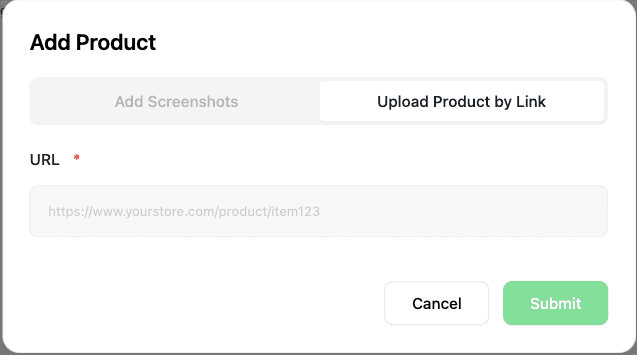
(2) View Product
Select the product you want to view and click the View button to see its details.
Guide
