

If you run a Shopify store, the fastest revenue you're not capturing is sitting in WhatsApp. Customers open WhatsApp messages at rates email can only dream of, and they reply — which means WhatsApp marketing automation isn't just another broadcast channel, it's the closest thing e-commerce has to a salesperson who works 24/7. The challenge is choosing a tool that actually converts conversations into orders instead of just blasting coupons into the void.
This guide compares the best WhatsApp commerce tools for Shopify stores in 2026 — the features that matter, real pricing, and how to match a tool to your store size. It also covers two things almost no other roundup does: how to make automation that sells (not just notifies), and how to implement automated sales commission tracking for WhatsApp commerce so your team gets paid correctly on every chat-driven sale.
What Is WhatsApp Commerce & WhatApp Marketing for Shopify
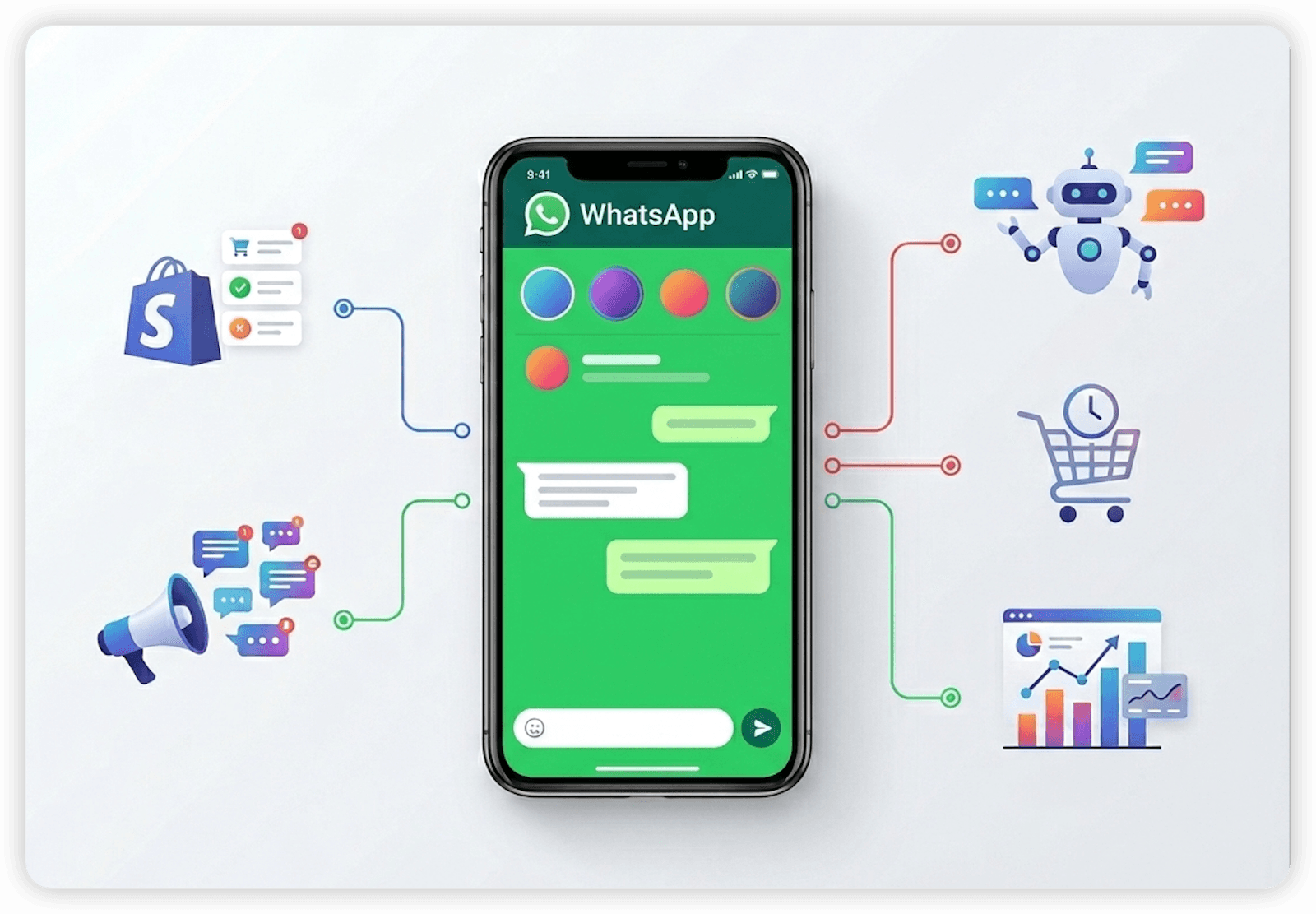
For Shopify merchants, WhatsApp is no longer just a customer support channel. It has evolved into a structured conversion and retention engine. When integrated properly, WhatsApp commerce connects store data — carts, orders, customer profiles, tags — directly to automated whatsapp workflows.
In practical terms, this means messages are not sent randomly or manually. Instead, they are triggered by real store behavior. A customer abandons checkout? A recovery message is sent automatically. A product comes back in stock? A personalized alert is delivered instantly. A repeat buyer becomes inactive? A re-engagement sequence can start without manual intervention.
This is the distinction between basic messaging and automated WhatsApp commerce. Messaging is reactive. Commerce automation is proactive and event-driven.
A complete whatsapp marketing tool for Shopify typically includes:
Shopify event-based triggers
Broadcast campaign capabilities
Customer segmentation
Template management
Revenue attribution tracking
Compliance with WhatsApp Business policies
When these systems are aligned, WhatsApp becomes part of the store’s lifecycle marketing stack rather than an isolated inbox.
Why is having a suitable commerce tool important for Shopify merchants?
Email open rates hover in the low double digits. WhatsApp messages routinely see open rates above 90% and reply rates that turn a marketing message into an actual conversation. For a Shopify store, that gap shows up directly in three places:
Abandoned Cart Recovery
Roughly 70% of e-commerce carts are abandoned (Baymard Institute). Instead of relying solely on email, WhatsApp automation can trigger real-time recovery messages tied to checkout behavior. Structured sequences — reminders, urgency prompts, or limited incentives — can be delivered automatically, increasing the probability of conversion while reducing manual workload. (See our guide on how to recover abandoned cart here.)
Personalized Customer Journeys
Automation allows segmentation based on order history, tags, product categories, and engagement behavior. A first-time buyer should not receive the same message as a repeat customer. With workflow logic in place, Shopify stores can deliver tailored upsells, reorder reminders, and lifecycle campaigns aligned with each customer’s stage.
Order Updates & Support Automation
Operational messaging — confirmations, shipping updates, delivery notifications — can be fully automated. This reduces inbound support queries while improving customer experience through proactive communication.
Broadcasts & Campaign Flows
Promotions, product launches, and seasonal campaigns can be scheduled and segmented. Automation ensures compliance, timing control, and performance tracking — turning WhatsApp into a structured campaign channel rather than an ad-hoc messaging tool.
(👉see our full guide of how to set up shopify whatsapp automation.)
Key Features to Look for in a Shopify WhatsApp Commerce Tool
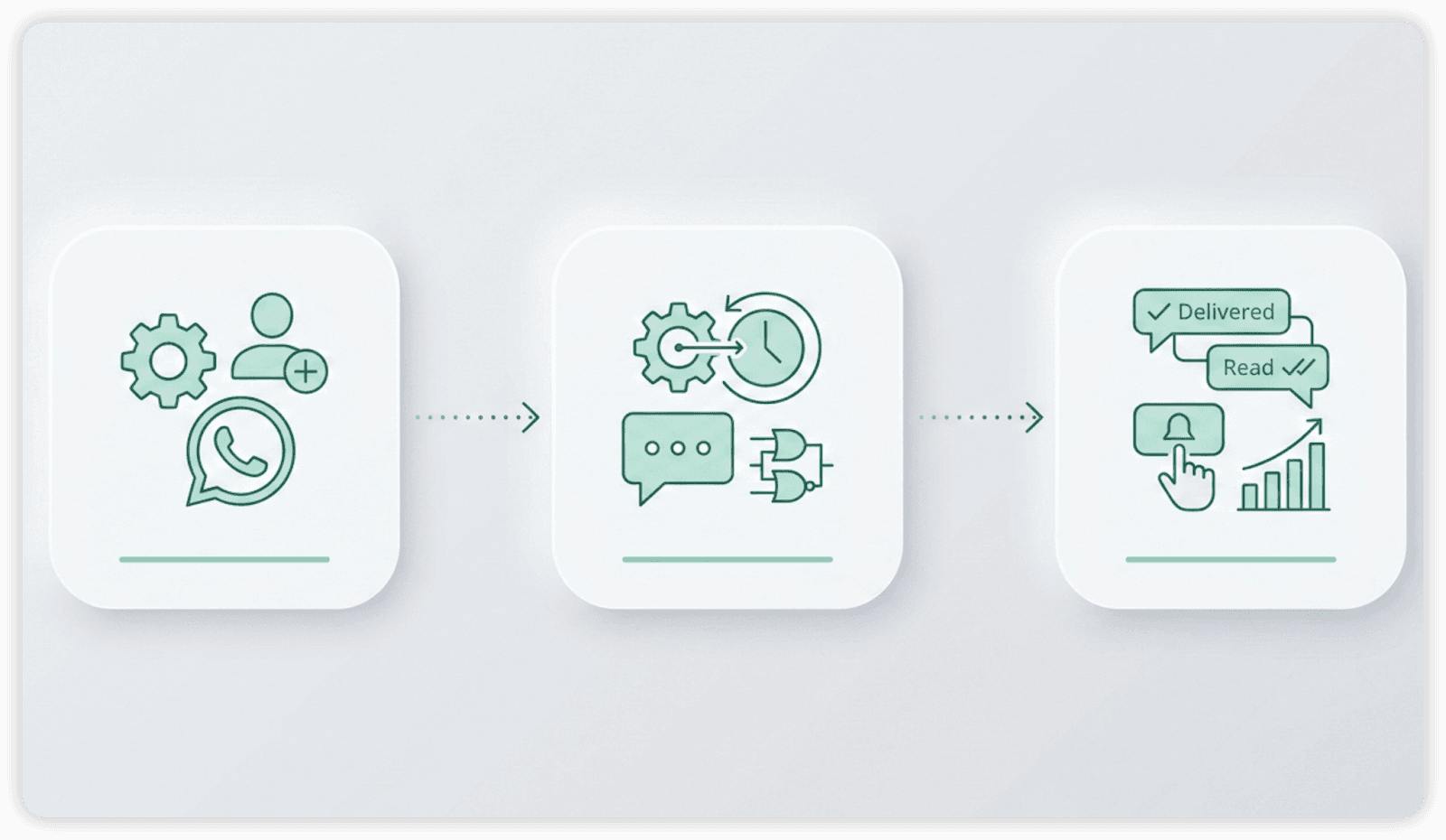
Not all platforms offer the same level of integration or scalability. The right whatsapp marketing tool for shopify must include:
Deep Shopify Integration
A robust solution should sync with product catalogs, order data, customer profiles, and inventory updates. This ensures messages reflect real-time store activity rather than static templates.
Automated Workflows & Trigger Logic
Look for visual workflow builders that support conditional logic, multi-step sequences, and behavioral triggers. Strong automation infrastructure allows complex lifecycle marketing without operational overhead.
Broadcasts & Segmentation
Advanced segmentation enables targeted campaigns based on purchase frequency, cart value, geography, or engagement behavior. Controlled broadcasting reduces spam risk and improves campaign ROI.
Analytics & Attribution
Revenue attribution is critical. A reliable WhatsApp marketing tool should track conversions, campaign performance, click-through rates, and recovery revenue directly inside Shopify analytics.
API Support & Scalability
Official access through the WhatsApp Business Platform / Cloud API supports approved templates, scalable messaging, and policy-compliant operations.
Together, these features determine whether WhatsApp remains a messaging channel — or evolves into a measurable, automated commerce engine for Shopify.
How to Choose the Right WhatsApp Commerce Tool
Choosing the right WhatsApp commerce tool for Shopify store is not about picking the most popular name — it’s about aligning capabilities with your store’s operational maturity and revenue goals. The right decision depends on scale, complexity, and measurable return.
Small Store vs Enterprise Needs
Smaller Shopify stores typically need simplicity and fast setup. Key priorities include:
Easy installation and onboarding
Pre-built automation templates (cart recovery, order updates)
Affordable pricing tiers
Basic analytics for tracking revenue impact
Enterprise or high-volume brands, however, require:
Advanced workflow logic and conditional branching
Multi-agent access and CRM integration
High message throughput reliability
Dedicated API access and compliance management
Overinvesting in enterprise infrastructure too early increases cost without proportional benefit. Underinvesting at scale leads to bottlenecks and lost revenue opportunities.
Feature Prioritization Checklist
Before selecting a platform, define your must-haves:
Does it sync deeply with Shopify data (orders, tags, catalog)?
Can it trigger automation based on real-time store behavior?
Does it support segmentation for lifecycle marketing?
Can it track conversions and attribute revenue clearly?
Is it officially integrated with the WhatsApp Business Platform API?
Tools vary widely in depth. Some focus primarily on support messaging, while others emphasize full lifecycle commerce automation.
Pricing & ROI Considerations
Pricing models may include monthly subscriptions, conversation-based fees, or message-based charges. Evaluate cost relative to projected recovery revenue and retention uplift.
The most effective WhatsApp automation tool is not the cheapest — it is the one that generates consistent, attributable revenue that exceeds its operational cost.
Best WhatsApp Commerce Tools for Shopify Store (2026)
Here's how the leading WhatsApp commerce tools for Shopify stores compare. Pricing is indicative for 2026 and excludes Meta's per-conversation fees, which apply to all WABA tools.
Tool | Shopify integration | Best for | Starting price (2026) |
|---|---|---|---|
Dealism.ai | In development | Conversational AI for sales and service | $0 Free plan; paid plans from $19/mo |
Flowcart | Native | Visual cart-recovery flows | $19.99–$69.99/mo |
Superlemon / Dondy | Native | Free chat widget, small stores | Free + usage / ~$15/mo |
Zoko | Native | WhatsApp catalog commerce | ~$39.99/mo + conversation fees |
Interakt | Native | SMB shared inbox + automation | ~$21/mo |
QuickReply.ai | Native | Done-for-you campaign flows | ~$35/mo |
Dealism.ai — best for automation that actually closes
Dealism brings together messaging automation, Unified Inbox, CRM, AI Agent, and an AI workspace (DealOnca) for small businesses that sell through conversation — with unlimited Active Contacts on the Free plan. Its AI Customer Agent can answer open-ended questions, qualify intent, recommend a relevant product or next step, and continue the conversation using approved business knowledge. DealOnca, its built-in “ChatGPT for sales,” helps train and manage the Agent, organize knowledge, and summarize conversations. Native Shopify integration is in development, so stores that need live catalog, cart, or order-event sync today should choose a tool with that integration already available.
Flowcart
Strong visual flow builder focused on abandoned-cart and post-purchase sequences. Good for stores that want template-driven recovery flows without much setup.
Superlemon / Dondy
The go-to free WhatsApp chat widget for early-stage stores. Add-on automation (order confirmations, COD verification) is inexpensive but limited in conversational depth.
Zoko
Built around WhatsApp catalog and checkout, with a shared team inbox. Solid for stores selling directly inside WhatsApp; watch the conversation-fee stacking at volume.
Interakt
A balanced SMB option — shared inbox, broadcasts, and basic automation at an accessible price. Good entry point into the WhatsApp Business API.
QuickReply.ai
Leans into done-for-you campaign and flow setup. Useful if you'd rather hand off the configuration than build flows yourself.
Beyond broadcasting — automation that actually sells
Here's the trap every Shopify store falls into: you buy a WhatsApp tool, set up an abandoned-cart blast and an order-update template, and call it "automation." That's automation in the way a vending machine is a store. It dispenses; it doesn't sell.
The brands pulling away in 2026 treat WhatsApp as a sales channel staffed by AI, not a broadcast list. The distinction is concrete:
A broadcast bot sends the same coupon to everyone and waits. When a customer replies "does this come in blue?" the bot has no answer, and the sale stalls until a human shows up — if one ever does.
An AI sales agent answers the question, suggests the in-stock alternative, handles the price objection, and sends the checkout link — in the moment, at 2 a.m., in the customer's language.
This is where Dealism is useful for a lean store: one trained AI Customer Agent can use product and business knowledge to answer follow-up questions, clarify what the shopper needs, recommend an appropriate option, and keep the context available in the Unified Inbox and CRM. You do not need to map every possible question as a flow, but you should still define approved knowledge, boundaries, and escalation rules.
If you're weighing this against a traditional flow-builder, it's worth reading how an AI sales agent compares to ManyChat or BotConversa for sales-led automation versus rules-led messaging.
How to implement automated sales commission tracking for WhatsApp commerce
Once WhatsApp becomes a real sales channel, a new problem appears: who gets credit for the sale? If your team (or your AI agents) close deals in chat, you need to attribute revenue and calculate commissions automatically — otherwise you're reconciling screenshots in a spreadsheet every month. Here's how to set up automated sales commission tracking for WhatsApp commerce:
Assign every conversation an owner. Whether it's a human agent or a specific AI Customer Agent, each WhatsApp thread should carry an owner ID from the first message. This is the anchor for attribution.
Tag the conversion event. Trigger a "sale" event when the Shopify order is placed and can be linked back to the conversation — via a unique checkout link, a discount code tied to the agent, or order metadata passed from your WhatsApp tool.
Capture order value at the moment of close. Pull the Shopify order total (net of refunds and discounts) into your tracking layer, stamped with the owning agent and the conversation ID.
Apply your commission rule. Define the rule once — flat percentage, tiered by volume, or higher rate for full-price vs. discounted sales — and let the system calculate per closed order.
Handle edge cases. Decide rules for split credit (multiple agents touched the thread), refunds/chargebacks (claw back commission), and assisted vs. closed sales.
Report automatically. Generate per-agent commission statements on a schedule, reconciled against Shopify revenue, so payouts are auditable and disputes disappear.
The cleaner your conversation ownership and Shopify attribution, the more of this runs without human touch. Tools that already model conversations as owned, trackable sales objects — like an AI sales-agent platform — make steps 1–3 nearly automatic, because every chat is already attributed to an agent and linked to its outcome.
How to choose the right tool by store size
Just starting (under ~$10k/mo): A free or low-cost chat widget (Superlemon/Dondy) plus basic order automation is enough. Add conversational AI once chat volume outpaces your ability to reply.
Growing ($10k–$100k/mo): This is where abandoned-cart recovery and broadcast segmentation pay for themselves. Choose a tool with native Shopify sync and real attribution — and seriously evaluate an AI agent, because missed replies now cost real revenue.
Scaling ($100k+/mo): You need API scalability, multi-agent handling, commission tracking, and selling-grade AI. At this stage the channel is a sales team, so staff it like one.
For a deeper look at the use case, see how Dealism approaches WhatsApp for e-commerce.
Frequently asked questions
What is the best WhatsApp marketing tool for Shopify?
It depends on your goal. For pure broadcasts and cart recovery, Flowcart or Zoko are solid. For automation that actually replies and closes sales 24/7 — and tracks who closed them — an AI sales-agent platform like Dealism.ai is the strongest fit for Shopify stores in 2026.
Is WhatsApp marketing automation worth it for small stores?
Yes — and you can start cheaply. A free chat widget plus order confirmations costs almost nothing, and abandoned-cart recovery on WhatsApp typically recovers revenue email misses. Add AI selling once chat volume grows.
How much does WhatsApp automation cost?
Tool subscriptions range from free to ~$70+/month, but remember Meta charges a separate per-conversation fee through the WhatsApp Business API. Always model both when comparing the best WhatsApp commerce tools for Shopify stores.
Can I track sales commissions from WhatsApp conversations?
Yes. By assigning each conversation an owner, tagging the Shopify conversion, and applying a commission rule automatically, you can run automated sales commission tracking for WhatsApp commerce without manual reconciliation. Platforms that treat each chat as an owned, attributed sales object make this nearly hands-off.
Does WhatsApp marketing replace email?
No — it complements it. WhatsApp wins on open and reply rates for time-sensitive, conversational moments (cart recovery, support, closing). Email still wins for long-form newsletters and low-cost broad reach. Most strong Shopify stores run both.
Do I need the WhatsApp Business API?
For automation at scale, yes. The WhatsApp Business app is fine for manual replies, but triggered flows, broadcasts to large lists, and integrations require the WhatsApp Business API (WABA), which these tools provide access to.
Conclusion
The best WhatsApp marketing automation tools for Shopify in 2026 all do the basics — broadcasts, cart recovery, order updates. What separates a coupon dispenser from a revenue channel is whether your automation can sell: reply in the moment, handle objections, close, and attribute every sale (and commission) to the right agent. Start with the table above, match the tool to your store size, and don't settle for a bot that only sends when you could have one that closes.
Ready to improve your WhatsApp sales conversations? Start with Dealism’s Free plan or see pricing. Dealism’s free plan includes unlimited active contacts, unlimited workflows, one AI Customer Agent, core CRM and 50 AI credits you can claim every day. Shopify integration is in development.


