PrestaShop's own cart recovery tooling is built around email, not messaging. The platform's official Abandoned Cart Recovery module runs on PrestaShop's native Cron Task system and sends up to three scheduled reminder emails once a customer leaves items in their basket. There is no built-in WhatsApp channel anywhere in this flow. Reminders, order confirmations, and shipping updates all go out as email by default, and any of them can get buried in a crowded inbox before a customer ever sees them.
For a store selling into WhatsApp-heavy markets, that gap matters. A shopper who added a product to cart and left is often still reachable within minutes on WhatsApp, but PrestaShop has no native path to reach them there. Anything WhatsApp-related has to come from the Addons marketplace or a custom integration, so picking a module, understanding what it actually automates, and knowing where its limits are, ends up feeling like assembling a patchwork before checkout even starts.
Where Does WhatsApp Actually Fit Into a PrestaShop Checkout Journey?
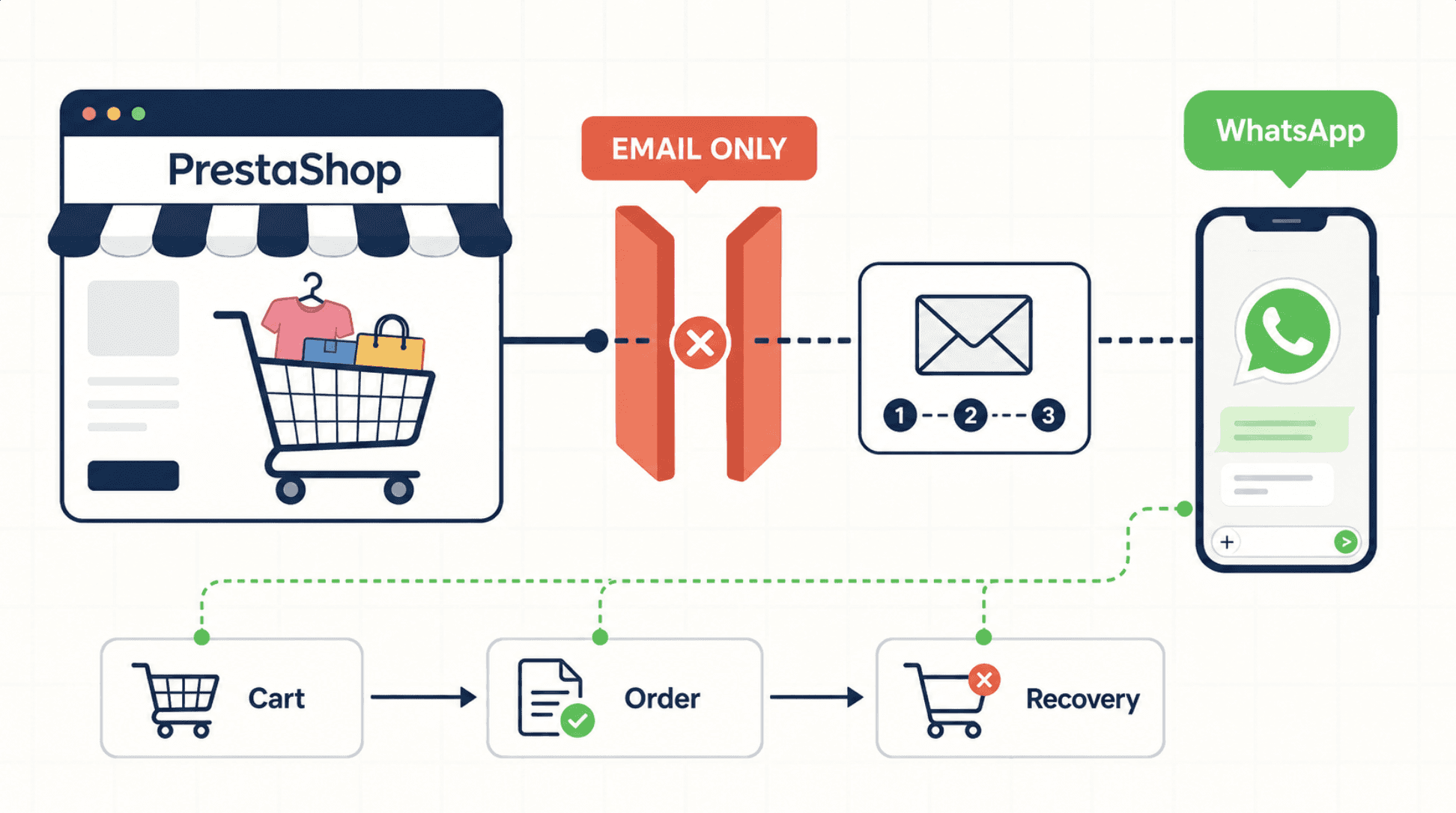
Most PrestaShop stores run a fairly linear path. A visitor browses the catalog, adds a product, and either checks out or drops off somewhere in the cart or payment step. WhatsApp realistically enters that journey at three points: a click-to-WhatsApp button on the product or cart page, a post-checkout order confirmation sent to a number the customer gave at checkout, or a follow-up message after a cart was abandoned before payment.
None of these three are native PrestaShop behavior. Each depends on a module reading store events, a new order, an abandoned cart, a shipping status change, from the PrestaShop back office and pushing them out to WhatsApp, either through a connected WhatsApp Business number or through the WhatsApp Business Platform's Cloud API, which Meta's own developer documentation describes as the way businesses message customers at scale (Meta for Developers).
Two PrestaShop Addons Modules for WhatsApp Messaging
"WhatsApp automatic and direct messages" (PrestaShop Addons) is a plugin built specifically to send WhatsApp messages triggered by store events, with a manual-send option for one-off messages. Its mechanism is event-based: when a defined trigger fires in the back office, a new order, for example, the module pushes a WhatsApp message through the store's connected number, and the resulting conversation stays viewable from inside the PrestaShop admin panel rather than a separate app. Setup involves connecting a WhatsApp number to the module and mapping which store events fire which message, similar to configuring an email trigger. It works best for straightforward transactional messaging, order confirmations and status updates, where the wording barely changes between customers.
"WhatsApp Business PRO" (PrestaShop Addons) takes a different approach. It lets customers place orders directly inside a WhatsApp conversation, with the order created automatically in the back office once the chat wraps up, alongside a standard WhatsApp live-chat widget on the storefront. That's closer to a conversational checkout than a notification tool, and it suits stores where a meaningful share of buyers prefer to ask questions and confirm details in chat before committing, particularly in markets where WhatsApp already works as a sales channel.
Both modules run into the same ceiling, though. They're rule-based: they act on defined triggers and preset templates rather than understanding what a customer is actually asking, and neither can hold a multi-turn conversation. If a customer replies with a question instead of confirming an order or restarting checkout, the module has no way to interpret intent, so that message either goes unanswered or sits waiting for a human. Each is also a separate piece of software to install, configure, and keep updated alongside the rest of the store's module stack, and neither connects to the AI-based product recommendations or objection-handling that a live sales conversation often needs.
Why Dealism Covers More of the PrestaShop Conversation
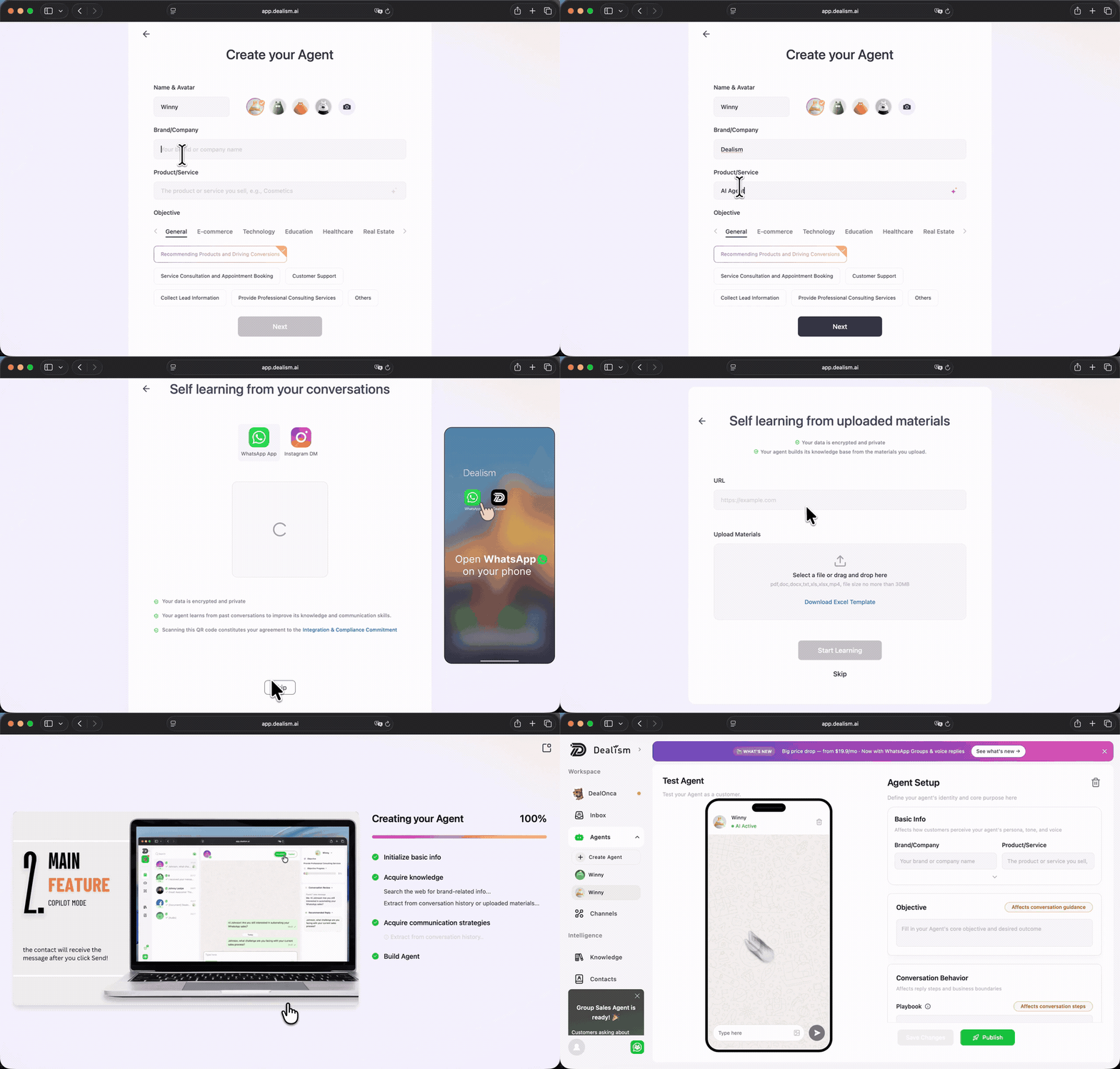
Dealism takes a different starting point: instead of stopping at a trigger, it's built to run the actual conversation. It reads a store's own website content to build a knowledge base automatically, so when a customer replies to a cart-recovery message with something like "does this ship to my country" instead of clicking checkout, it can answer in context rather than leave the message unread. It also handles WhatsApp and Instagram from one inbox, covering WhatsApp personal numbers, the WhatsApp Business Platform API, and Instagram DMs together in a unified inbox, so a PrestaShop store isn't running one tool for orders and a separate one for Instagram questions.
The qualification doesn't stop after a single message either. Dealism can follow up on a conversation that's gone quiet and bring in a human teammate only once the exchange needs judgment, rather than firing one fixed reminder and stopping there. Setup looks closer to onboarding a new team member than wiring up trigger logic, since the AI reads existing store content to get up to speed instead of requiring a message template for every event type. That said, if a store only needs a plain order-confirmation ping with no expectation of a reply, the "WhatsApp automatic and direct messages" module is a lighter, cheaper fit for that narrow job. Dealism becomes the stronger option once the goal shifts from sending a notification to actually recovering a cart or answering a question before purchase.
A PrestaShop-to-WhatsApp Workflow, From Cron Task Trigger to Human Handoff
● A customer adds a product to cart on the PrestaShop storefront and leaves before completing checkout.
● Instead of relying only on the native Cron Task email reminder, a WhatsApp opt-in captured at an earlier checkout, or a click-to-WhatsApp button on the cart page, lets Dealism reach that customer on WhatsApp.
● Dealism answers any follow-up question using a knowledge base built from the store's own product and shipping pages, and can share a relevant message template instead of sending a generic nudge.
● If the customer is ready to buy, Dealism guides them back to checkout or the payment link. If the conversation needs judgment, a dispute or a custom request, it hands off to a human teammate instead of guessing.
● The exchange stays logged in Dealism's unified inbox, ready for the next follow-up.
Setup and Compliance Questions Worth Answering First
Does PrestaShop have a built-in WhatsApp integration? No. Its native automation for cart recovery and order updates runs on email through the Cron Task system, so WhatsApp messaging needs a marketplace module or a connected tool like Dealism.
Can a customer be messaged on WhatsApp without asking first? Not really. Customers need to opt in before marketing-category messages go out, and follow-ups sent outside the customer service window generally have to use pre-approved templates. Meta's own guidance on opt-in and message templates covers the current rules.
Will a WhatsApp automation tool sync PrestaShop inventory or payment status on its own? Only if that specific integration is confirmed by the tool. It's safer to treat cart and order data pulled into WhatsApp messages as a trigger for a conversation, not a live sync of stock or payment state, unless a module's own documentation says otherwise.
The WhatsApp Business App or the Business Platform API, which one is actually needed? Small stores can usually start with a connected WhatsApp Business number. Higher message volume or automated workflows tend to move to the WhatsApp Business Platform's Cloud API, which Meta positions for programmatic, scaled messaging (Meta for Developers).

Ready to Move PrestaShop Checkout Drop-off Onto WhatsApp?
If PrestaShop's email-only cart reminders are leaving WhatsApp-first customers unanswered, Dealism's AI sales agent can pick up right where a fixed-template module stops: answering questions, following up, and looping in a person only when it actually matters.