Published
Feb 7, 2026
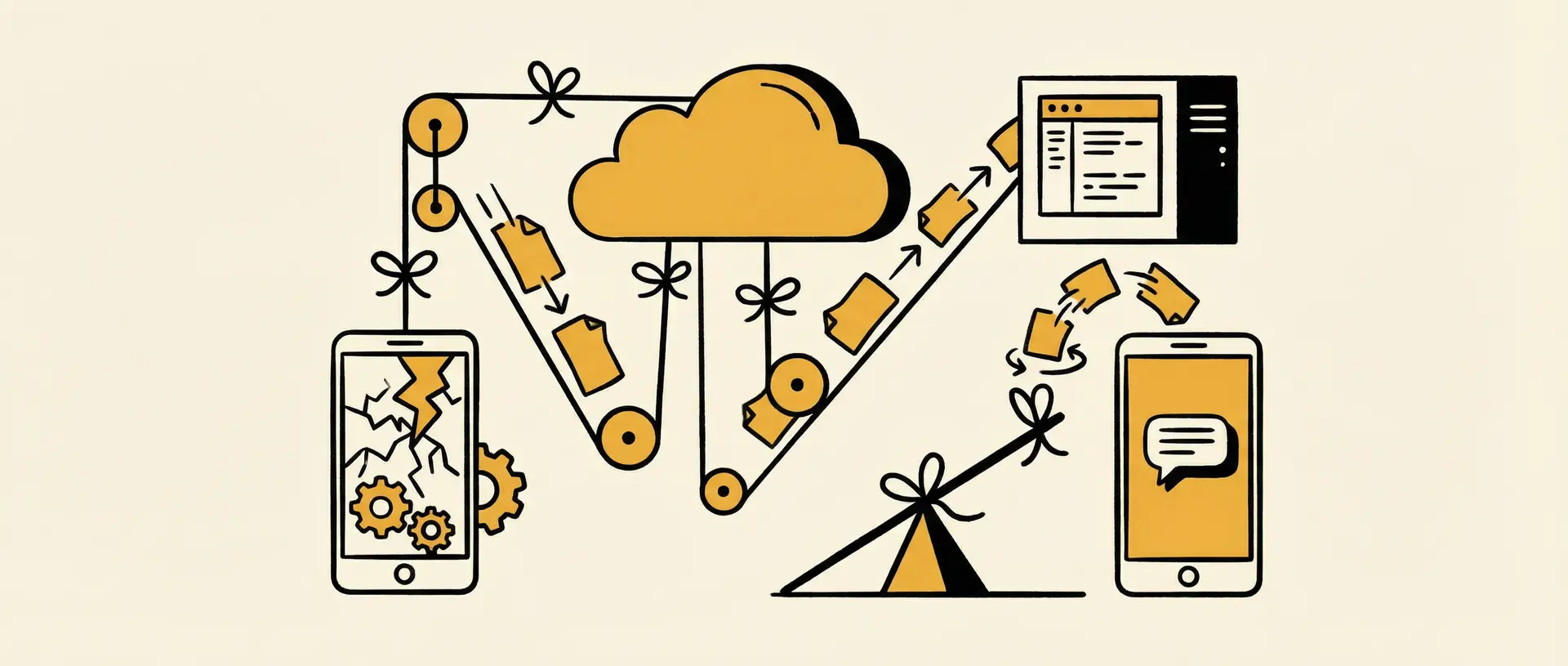
Performing a phone reset is often the fastest way to fix system glitches, free up storage, or prepare a device for resale. But for many users—especially small business owners—the real concern isn’t the reset itself. It’s losing months of WhatsApp messages, images, and critical conversations.
If you are searching for how to backup WhatsApp images and messages after phone reset, you are likely in one of two situations:
You are planning a reset and want to avoid data loss.
You have already reset your phone and are trying to restore what remains.
For personal users, losing chat history is frustrating. For businesses that rely on WhatsApp, it can mean missed appointments, broken follow-ups, and lost revenue—because WhatsApp is not just a messaging app. It’s often the entire front desk.
This guide covers the correct way to handle WhatsApp backup after reset in 2026, common recovery issues, and why backups alone may not be enough for service-based businesses.
Why You Must Backup WhatsApp Before a Phone Reset
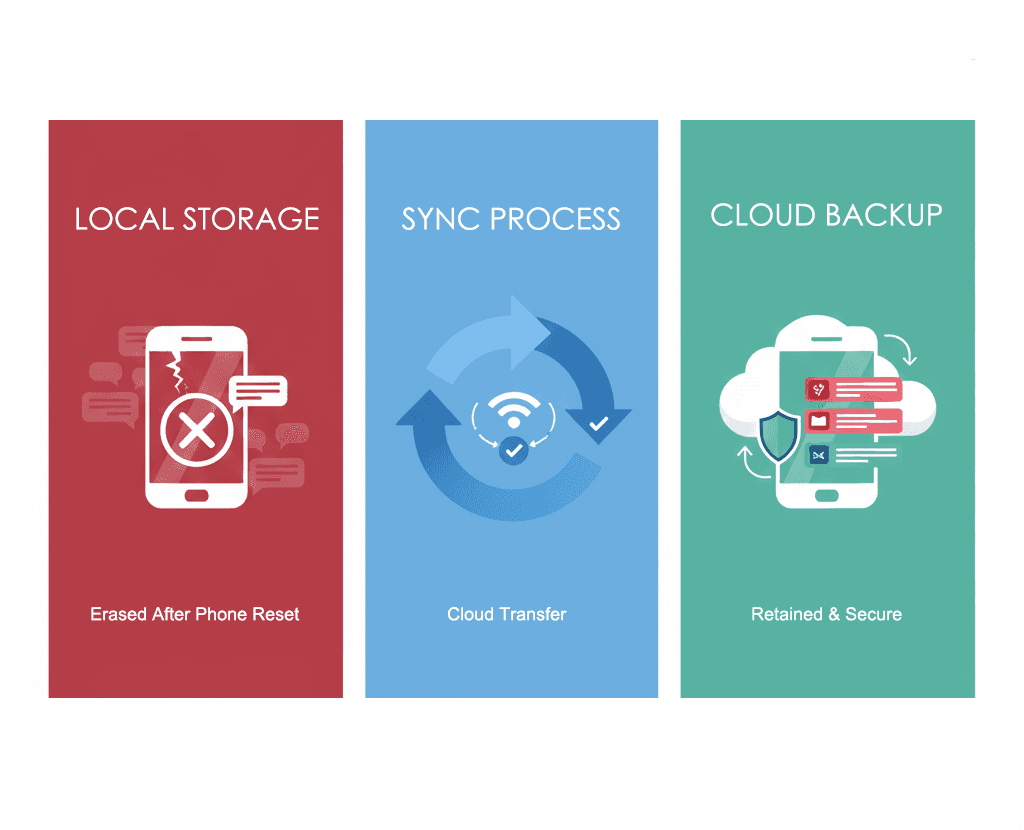
WhatsApp uses end-to-end encryption, which means your messages are not stored on WhatsApp servers. Instead, they live on your phone and in your personal cloud backup.
The Risk: Once you perform a factory reset, the local message database is permanently erased.
The Solution: The only way to restore WhatsApp messages after reset is to have a cloud backup already in place.
Cloud Platforms: > * Android devices rely on Google Drive.
iPhones rely on iCloud.
Without one of these, recovery is impossible.
Step-by-Step: How to Backup WhatsApp Images and Messages (2026)
1. Manually Trigger a WhatsApp Cloud Backup
Do not rely solely on automatic daily backups. They may miss recent messages or media.
Open WhatsApp.
Go to Settings → Chats → Chat Backup.
Tap “Back Up” manually.
Ensure you stay connected to Wi-Fi until the backup completes.
Important Media Setting
Turn on “Include Videos” if your chats contain videos, voice notes, or client reference files. These are often excluded by default to save space but are vital for business context.
2. Verify Media Sync on Your Device
If you are specifically concerned about how to backup WhatsApp images, check your system-level settings:
For Android: Confirm that Google Photos is syncing the “WhatsApp Images” folder.
For iOS: Ensure WhatsApp is included in your full iCloud device backup under system settings.
This step prevents restored chats from showing empty "image placeholders."
3. Restore WhatsApp Messages After the Reset
After your phone has been reset:
Install WhatsApp.
Verify using the same phone number.
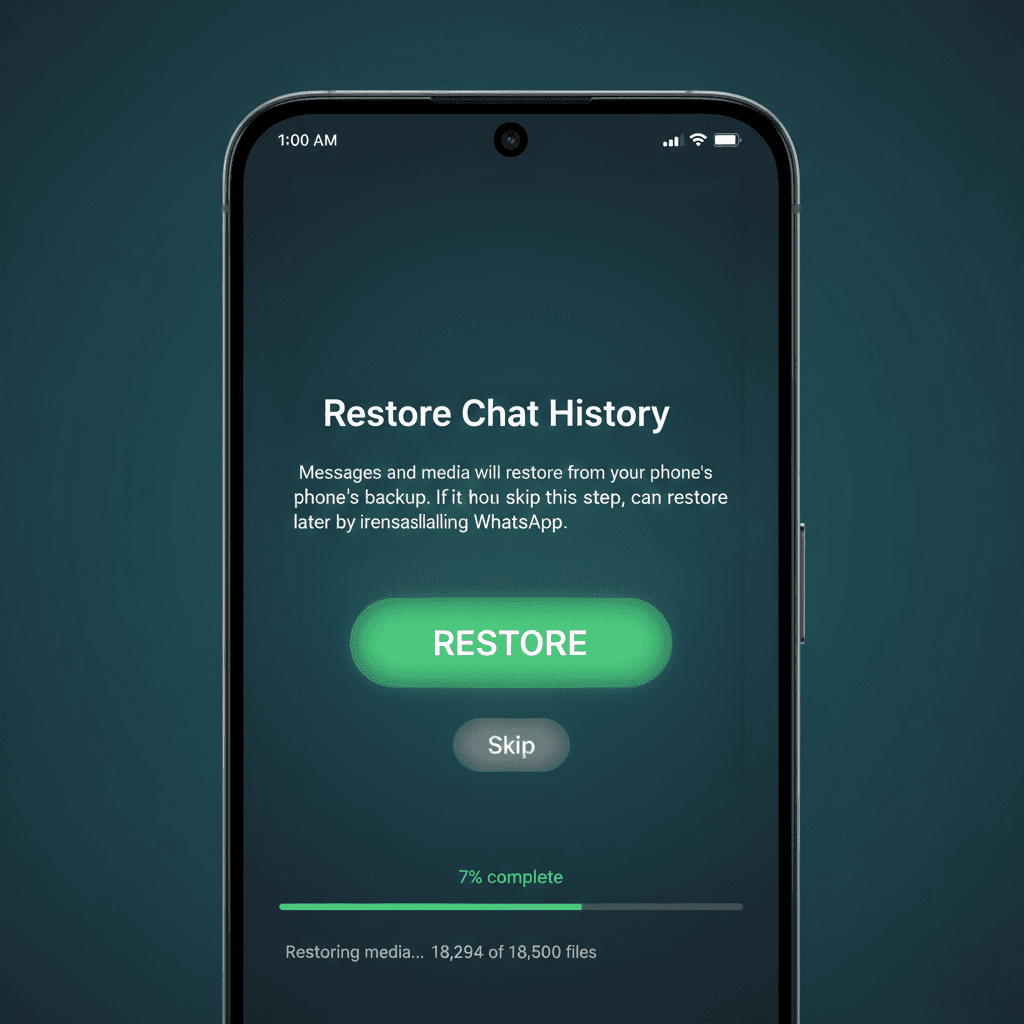
When prompted, tap “Restore”.
Note: This prompt only appears once. If you skip it, you will need to uninstall and reinstall (or reset the phone again) to restore messages.
Common Problems with WhatsApp Backup After Reset
Stuck at 0% or Permission Errors: This often happens on Android if Google Play Services is outdated. Ensure your system apps are up to date. If it persists, try removing and re-adding your Google Account in your phone’s system settings to force a fresh sync.
The "Corrupted Backup" Dead End: Official WhatsApp documentation warns that if a backup process is interrupted (due to a crash or lost Wi-Fi), the file can become corrupted. In this case, WhatsApp cannot restore your data.
Overwrite Risk: Remember, Google Drive only keeps one backup per phone number. Every time you tap "Back Up", it overwrites the previous version. Ensure your most important chats are in that final sync before you hit the reset button.
The Hidden Risk for Small Businesses Using WhatsApp
For small and medium-sized service businesses—clinics, consultants, educators, local sellers—WhatsApp chats are more than messages. They contain context, intent, and momentum.
Traditional WhatsApp backup strategies are reactive. They protect records after something goes wrong. But during a reset, device failure, or team handover, businesses often experience a different problem: conversations stop moving forward.
Leads go cold.
Clients disappear mid-discussion.
Follow-ups are forgotten.
The issue is not just lost data. It’s lost judgment.
The "Single Point of Failure" in Traditional Backups
Even if you follow every official step, your business still hangs by a thread. According to official guidelines, two major risks can paralyze your operations:
The Corruption Dead-End: WhatsApp officially states that if a backup is interrupted or fails due to an unstable connection, it can become "Corrupted." Once corrupted, the data is unrecoverable. For a clinic, this isn't just a glitch—it's a lost patient schedule.
The Overwrite Trap: Your cloud storage only keeps one backup per phone number. A new backup overwrites the old one. If you accidentally back up a "blank" state after a reset, your entire history is gone forever.
This is the "Single Point of Failure." Relying on a single device or a single file to hold your entire business front desk is a risk most SMBs can't afford.
Why “Saving Chats” Is Not the Same as Running a Business
Scrolling through restored chat history doesn’t tell you what action should happen next. Even after a successful restore, teams still struggle with questions like:
Who should respond?
What does this client actually want?
Is this a booking request or just a question?
This is where many SMBs realize the limitation of backups, rule-based bots, and even CRMs. Saving the past doesn't execute the future.
From Backups to Action: A Different Way to Handle WhatsApp Conversations
If WhatsApp is your primary business entry point, backups only protect the past. What you actually need is something that keeps conversations moving forward—even when you are offline.
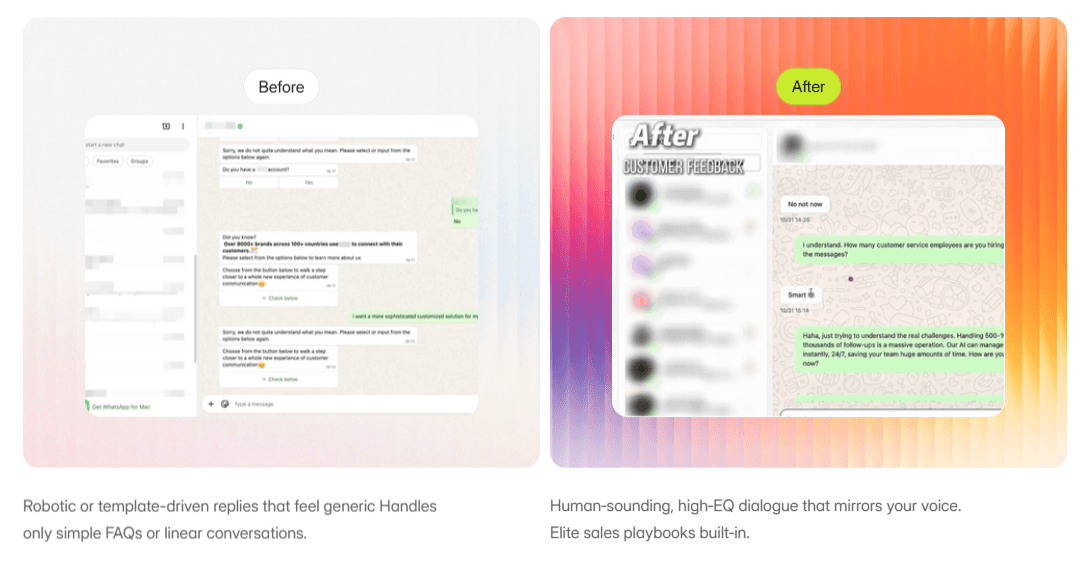
Dealism is built around this idea. It is not a CRM, not a chatbot, and not a rules-based automation tool. It is an AI Vibe-Selling Agent designed to understand context, clarify intent, and execute the next business action directly inside IM channels.
How Dealism Thinks About Chats Differently
Rather than pushing users directly to booking or payment, Dealism agents first clarify needs:
Is this a consultation or a follow-up?
Which service fits best?
Who should handle it, and when?
This front-loaded judgment is critical in healthcare, education, and service businesses where one wrong booking wastes everyone's time.
Why This Works Better Than CRM for Many SMBs
Action over Records: CRMs focus on recording what already happened. Dealism focuses on making something happen.
Execution First: For many small businesses, CRM systems add complexity before execution is solved. Dealism acts earlier—behaving less like software and more like a capable teammate.
Conclusion: Protect Your Messages, Then Protect Your Momentum
Knowing how to backup WhatsApp messages after phone reset is essential. Manual cloud backups, verified media sync, and correct restoration steps will protect your data.
But in 2026, keeping records is only the baseline.
If your business runs on WhatsApp, growth depends on judgment, follow-up, and action—not just stored messages. Dealism helps turn messy chats into structured outcomes, ensuring that even if your phone resets, your business never does.