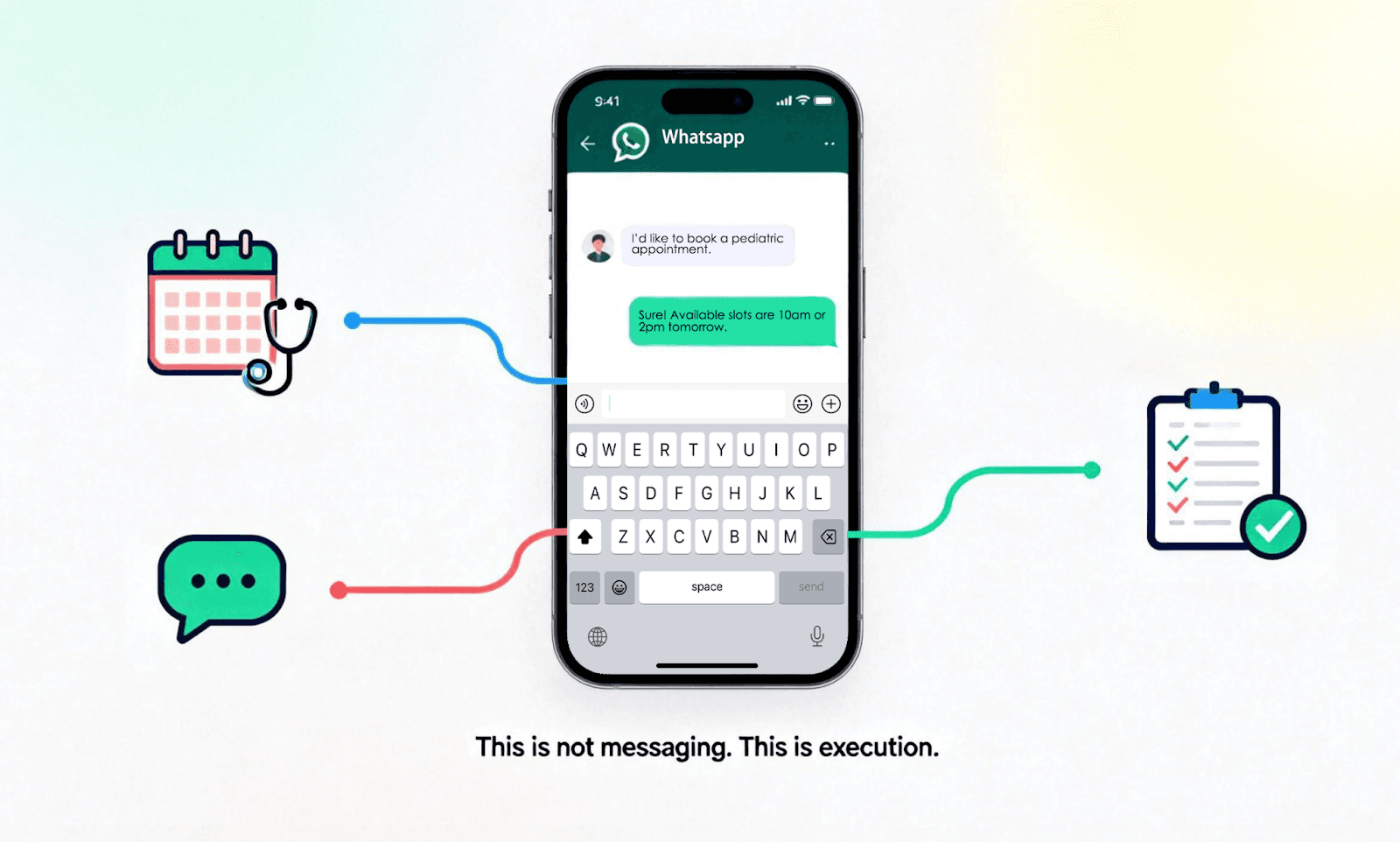
For many small and medium-sized businesses—especially medical clinics, consultants, and service providers—WhatsApp is no longer just a messaging app; it is the central nervous system of their operation. It’s where a mother books a pediatric appointment, where a client asks for a consultation quote, and where the most critical business decisions are made.
However, many owners remain stuck on a personal WhatsApp account. This creates a "bottleneck" where the business owner is personally tied to their phone, unable to scale or separate their life from their work. Switching to WhatsApp Business is the logical move, but it requires a clear execution plan to ensure you don't lose the "vibe" that built your business in the first place.
This guide explains how to create a WhatsApp Business account step-by-step, ensuring your setup is built for Conversation as Execution—not just another messy inbox.
How to Create a WhatsApp Business Account
Creating a WhatsApp Business account is a straightforward process that doesn’t require a technical background. However, the way you set it up determines whether your profile feels like a “passive chatbot” or an “active business partner.”
The Step-by-Step Creation Process
Download the App: Ensure you get the WhatsApp Business app (with the white 'B' logo) from the App Store or Google Play. It is a standalone application designed to coexist with or replace your personal messenger.
Verify Your Number: Enter the phone number you intend to use for business. You will receive a 6-digit verification code.
Build Your Business Profile: This is where you establish your "digital storefront."
Optimizing Your Profile for "Vibe Selling"
Most businesses treat the profile as a static form. To win, you must treat it as your first sales pitch:
Business Name: Use your official brand name. Avoid using your personal name unless you are a solo consultant, as this allows the brand to outgrow the individual.
Business Category: Be as specific as possible. This helps WhatsApp’s internal indexing and sets the right expectations for the user.
Description: Instead of a generic "We provide dental services," try a result-oriented description: "Providing pain-free dental consultations and easy appointment scheduling."
Business Hours: This is the most underrated feature. It allows you to set clear boundaries and manage expectations for when an "Execution" (like a booking) can happen.
By completing this profile properly, you are telling the customer: "I am a professional, and this conversation has a purpose."
How to Get a WhatsApp Business Number
Your number strategy is one of the most important setup decisions. It determines whether WhatsApp remains a personal burden or becomes a scalable business channel that can eventually be managed by an AI Agent.
Do You Need a Different Number for WhatsApp Business?
The short answer is: not necessarily, but your choice impacts your future freedom.
Option A: Convert your existing personal number. This is the fastest way to professionalize. You keep your current chats, contacts, and reputation. It is ideal for solo operators where the owner is still the primary "vibe" of the business.
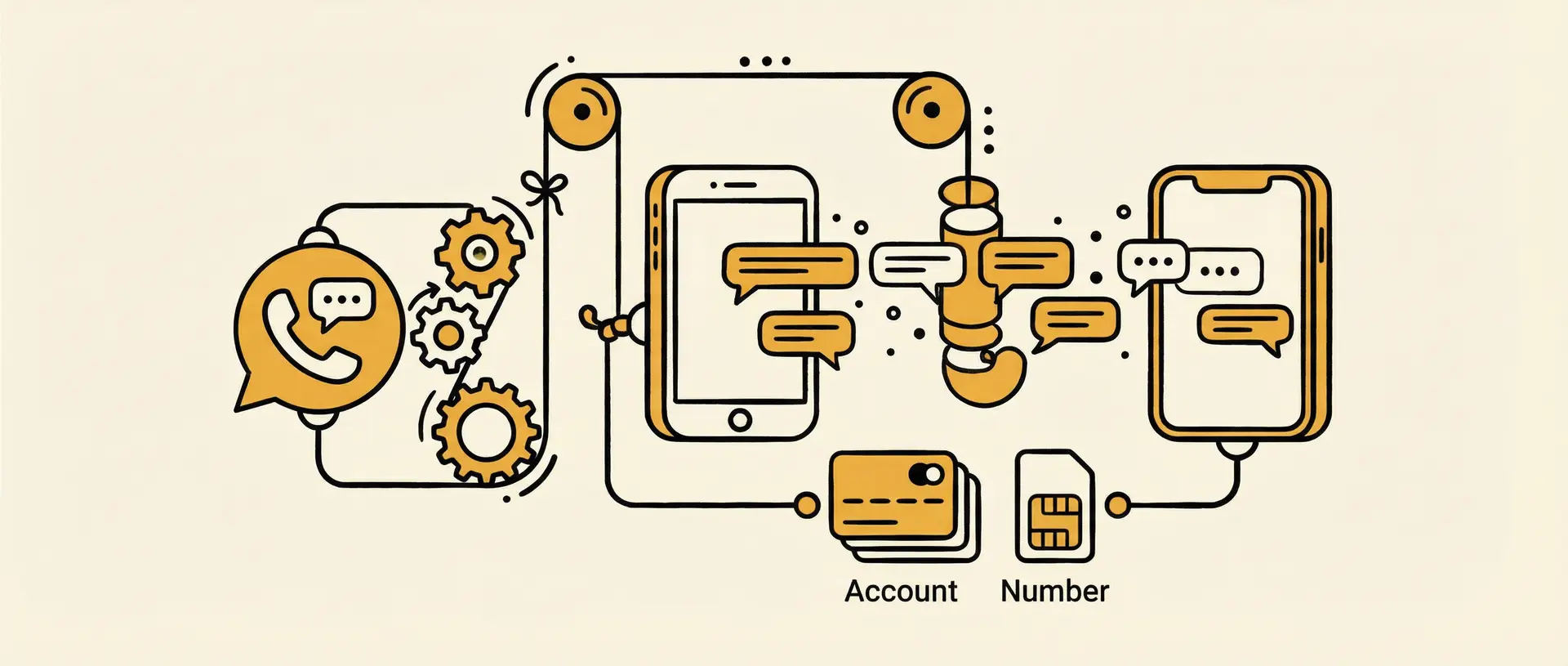
Option B: Use a new, dedicated business number. This creates a clean "firewall" between your personal life and your business. It allows you to hand over the phone (or the API access) to a team or an AI Agent later without giving away your personal identity.
Can You Use a Landline Number for WhatsApp Business?
Yes. For established clinics, law firms, and local offices, using a landline is a massive trust-builder. It signals that you have a physical presence and a professional infrastructure.
The Benefit: It prevents you from needing a second mobile SIM card.
The Setup: During registration, wait for the SMS timer to end and select "Call Me." You will receive a voice call on your landline providing the verification code.
How to Transfer WhatsApp Chats to a Business Account
Data is the lifeblood of customer relationships. If you lose your chat history, you lose the "context"—the previous preferences, pain points, and promises made to your clients.
How to transfer WhatsApp Business chats safely:
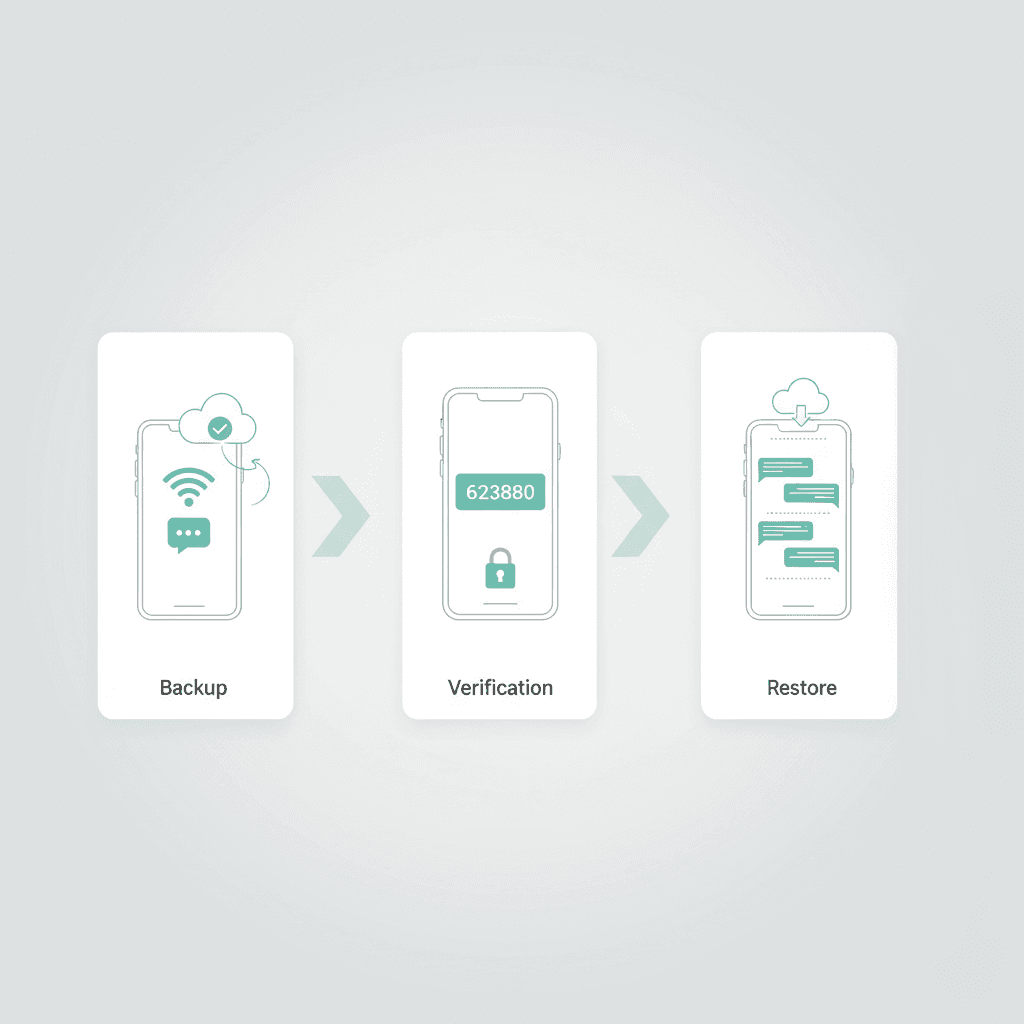
Manual Cloud Backup: Before downloading the new app, go to Settings > Chats > Chat Backup in your personal WhatsApp. Run a fresh backup to iCloud or Google Drive.
The Migration Flow: When you open WhatsApp Business and verify the same number, the app will automatically detect the backup from the personal version.
The "Context" Advantage: By restoring history, you ensure that when a customer returns, you (or your future AI Agent) have the full record of their "vibe" and previous needs.
Beyond the App: From "Replying" to "Executing"
While the WhatsApp Business app provides a foundation, it doesn’t solve the "overload" problem. Many businesses realize that simply having a professional profile doesn't stop the chaos.
The common "Reply Trap": Businesses often get stuck in endless loops of:
"Are you available?"
"What are your prices?"
"Where are you located?"
In Dealism’s philosophy, these aren't just questions; they are clarification triggers. The mistake most businesses make is using "Auto-Replies" that are cold and generic. This kills the Vibe.
True execution means having a system that understands the intent behind the message. For example, if a patient asks about a price, they aren't just looking for a number—they are looking to see if you can solve their problem. A professional setup is the first step toward letting an AI Agent take over these "clarification" steps so you only deal with the final decision.
Common Setup Mistakes to Avoid
Fragmenting the Context: Switching numbers every few months makes it impossible to track a customer's journey. Choose one number and stick with it.
Treating it as a Static Inbox: If you don't update your Business Profile regularly (especially holiday hours), you frustrate customers who expect immediate execution.
Over-reliance on "Static" Bots: Standard "press 1 for sales" bots feel robotic. They destroy the trust you've built. Setup your account to be human-centric, even if you plan to use AI later.
FAQ: Frequently Asked Questions
Q: Can I use the same number on two phones?
A: Not with the standard app. One number equals one instance. If you need multiple people or agents handling one number, you will eventually need a more scalable WhatsApp setup beyond the standard app.
Q: Is there a risk of losing my "Verified" status?
A: Most small businesses start as unverified business accounts (the gray badge). The "Green Tick" is reserved for notable brands, but you don't need it to start executing deals and using AI Agents.
Q: What happens to my groups when I switch?
A: When you migrate from personal to business using the same number, your groups remain intact. You will still be the admin, and the group will continue as usual.
Q: How does this link to AI Agents?
A: Setting up your Business account is the prerequisite for connecting to platforms like Dealism. Once you have a professional account, an AI Agent can "read" the context you've built and start handling the clarification and booking for you.
Summary: Setup is Step One, Execution is Step Two
WhatsApp Business provides the professional foundation. It helps you receive messages more organized and professionally. But messages don’t fail because no one replies; they fail because intent remains unclear and decisions aren’t made.
By adopting a mindset of Conversation as Execution, you stop reacting to messages and start moving conversations toward outcomes. You don’t need to be a sales expert or a CRM professional. You need a system that understands the vibe, clarifies intent, and pushes the next action forward.