
WhatsApp messages aren’t just casual chats—they often include business discussions, orders, payments, personal memories, and important confirmations. Losing them due to accidental deletion, app crashes, phone resets, or switching devices can be frustrating. For WhatsApp Business users, missing a message can mean lost sales or delayed support.
The good news: deleted WhatsApp messages can often be recovered if you act quickly. This guide shows how to restore messages on iPhone, Android, or even a PC, using official backups, system features, or trusted tools—so you can recover important conversations, even without a backup.
How to Recover Deleted WhatsApp Messages on Android, iPhone
Preparing to Restore WhatsApp Messages
Before you can recover deleted WhatsApp chats, it’s important to understand how do you recover deleted messages on WhatsApp and ensure that a backup exists and your device meets the necessary requirements. The recovery process differs slightly between Android and iPhone, so following the right steps for your device is essential.
1. Android: Getting Your Google Drive Backup Ready
To recover android WhatsApp messages, you need a Google account backup. Here’s how to check:
Check for a Backup:
Open the Google One app and sign in with your Google account.
Tap Storage > Other.
If WhatsApp backups are saved to your Google account, you’ll see them listed here.
Restoring Your Chats:
Uninstall WhatsApp from your device, then reinstall it from the Play Store.
Open WhatsApp and enter your phone number.
When prompted, tap Restore to recover your chat history.
If you choose Skip, the app will reinstall without restoring your backup.
Important Notes:
Messages sent or received after the last backup cannot be restored.
Ensure your device has enough free storage—at least as large as the backup—or you may only recover part of your chats.
For security, WhatsApp may require identity verification. If you haven’t enabled two-step verification or end-to-end encrypted backups, you can complete verification via SMS or call.
Each Google account stores only one WhatsApp backup. Creating a new backup replaces the old one, so older backups cannot be restored.
If your backup includes videos, only those videos selected at the time of backup will be restored.
2. iPhone: Preparing Your iCloud Backup
On iPhone, iPhone WhatsApp messages can be backed up using iCloud or WhatsApp’s in-app encrypted backup. Either method works, or you can enable both for extra protection (additional iCloud storage may be required).
Check iCloud Backup:
Make sure you’re using the same phone number and iCloud account that were used to create the backup.
Ensure your iPhone is updated to the latest iOS version.
Confirm that your iCloud account and iPhone have enough storage (at least twice the size of the backup).
Set Up Automatic Backup:
Open WhatsApp and tap your profile picture > Chats > Chat Backup.
Tap Auto Backup and choose your preferred frequency (Daily, Weekly, Monthly).
Optionally, choose whether to include videos in your backup.
Important Notes:
In-app encrypted backups and iCloud backups cannot be used simultaneously.
Messages sent or received after the last backup will not be restored.
3.Recover Deleted WhatsApp Messages Without Backup
Not all users have a backup when messages are deleted, making it important to know how to recover deleted messages without backup. On Android, recently deleted text messages may be recovered using notification history or temporary local data. On iPhone, recovery without iCloud or in-app encrypted backup is extremely difficult due to system encryption, and most messages cannot be restored. Without a backup, recovery generally relies on third-party tools and is never guaranteed.
Android: Partial Recovery Without Backup
Android devices offer a few system-level opportunities to view deleted WhatsApp messages, mainly for recently received text content.
Notification History
If WhatsApp notifications were enabled, Android may retain message previews in the notification log even after the message is deleted.
This method allows you to view deleted messages, but:It only works for text messages
Media files (photos, videos, voice notes) cannot be recovered
Older notifications may be overwritten quickly
Local System Data (Advanced Users)
Some Android devices temporarily store WhatsApp data locally. Recovery is time-sensitive and may overwrite newer chats, so this method is unreliable for most users and not recommended unless the data is critical.
4.Using Third-Party Applications
iOS and Android Compatibility
Most recovery tools support both iOS and Android devices, although functionality may vary depending on the device model and OS version.
How It Works
Specialized apps can scan your device for deleted WhatsApp messages, even when no backup exists. Results depend on your device and operating system.
Recommended Tools
Dealism.ai: A secure, AI-powered platform that helps retrieve lost messages while enabling ongoing chat management and archiving. Unlike traditional bot-based tools, it maintains natural, human-like conversations and avoids account bans.
Other popular recovery software includes paid PC or mobile solutions such as iMyFone, Dr.Fone, and Tenorshare (sources: official websites). Always verify device compatibility and data security policies before use.
Limitations and Risks
Some apps may require device access or temporary rooting/jailbreaking.
Free versions often limit recovery capabilities; full access typically requires a paid plan.
Always download software from official sources to avoid malware or security issues.
Prevent Data Loss: Secure WhatsApp Messages Using Dealism.ai
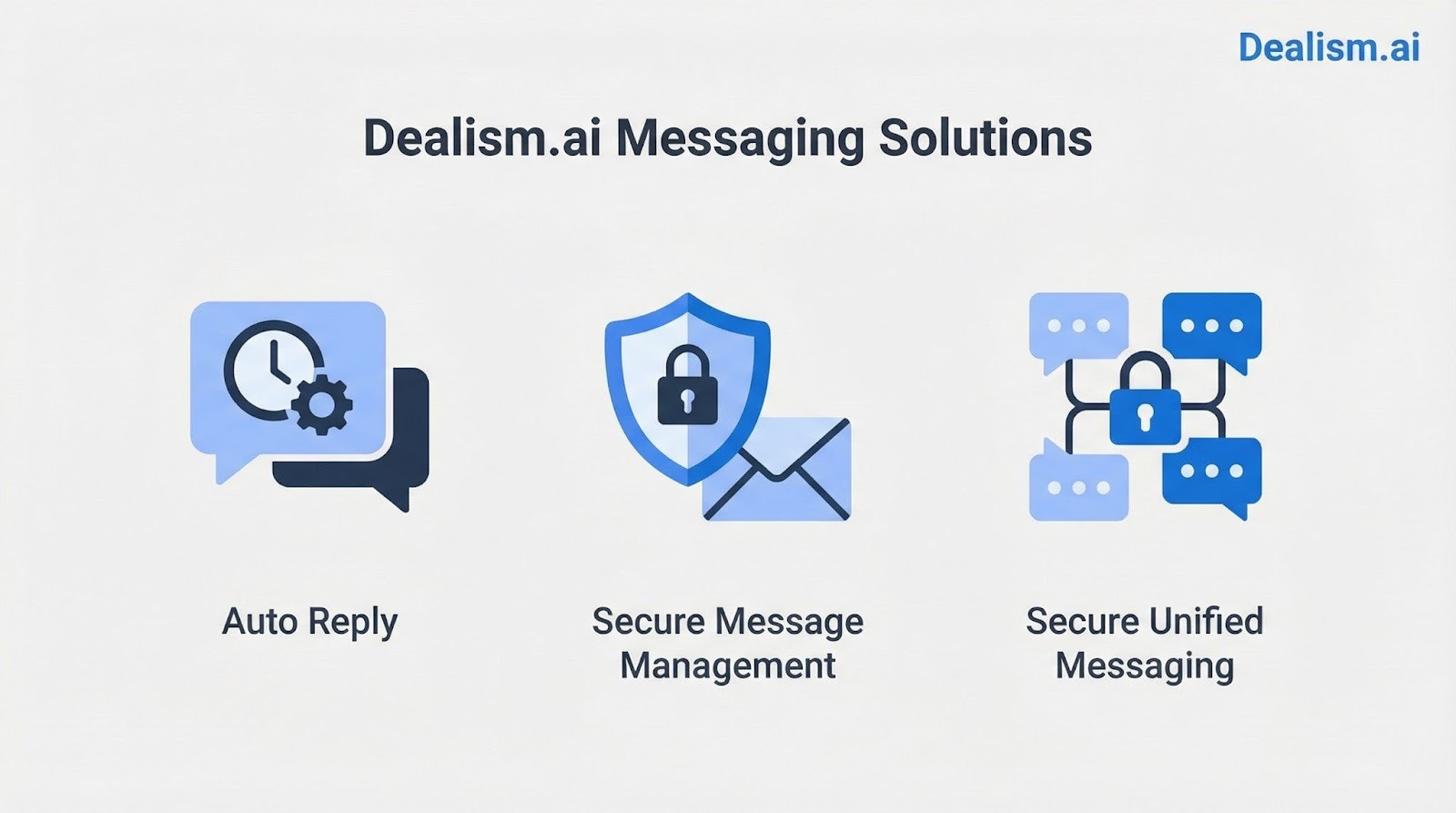
Dealism.ai is a secure, AI‑powered conversational sales agent that not only helps protect and manage your WhatsApp messages but also automates ongoing chat engagement, including auto reply, archiving, and lead nurturing in a way that feels natural and human‑like. Dealism goes beyond simple automation — it becomes a 24/7 sales assistant trained on your brand’s voice and knowledge, so messages are never lost and every interaction supports conversion.
AI‑Led Chat Protection & Personalization: Dealism learns from your past message history, knowledge base, and FAQs so it replies with your tone and style — keeping conversations authentic while preserving context and preventing accidental data loss.
Unified Messaging Management: It centralizes conversations from WhatsApp (and other channels) into one system, so nothing is overlooked or lost, enabling seamless message tracking and archival.
By combining secure chat management with automated, personalized communication, Dealism helps ensure your WhatsApp messages are both protected from accidental loss and actively contributing to sales growth and customer engagement — all while preserving a natural conversational experience.
FAQs
How Does WhatsApp Store Chat Data (Local vs. Cloud Backup)?
WhatsApp messages are stored in two ways:
Local Backup (on device):
Android phones automatically create a local backup every day at 2 AM.
Stored on your phone’s internal memory or SD card.
Only accessible on the same device unless manually transferred.
Cloud Backup (Google Drive for Android, iCloud for iPhone):
Keeps a secure copy of your chat history in the cloud.
Allows restoring chats when reinstalling WhatsApp or switching devices.
Can include media and videos if enabled in backup settings.
In what situations does WhatsApp message recovery usually fail?
Recovery often fails when no backup exists, backups are from a different platform, or a new backup overwrites deleted messages. Partial backups may exclude media files, and restoration can also fail due to outdated apps, limited storage, or unsupported devices.
Conclusion
Recovering deleted WhatsApp messages is possible using official backups, Android system features, or trusted third-party tools. Android users may have more options for partial recovery without a backup, while iPhone recovery is much more limited without iCloud or encrypted backups.
The most reliable way to protect your messages is proactive: enable regular backups and consider secure management solutions like Dealism.ai. Acting quickly and using the right methods ensures your important personal and business conversations are preserved and easily accessible.


