Published
Feb 4, 2026
Artificial intelligence agents are no longer experimental novelties. In 2026, they have officially become the backbone of business infrastructure. Among the most discussed innovations is Manus Agentic AI, a platform recognized as a “GAIA” (General AI Agent). It represents a leap from simple chatbots to autonomous systems capable of planning, multi-step execution, and browser-level human-like operations.
For Small and Medium Businesses (SMBs), this technological shift raises a pressing question: Is a general-purpose agent like Manus enough to run your business, or do you need a vertical-specialized solution like Dealism? This guide breaks down everything you need to know.
1. Understanding Manus: The Rise of General AI Agents (GAIA)
Manus is designed as a General Purpose AI Agent, often categorized under the GAIA framework. Unlike traditional chatbots, Manus can “think” and act by navigating the open web. Following its high-profile acquisition by Meta in late 2025—a deal reported to be worth over $2 billion—it has been integrated into broader digital ecosystems, yet its core remains the same: a powerful executor of web-based tasks.
Core Capabilities Include:
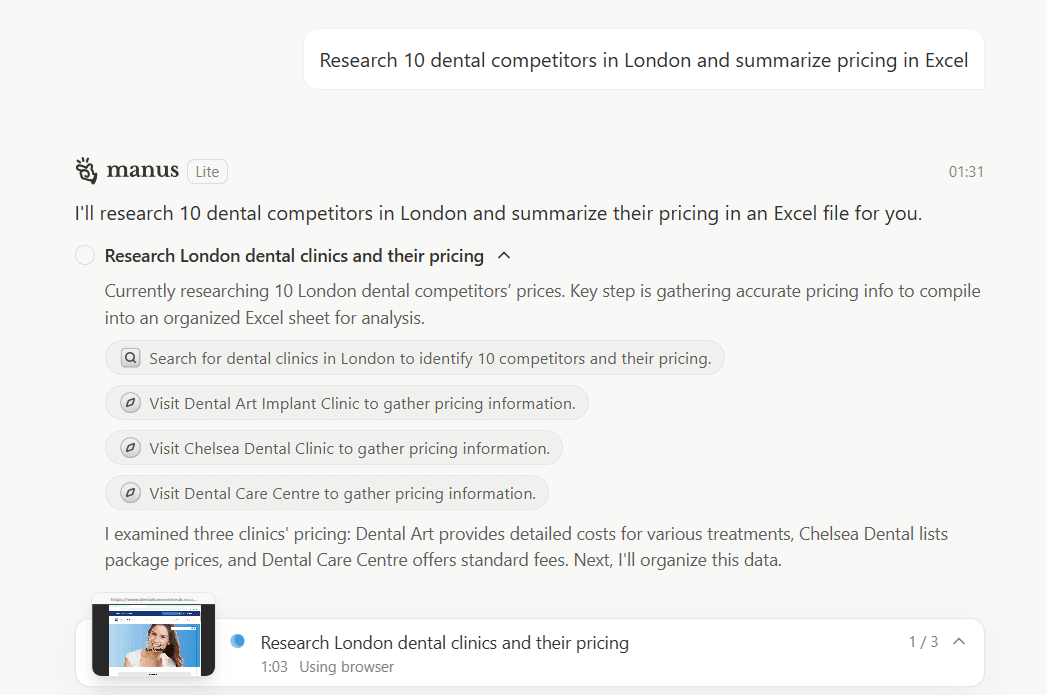
Autonomous Strategic Planning: Manus can take a vague goal—such as "Analyze 10 dental competitors in London"—and break it into 20 actionable steps without human input.
Dynamic Tool Usage: It can open browser tabs, bypass navigation hurdles, fill out forms, and scrape data from JavaScript-heavy websites.
GAIA Benchmark Dominance: In early 2026, Manus reportedly set new records on the GAIA benchmark, outperforming competitors in complex reasoning and real-world tool manipulation.
The “One-Click Myth”: The platform promises that a single prompt results in a finished Excel sheet or PDF report while you focus on other tasks.
Reality Check: Manus is essentially a “super intern.” It is brilliant for research but disconnected from your most critical asset: direct customer conversations. It lives in a browser, not in the messaging apps where your deals actually happen. SMB owners often discover that even after getting a detailed competitor report, 50 unread WhatsApp messages from actual clients remain, with no one to follow up.
2. The Critical Gap: Analysis vs. Execution
The biggest misconception in 2026 is assuming that a GAIA can handle vertical sales. Manus excels at research-oriented tasks but struggles in transaction workflows.
Where Manus Falls Short for Service SMBs:
Channel Isolation: Manus doesn't live natively inside WhatsApp or Instagram DM—the exact places where small business deals happen.
The “Vibe” Gap: Service-based leads (clinics, salons, coaching) are emotional. Manus follows cold logic, lacking the empathy and social timing required to guide a client toward a high-ticket decision.
Passive vs. Proactive: Manus waits for prompts. Sales require proactive follow-up. If a lead goes cold, you need an agent that pushes the deal forward, not one that waits for instructions.
Example Scenario: A dental clinic uses Manus to research competitors’ pricing. The output is a PDF with detailed insights. Meanwhile, dozens of leads are sitting idle on WhatsApp. Insight gained, but no appointments booked, no payments collected.
3. Dealism: The “Action-First” Alternative for SMBs
If Manus is the analyst who prepares research, Dealism is the closer—the AI colleague that talks to customers and ensures appointments are booked and payments are collected.
Key Differentiator Table:
Feature | Manus Agentic AI | Dealism AI Agent |
Primary Platform | Web Browser / Desktop | WhatsApp, Instagram, IM |
Core Function | Research & Reporting | Execution & Transaction |
Vertical Focus | General-purpose | Service-based SMBs |
Emotional IQ | Logical / Analytical | High (Vibe Selling) |
4. Deep Dive: Vibe Selling & Pre-Judgment Logic
Dealism succeeds where general agents fail because of Vibe Selling. In a messaging-first world, how you say something is as important as what you say.
Contextual Understanding: Detects when a client is hesitant or anxious and adjusts tone to highlight value.
Automatic Pre-Judgment (Triage): Instead of sending a booking link immediately, Dealism clarifies the need: “Is this for a routine check-up or acute pain?” This ensures your staff’s time is spent on the right leads.
Turning Chat into Action: Every conversation has a goal. Dealism handles the “messy middle” of chat, moving from greeting to confirmed booking without human intervention.
5. Non-CRM Philosophy: Action Over Record-Keeping
Dealism rejects CRM complexity. Traditional CRMs solve the problem of recording what happened. Dealism solves the problem of making things happen.
By treating the chat window as the execution layer, Dealism often makes a traditional CRM redundant. It acts as a working colleague who manages the workflow, not a system that demands you fill out forms. For SMBs, this means less data entry and more revenue-driving work.
6. Technical DNA: Built for Global SMBs
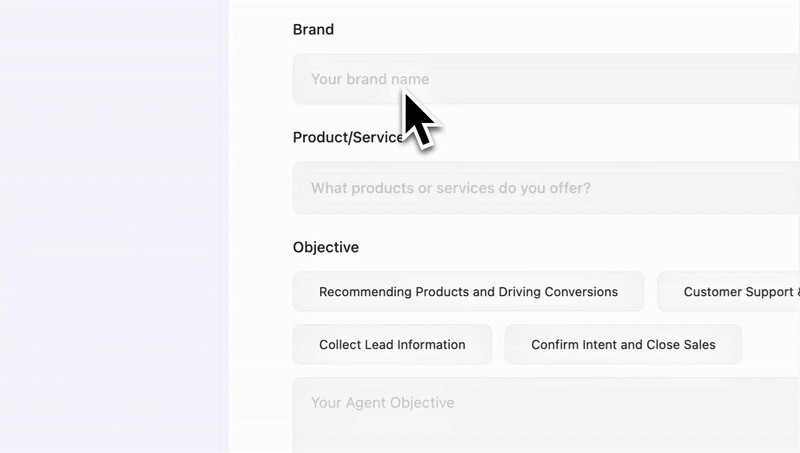
Despite its ease of use, Dealism is powered by a sophisticated stack optimized for the "last mile" of business:
Multi-language Support: Handles Spanish, Chinese, English, Malay — perfect for globalized SMBs.
Continuous Context: Maintains the “vibe” and memory of the conversation across multiple days.
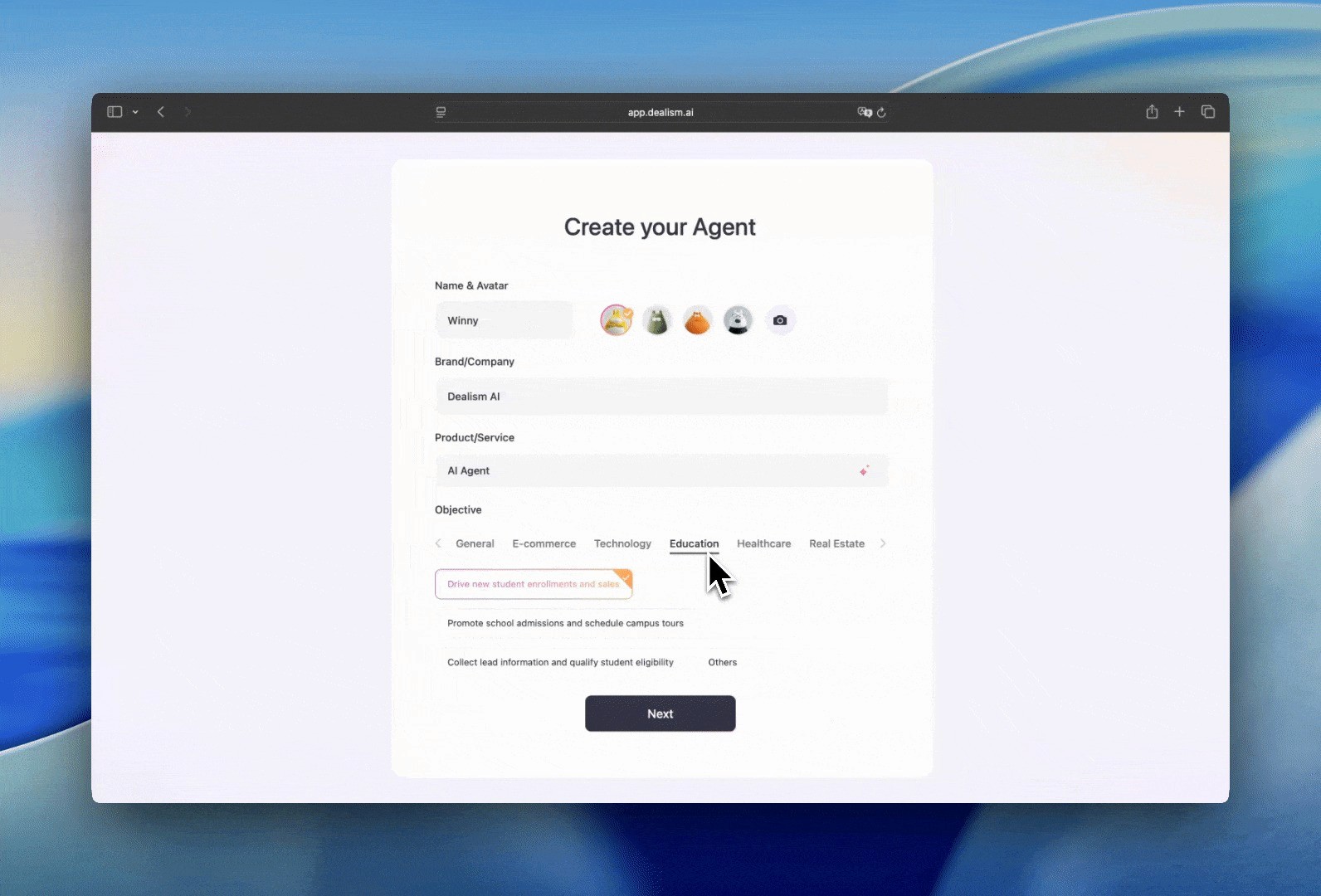
Vibe Coding Interface: Like low-code apps for non-developers, Dealism allows owners to run sales without sales training. You provide service info; Dealism executes.
Vertical Intelligence: Optimized for clinics, salons, and local e-commerce, bridging the gap between leads and confirmed actions.
7. Conclusion: Which Agentic AI Do You Need?
In the rapidly evolving landscape of 2026, the question isn’t whether you need an AI agent, but which agent is built for your specific battlefield.
Choose Manus if: Your primary goal is research, strategic content creation, or complex multi-step web automation across different browser-based platforms. It is undoubtedly the King of the "Open Web."
Choose Dealism if: Your business lives and breathes in WhatsApp, Instagram DMs, or Facebook Messenger. Choose it if you want to stop simply "replying to messages" and start running automated business processes that convert leads into revenue.
Manus tells you what could be done by analyzing the world. Dealism actually does the work by engaging your customers where they are.