

In today’s mobile-first environment, customers expect fast, personal, and convenient communication. WhatsApp Business messaging enables businesses to meet these expectations by engaging customers on one of the world’s most widely used messaging platforms. From customer support to sales and marketing, WhatsApp has become a powerful channel for driving real business results.
What Is WhatsApp Business Messaging?
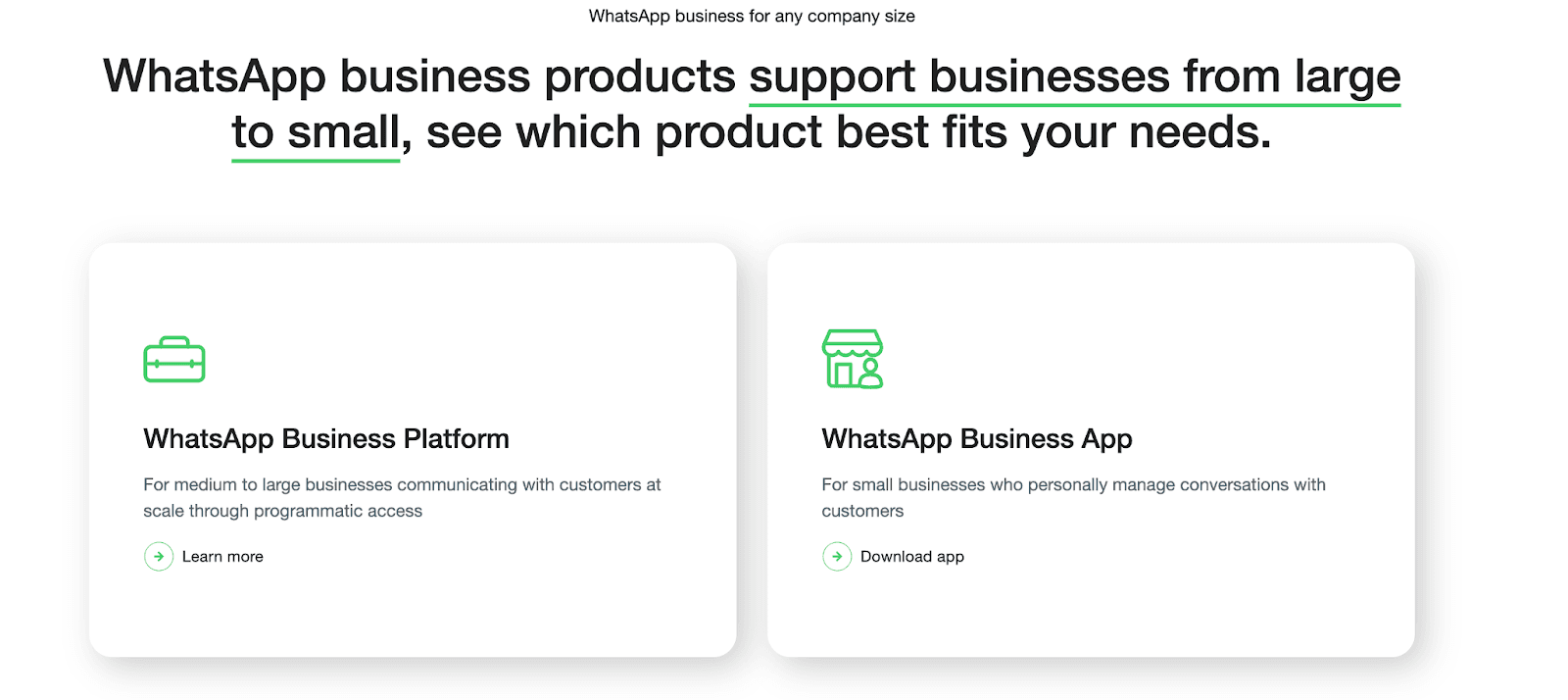
WhatsApp Business messaging refers to the official tools WhatsApp provides to help businesses communicate with customers securely and at scale. According to guidance from the official WhatsApp Business platform, these solutions are designed to support business growth at different stages.
WhatsApp Business App
Built for small businesses managing conversations manually
Includes automated greetings, away messages, and labels
Supports product catalogs and basic insights
WhatsApp Business Platform
Designed for medium and large businesses
Enables CRM integration, automation, and chatbots
Supports high-volume, programmatic messaging
Both solutions allow businesses to create trusted, personalized customer experiences through encrypted messaging.
WhatsApp Business is a powerful way to connect with customers, automate workflows, and boost sales. This guide walks you through practical steps, tips, and tutorials to set up WhatsApp Business, automate messages, build catalogs, and create messaging strategies that actually work.
Step 1 – Quick Setup
Download the WhatsApp Business App or use the WhatsApp Business Platform, and register your business number.
Fill in your profile with business name, description, hours, and website.
Tip: Keep the description clear and informative so new customers instantly know your offerings.
Step 2 – Organize Conversations
Use Labels to categorize chats (e.g., New Lead, Pending Order, Support).
Pin important conversations for quick access.
Archive completed chats to keep the inbox clean.
Organizing chats ensures no customer messages are missed.
Step 3 – Automate Messages
Greeting Messages: Automatically welcome new contacts.
Away Messages: Notify customers when offline.
Quick Replies: Save commonly used responses for instant reply.
Example: Use Quick Replies for shipping information instead of typing it each time.
Step 4 – Build Your Product Catalog
Upload images, descriptions, and prices of products/services.
Share catalog links in chat to accelerate sales.
Keep your catalog updated for promotions or new items.
This allows customers to browse your offerings without leaving WhatsApp.
Step 5 – Advanced Engagement Tips
Broadcast Lists: Send updates to multiple contacts without spamming.
Rich Media: Include images, videos, or PDFs to explain products.
Personalization: Reference customer name or past orders.
CRM Integration: Sync messages to manage customer data efficiently.
Following official WhatsApp Business guidelines ensures compliance and better engagement.
Step 6 – Track Performance
Monitor read rates, response times, and engagement.
Track which messages generate more sales or repeat customers.
Adjust messaging based on analytics to improve results continuously.
WhatsApp Business Key Features That Power Business Growth
WhatsApp Business messaging offers features that directly support sales and customer engagement:
Automated Messaging: Instant replies for FAQs and inquiries
Product Catalogs: Share products and services directly in chat
Rich Media: Use images, videos, and interactive messages
Customer Insights: Track delivery, read rates, and engagement
Secure Communication: End-to-end encryption builds trust
These capabilities are consistently highlighted in WhatsApp Business resources as essential for improving response speed and customer satisfaction.
Best Practices for WhatsApp Business Messaging
To maximize results, businesses should:
Personalize messages using customer context
Balance automation with human interaction
Obtain user consent before promotional messaging
Segment audiences for relevance
Integrate WhatsApp with CRM and marketing tools
Common Challenges and How to Overcome Them
High Message Volume: Use automation and chatbots
Customer Fatigue: Send targeted, timely messages only
Privacy & Compliance: Follow messaging and data protection policies
How Dealism Helps You Succeed with WhatsApp Business Messaging
WhatsApp Business messaging becomes a true growth channel when used strategically. By leveraging official WhatsApp solutions, businesses can personalize communication, shorten sales cycles, and increase conversions.
At Dealism, we help businesses plan, launch, and optimize WhatsApp Business messaging—from account setup and automation to campaign execution and performance optimization. Our goal is simple: turn conversations into measurable business growth.
FAQ: Dealism WhatsApp Business Marketing Services
Q1: Why should businesses choose Dealism for WhatsApp marketing?
Dealism combines strategy, automation, and optimization to help businesses drive real conversions through WhatsApp.
Q2: What types of businesses does Dealism work with?
Dealism empowers newcomers to sell with confidence and streamlines workflows for seasoned professionals. It’s ideal for creators, side hustlers, e-commerce merchants, marketers, local service business owners, and any solopreneurs conducting outreach-driven conversations.
Q3: Does Dealism help with WhatsApp Business Platform setup?
Yes. Dealism assists with onboarding, verification, compliance, and technical setup.
Q4: Can Dealism build chatbots and automated workflows?
Yes. Dealism designs automation for lead qualification, FAQs, order updates, and customer support.
Q5: How does Dealism measure success?
Key metrics include engagement rate, response time, conversion rate, and customer satisfaction.
Q6: How fast can businesses see results?
Most businesses see improved engagement within weeks, with conversion gains following soon after launch.