
What Is a WA.me Link?
A WA.me link is a direct chat URL that allows users to start a WhatsApp conversation instantly without saving a phone number. It is widely used by businesses to reduce friction in customer communication and improve response rates.
WA.me Link Format Explained
Standard WA.me Link
The standard link format is:https://wa.me/YourPhoneNumber
Use your full international number
Remove spaces, dashes, or symbols
Example:
https://wa.me/10000000000
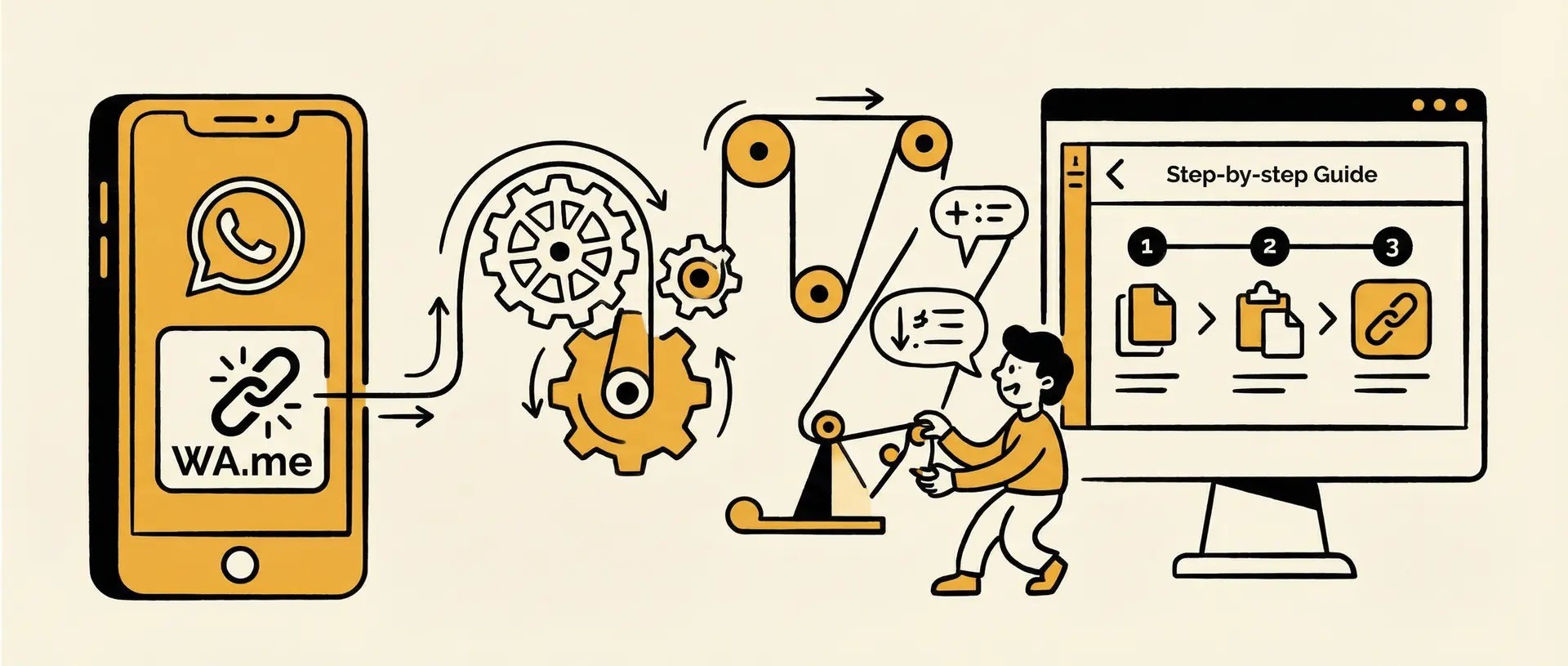
How to Create a WA.me Link (Step-by-Step)
Step 1: Prepare Your Phone Number
Include the country code and remove all spaces, dashes, or symbols.
Correct format: 10000000000
Incorrect formats: +1 000-000-0000, (000) 000-0000
Step 2: Create the WA.me URL
Combine your number with the base URL:https://wa.me/YourPhoneNumberExample: https://wa.me/10000000000
Step 3: Test the Link
Open the link in a browser and click “Continue to Chat” to ensure it opens WhatsApp correctly.
Want to create it faster? Use our free WhatsApp Link Generator to add your number and prefilled message, then test, copy, or download a QR code—no signup required.
Step 4: Add the Link to Marketing Channels
Add your link to:
Website contact pages
Product or landing pages
Email signatures
Social media profiles or ads
Optional: Create Pre-Filled Messages
Add pre-filled text to the URL for specific campaigns:https://wa.me/YourPhoneNumber?text=YourMessageExample: https://wa.me/14155552671?text=I%20am%20interested%20in%20this%20deal
Dealism can use these pre-filled messages to start persuasive, AI-driven conversations tailored to the visitor’s intent.
Why WA.me Links Matter for Businesses
WA.me links allow businesses to start WhatsApp conversations instantly without requiring users to save a phone number, reducing friction and increasing engagement. By enabling one-click chat across websites, social media, ads, and QR codes, WA.me links support mobile-first behavior and real-time communication. This simple click-to-chat experience aligns with modern user expectations and helps businesses centralize and streamline customer interactions.
A WA.me Link Starts the Conversation. Dealism Helps Continue It.
A WA.me link makes it easy for someone to start a WhatsApp chat. But once they send their first message, your business still needs to answer questions, understand what they need, and guide them to the right next step.
That is where Dealism can help. Dealism’s AI Customer Agent can answer routine questions using your business information, qualify leads based on details such as product interest, timing, location, or budget, and recommend the next step—whether that is a product page, booking link, checkout, or a conversation with your team.
For example, a customer who opens your link with “Hi, I’m interested in your pricing” can receive an immediate, helpful reply instead of waiting for a manual response. When the request needs human judgment, your team can take over with the conversation context.
Use a WhatsApp Link Generator to create the entry point, then use Dealism to help your team keep valuable customer conversations moving.
You can check more detail via this video⬇️


