WhatsApp has evolved far beyond 1:1 chats. With WhatsApp Communities, it’s now easier to organize conversations at scale—especially when you need to manage multiple groups under one shared purpose, keep announcements consistent, and reduce message chaos.
In this guide, you’ll learn what WhatsApp Communities are, how they work, how to create one, and the key differences between a WhatsApp Community and a regular WhatsApp Group. We’ll also cover business use cases, best practices, and how Dealism helps you turn community engagement into structured customer operations.
What Is a WhatsApp Community?
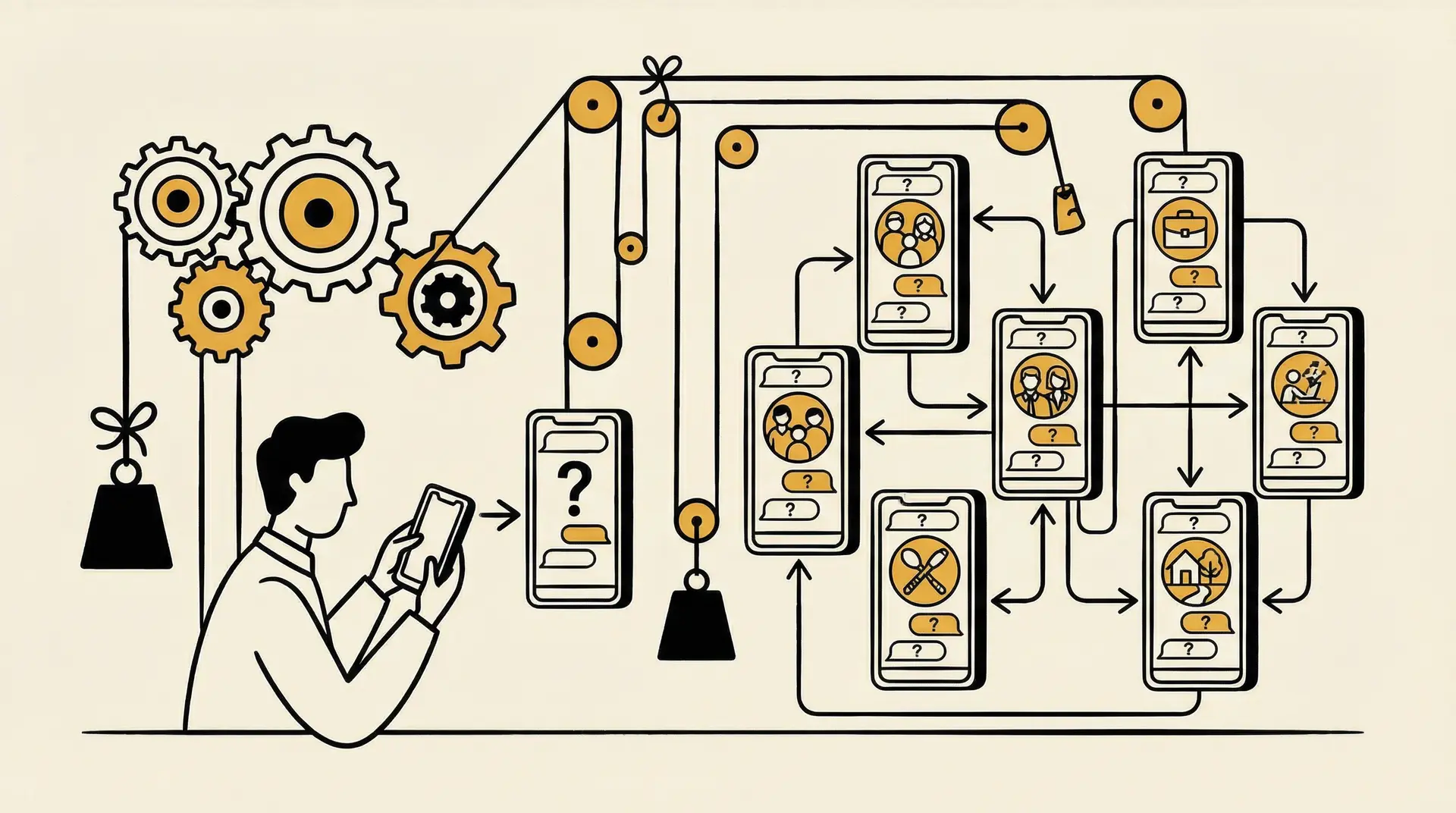
A WhatsApp Community is essentially a hub that groups multiple WhatsApp groups under one umbrella. Instead of running many separate groups with no structure, Communities let you centralize them into one place—so members can find the right group to join and admins can manage communication more cleanly.
Think of it like a “folder” that contains multiple related group chats.
Key Features of WhatsApp Communities
1. Community Capacity
WhatsApp Communities can include up to 5,000 members across all subgroups for large-scale communication on WhatsApp.
2. Subgroups
Create focused subgroups within a community on WhatsApp to keep WhatsApp community groups organized around specific topics.
3. Communication Features
Enjoy WhatsApp community features like audio calls with 32 participants, polls for feedback, and file sharing up to 2GB.
4. Admin Controls
Admins can manage WhatsApp community groups, edit the community description in WhatsApp, and send updates via the announcement channel.
5. Customization
Admins can customize how WhatsApp community works by changing the community name, icon, and description for better organization.
How to Create a WhatsApp Community
The exact UI may vary slightly by device and region, but the general flow is:
Step 1: Open WhatsApp
Start by opening WhatsApp on your Android phone or iPhone. Make sure you’re running the latest version so you can access WhatsApp Communities and any newly released community features.
Step 2: Navigate to the Communities Tab
Go to the “Communities” section. On Android, you can usually swipe right from the Chats screen. On iPhone, it appears near the top of your chat list—this is where you’ll manage and explore how Communities function.
Step 3: Choose “New Community”
Tap “New Community”, then select “Get started.” WhatsApp may show a short intro explaining what a WhatsApp Community is and how it helps organize multiple groups.
Step 4: Fill in Community Information
Enter a Community name (up to 100 characters), add a short description to explain what the Community is for, and upload an image if you’d like.
Step 5: Add Your Groups
Tap “Add group.” From here, you can either create brand-new groups inside the Community or connect existing WhatsApp groups to your new Community hub.
Step 6: Invite People to Join
After your groups are set up, create an invite link and share it with members so they can join your WhatsApp Community. This makes it easy to grow participation and improve engagement across your groups.
How WhatsApp Communities Work
The biggest difference between a Community and a normal group is the structure:
Announcement Channel: a central place where admins can send important updates to everyone in the Community (useful for official notices and campaign updates).
Multiple Subgroups: separate chats for separate needs—members join only what’s relevant to them.
This reduces spam, keeps communication clearer, and helps members stay engaged without being overwhelmed.
WhatsApp Community vs WhatsApp Group: When Should You Use Which?
Many teams initially find WhatsApp group chats quite smooth, but as the number of members increases and the topics become more varied, problems arise: announcements go unread, questions are asked repeatedly, and members spam each other's messages. WhatsApp Communities is designed for this kind of "multi-group management + large-scale communication".
Feature | WhatsApp Communities | |
Structure | One standalone chat space for everyone | A structured hub that organizes multiple related groups under one Community |
Size Limit | Up to 1,024 members in a single group | Up to 50 groups within one Community (each group still follows its own member limit) |
Announcements | Announcements appear in the same feed as everyday conversations, so they can get buried | A dedicated announcement channel keeps official updates separate and easier to find |
Admin Controls | Admin tools apply only within that single group (basic group-level management) | Centralized admin control across all linked groups, making multi-group management easier |
Privacy | Privacy settings are managed at the group level | Community-level visibility and privacy controls help organize access across groups |
Use Cases | Best for single-topic discussions and small-to-mid sized coordination | Best for managing multiple groups, structured communication, and larger audiences |
In short: Groups are single chat rooms; Communities are organized group networks.
Different types of communities in WhatsApp
WhatsApp communities come in various types to help users manage different communication needs. Understanding the definition and operation of WhatsApp communities will help you choose the best settings for your WhatsApp community groups. Below are the differences between open and closed communities in WhatsApp.
Open vs Closed Communities
Open Communities
Best for fast growth and broad participation—like fan groups, local communities, or interest-based groups where accessibility matters.
Closed Communities
Best for controlled environments where privacy and structure are important—like internal teams, partner networks, paid groups, training cohorts, or distributor channels.
For most companies, closed Communities are usually safer and easier to manage.
Top Business Use Cases for WhatsApp Communities
Company-wide or customer-wide announcements
Maintenance notices, policy updates, shipping delays, holiday schedules, or important changes.Campaign and promotion communication
Share limited-time offers or event announcements in a structured way without clutter.Training cohorts and online workshops
Separate groups for registration, materials, Q&A, and live-session reminders.Cross-team coordination
Keep marketing, sales, operations, and partners aligned while keeping each team’s discussion separate.Customer support segmentation
Create support subgroups by product line, region, or customer tier—faster resolution, less confusion.
Best Practices for Running a WhatsApp Community
Set clear rules early
Define what’s allowed, what isn’t, and how moderation works.Use announcements strategically
Announcements should be high-signal. Overuse leads to muted notifications and lower engagement.Keep discussions active and purposeful
Use polls, FAQs, topic prompts, and regular updates to maintain participation.Respect privacy and permission
Avoid aggressive adding, be transparent with member management, and keep data handling compliant.Review and optimize structure
If a subgroup is too noisy or too dead, adjust it—split it, merge it, or redesign the topic.
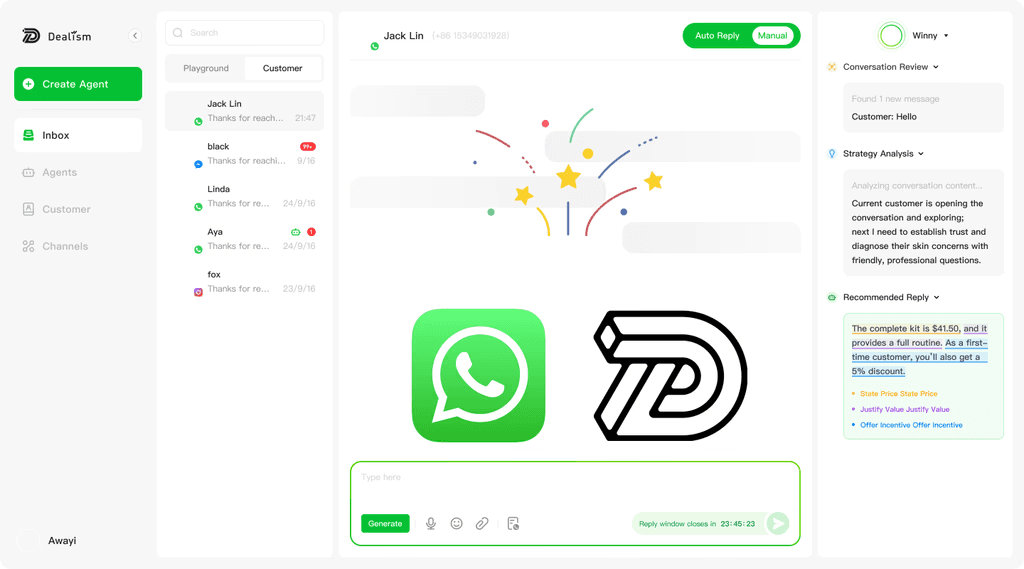
Bonus: Tip: Boost Your WhatsApp Marketing with a WhatsApp AI Assistant
Step 1: Authorize Your Account
Securely connect your WhatsApp. This straightforward process gives your new sales agent the permission it needs to operate, ensuring a smooth and technically simple setup that gets you ready in minutes.
Step 2: Generation from Chats
Dealism can learn from past chats, PDFs, product knowledge, and FAQs to build a more on-brand assistant. that truly mirrors your communication style and knowledge. This creates a customized assistant that is already familiar with your products and how you interact with customers.
Step 3: Test in Playground
Before handling live chats, you can interact with your sales agent in a safe testing environment. This step allows you to evaluate its answers, make adjustments to its tone or knowledge, and build confidence in its ability to manage real customer dialogues effectively before going live.
Step 4: Deploy for Live Chats
Once you are satisfied, activate your agent to handle incoming messages. It begins managing customer inquiries immediately, providing timely and accurate answers. This supports sales conversations around the clock, helping convert interest into purchases while freeing up your valuable time for other tasks.
Conclusion
WhatsApp Communities have changed how people and businesses organize conversations by bringing multiple WhatsApp groups together under one central hub. Understanding what a WhatsApp Community is and how it works helps you use its features more effectively.
With WhatsApp Communities, you can create more structured spaces, manage multiple groups within the same community, and share important updates through a dedicated announcement channel. Whether you’re looking to create a WhatsApp Community, explore community group setups, or make the most of community tools, using these features can improve engagement and keep communication more organized. At this point, you can combine WhatsApp's community capabilities with Dealism's customer management and marketing capabilities: use the community for "organization" and Dealism for "operation and conversion," turning communication into data assets that can be followed up, reviewed, and grown.