Product fit
“Which option is right for my team?”
See the next move
Compare approved options and ask the detail that changes the recommendation.
● Incoming customer question
AI Customer Agent
Answer incoming questions, understand buying intent, clarify what is missing, and bring in your team when the conversation needs human judgment.
 Approved knowledgeHuman handoff ready
Sales Assistant
Online now
Objective: Recommend the right next step
Support needed
Bring in a person for custom pricing, approval, or an exception.
Conversation status
Context ready
Human handoff available ✓
More than an auto-reply
The customer-facing part of Dealism: trained with the business information, tone, objective, and boundaries you approve—then ready to respond, clarify, recommend, or hand off.
An incoming question arrives in the customer’s natural language.
A Customer Writes
It combines the message with approved knowledge and earlier conversation detail.
The Agent Understands
It answers, clarifies, recommends, or routes the conversation.
The Next Move Is Clear
Your team enters with the earlier exchange and next move visible.
A Person Joins
Conversation, not a decision tree
Turn Open-Ended Questions Into Clear Next Steps.
The Agent uses your business knowledge and the conversation context to answer, clarify, recommend, or involve your team.
See how the Agent worksTrained on what you approve
Define products, services, policies, pricing guidance, tone, qualification criteria, and the moments that belong with a person.
DealOnca helps your team prepare training, organize business knowledge, and create useful summaries inside Dealism.
Train an Agent in Dealism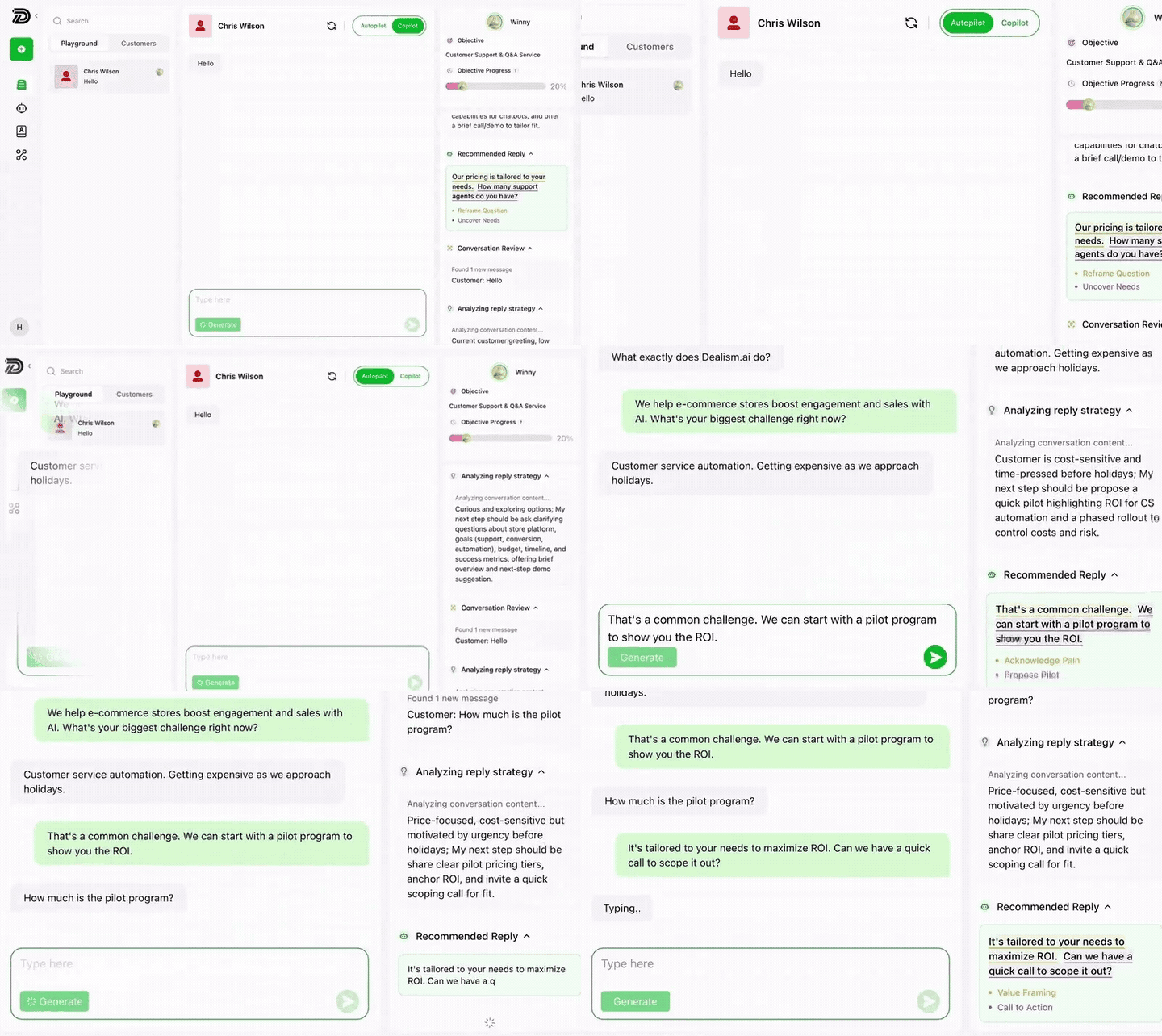
01
Knowledge
02
Tone
03
Goals
04
Handoff
Real customer questions
Real customers rarely follow a script. The Agent works toward the next useful action.
Product fit
Compare approved options and ask the detail that changes the recommendation.
● Incoming customer question
Pricing and scope
Explain approved pricing or recognize when a custom quote needs a person.
● Incoming customer question
Booking intent
Collect the required details and guide the customer to the configured booking step.
● Incoming customer question
Human request
Pass the full conversation to the right person without making the customer repeat it.
● Incoming customer question
Simple setup
Start with the business context your Agent needs, test the conversations customers already bring, and go live with clear boundaries.
Step 01 of 05
Give the Agent a name, your business identity, what you sell, and the customer outcome it should help move toward.
Create your Agent
Name & Avatar
Brand / Company
Product / Service
Objective
Step 02 of 05
Provide the product guides, services, policies, pricing information, and approved answers the Agent may use.
Knowledge Base
Approved information for this Agent
Step 03 of 05
Choose how the Agent communicates, what success means, and when a person should take over.
Agent guidance
How the Agent should work
Tone
Goal
Boundaries
Step 04 of 05
Run realistic customer questions, edge cases, and human-handoff requests before customers meet the Agent.
Test conversation
Preview before activation
Step 05 of 05
Activate a focused responsibility, review real conversations, and refine the knowledge or boundaries as you learn.
AI Customer Agent
Ready to activate
One conversation. The right kind of help.
Natural questions, early discovery, clarification, and next-step guidance grounded in approved business context.
Meet customers where they write
The channel changes. Your approved business context, Agent role, and handoff boundaries stay behind the conversation.
Customer voices
See how Dealism helps businesses clarify intent, recommend the next step, and prepare conversations for action.
FAQ
Ready for the next customer question
Give the Agent a focused role, the right business context, and a clear moment for human handoff. Then test it with the questions your customers already ask.
Build Your AI Customer Agent