Channels, Knowledge & Contacts
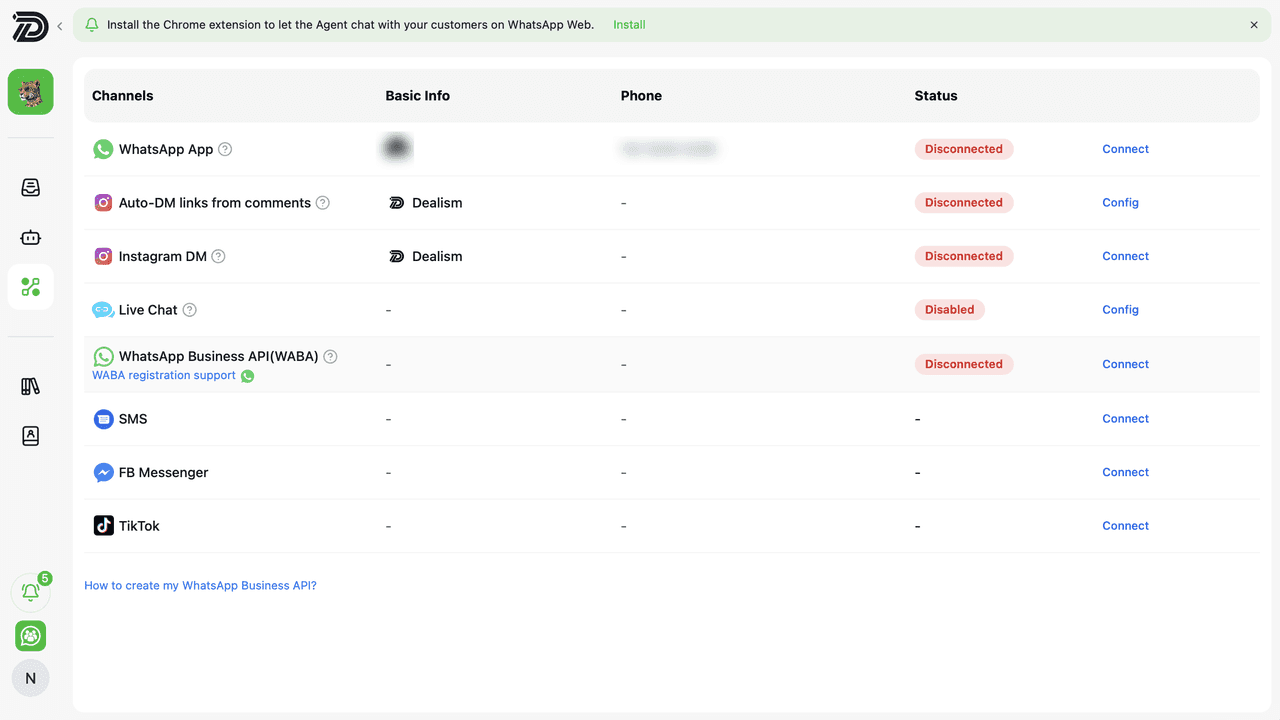
Channels:
Channels allows Dealism to connect with your communication platforms. After connecting your accounts, your AI Sales Agent can assist or automate customer conversations through the Inbox.
Knowledge:
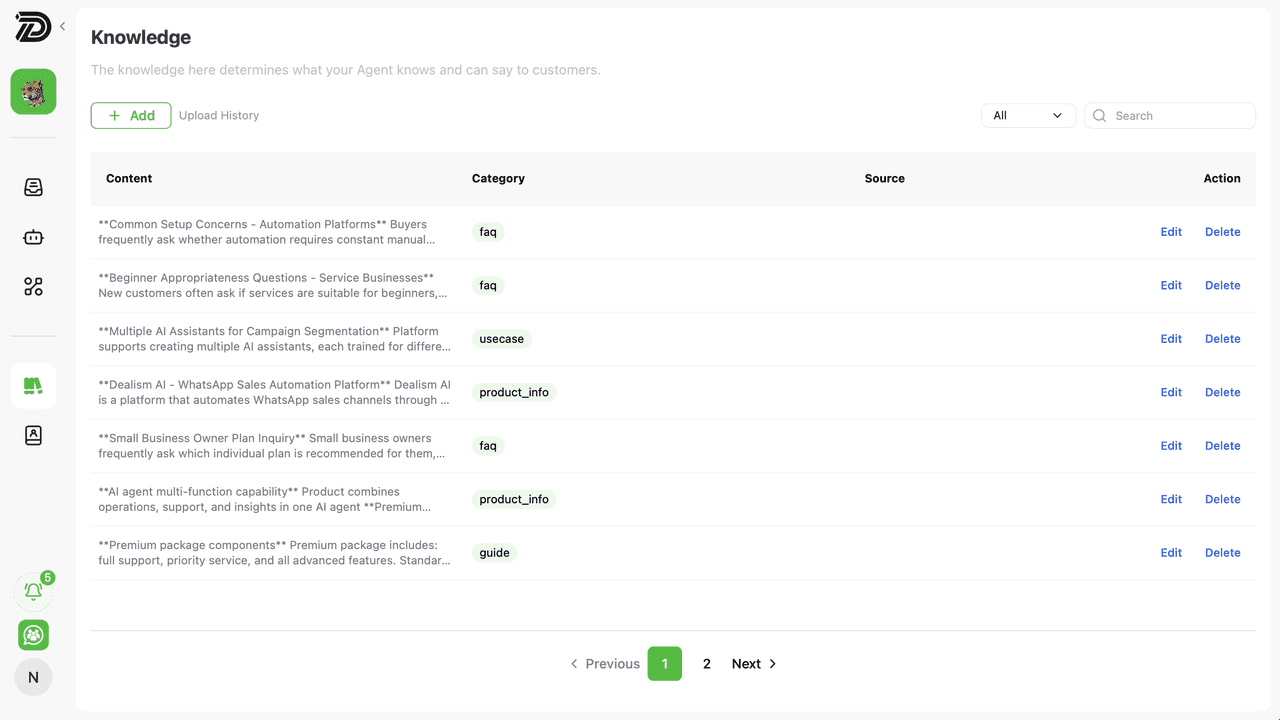
Knowledge manages the content learned by your AI Sales Agent, including Documents, FAQs, Product Lists, and Use Cases. You can upload new materials, view learned knowledge, and edit or delete existing content. Supported upload formats are listed below.
Document
Add: Upload URLs or files (doc, docs, pdf, txt) to parse into usable knowledge fragments and store them as Documents.
View: Select a Document and click "View" to check its content; click "View Source" to download the original file or open the original URL (not available for knowledge from Dealism Web Search).
Edit: Click "Edit" on the Document details page to modify its content.
Delete: Select a Document, click "Delete", and confirm to remove it.
FAQ
Add: Add FAQs one by one (each with a standard question and answer) or batch upload via Excel template.
Edit: Select an FAQ, click "Edit" to update its question and answer.
Delete: Select an FAQ, click "Delete", and confirm to remove it.
ProductList
Add: Upload product URLs or detail page screenshots to add product information one by one (recommended to upload all product/service info for better use by the Sales Agent).
View: Select a Product and click "View" to check its details; click "View Source" to download the original file or open the original URL.
Edit: Select a Product, click "Edit" to update its content.
Delete: Select a Product, click "Delete", and confirm to remove it.
Use Case
Add: Upload URLs or screenshots to add Use Cases one by one (recommended to upload all product/service effectiveness materials for better use by the Sales Agent).
View: Select a Use Case and click "View" to check its content; click "View Source" to download the original file or open the original URL.
Edit: Select a Use Case, click "Edit" to update its content.
Delete: Select a Use Case, click "Delete", and confirm to remove it.

Contacts:
All Customers allows you to view customer information, conversation history, sales progress, and AI-recommended next actions for customers who have interacted with your AI Sales Agent.
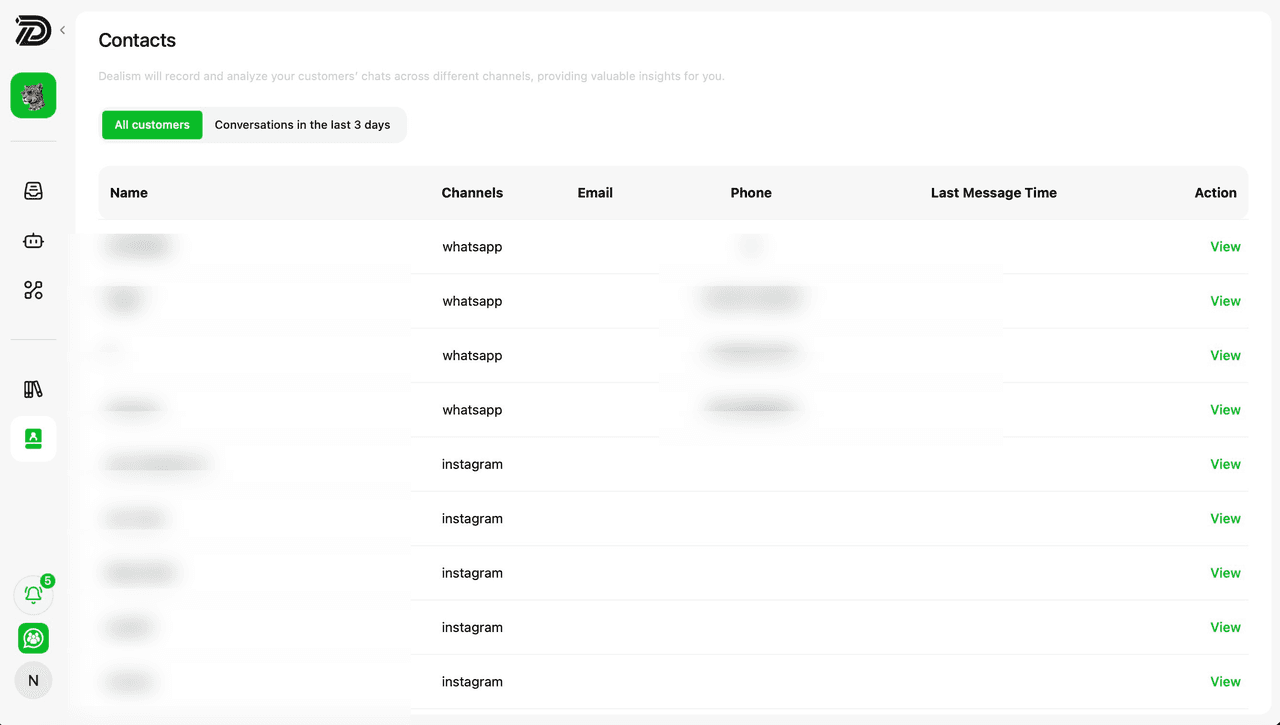
Conversations in the Last 3 Days: View customers who have interacted with your business within the last 3 days. This filter helps you quickly identify recent conversations and active customer engagement across your connected channels.
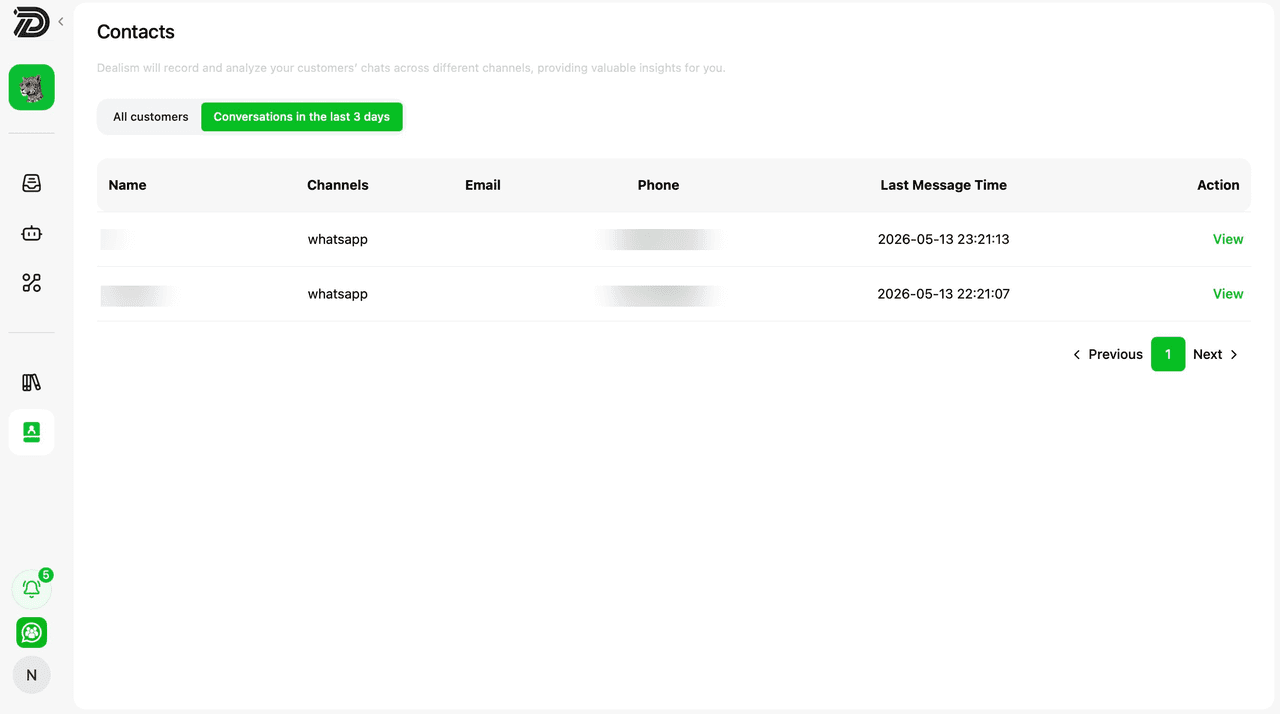
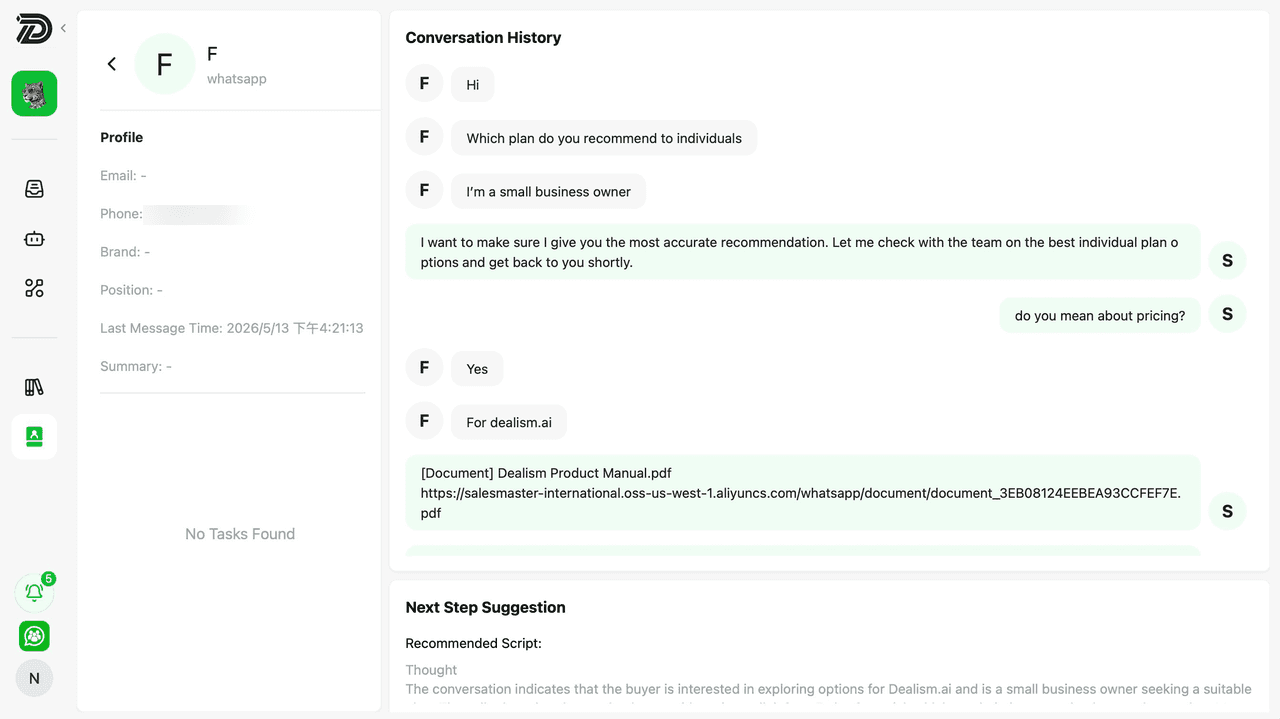
Customer Conversation Details: View customer profiles, conversation history, and AI-generated next step suggestions to better manage customer interactions and follow-up actions.