Inbox: Autopilot & Copilot
Two Modes: Copilot and Autopilot
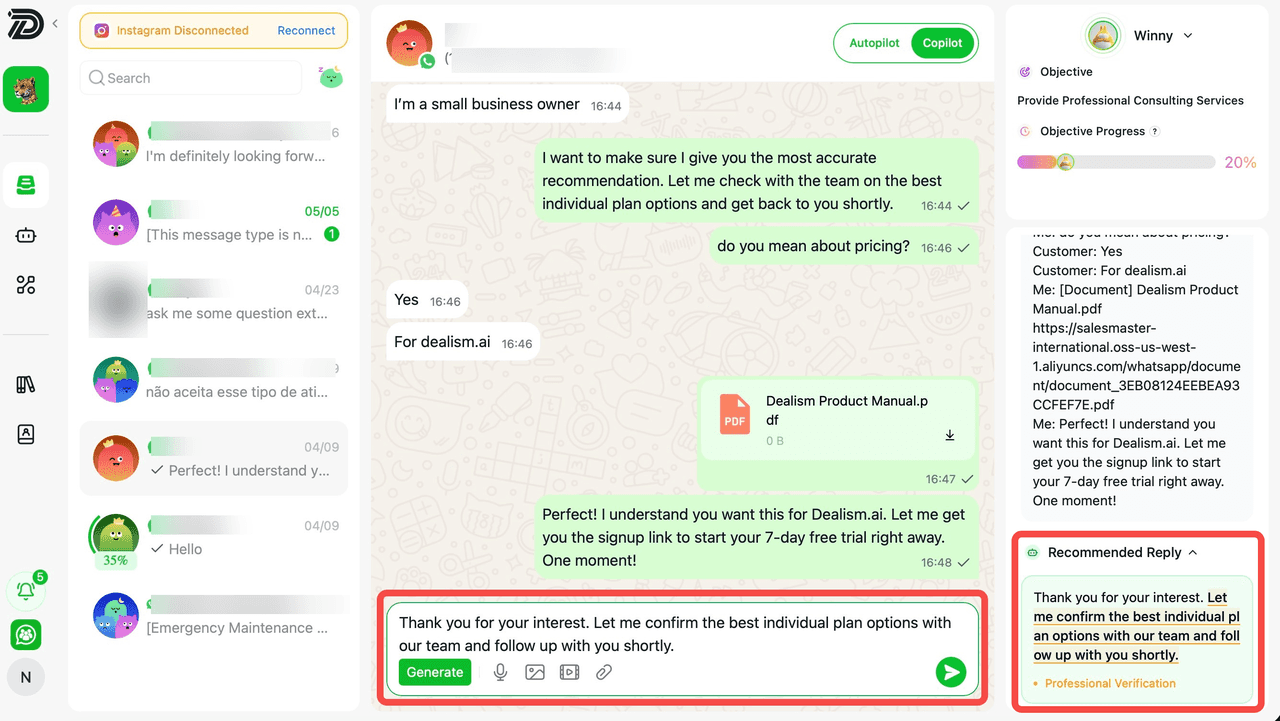
(1) Copilot Mode: When Copilot mode is activated for a conversation with a contact, click the Generate button. The selected Sales Agent will analyze the progress of the current sales task and the customer’s needs, and automatically generate a recommended reply using sales strategies and relevant knowledge. The generated reply will appear in the message input box, and the contact will receive the message after you click Send.
(2) Autopilot Mode: When Autopilot mode is activated for a conversation with a contact, the selected Sales Agent will automatically generate and send appropriate replies whenever a new message is received from the contact. This mode enables 24/7 automated sales operations.
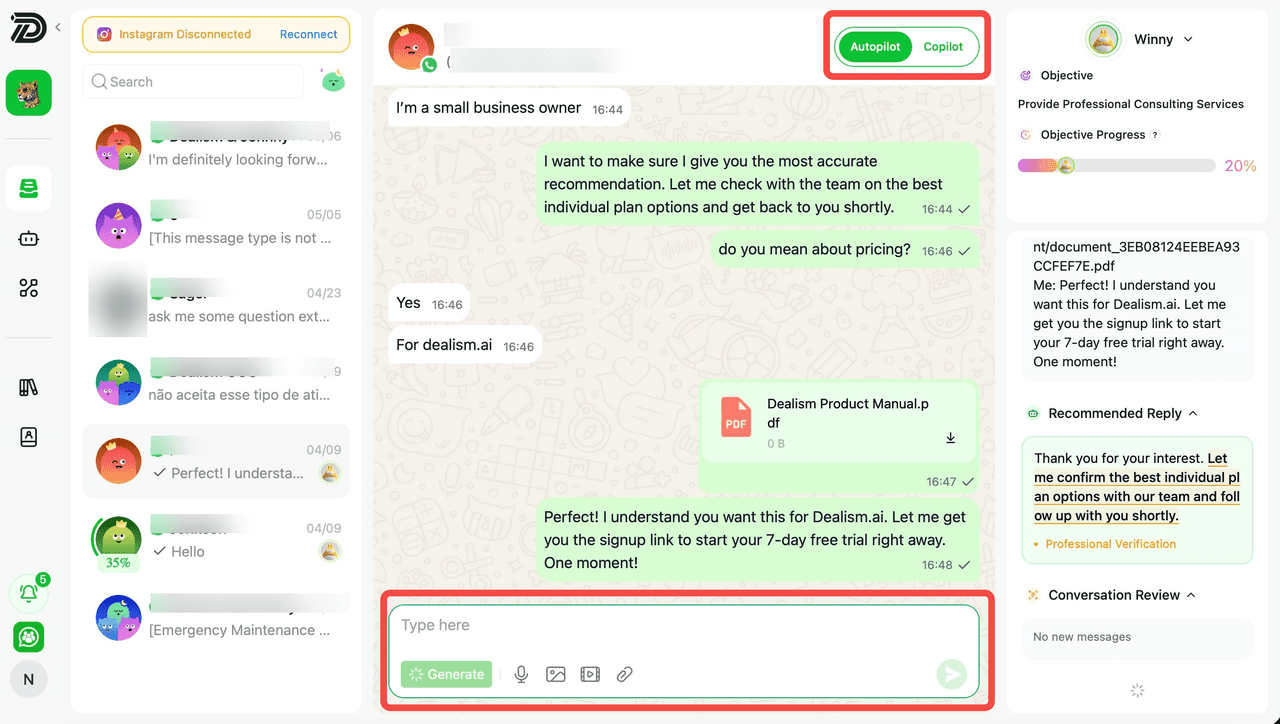
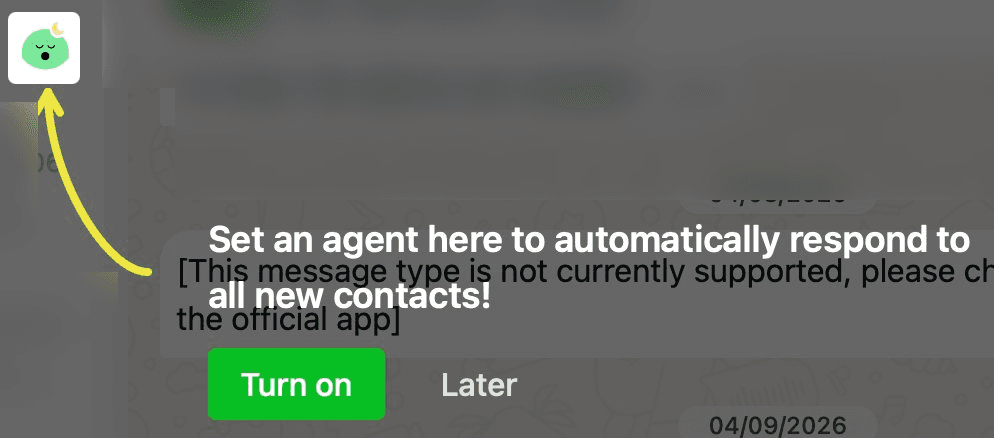
Enable Autopilot for All the Contacts: Select Turn on to enable Autopilot for all contacts. Once enabled, Autopilot will automatically activate across all customer conversations, allowing your AI Sales Agent to respond and manage interactions automatically based on your configured knowledge base and sales strategies.
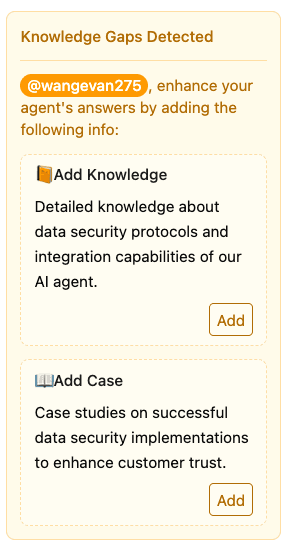
(3) Identify additional knowledge content that can be supplemented during the sales process