WhatsApp, WhatsApp Business API (WABA), Instagram DM
Connect Your WhatsApp
When creating a Sales Agent, if you have already authorized a WhatsApp account, the Inbox will automatically connect to the authorized account. You can then view the contacts from the authorized WhatsApp account in the Inbox and start new conversations with them.
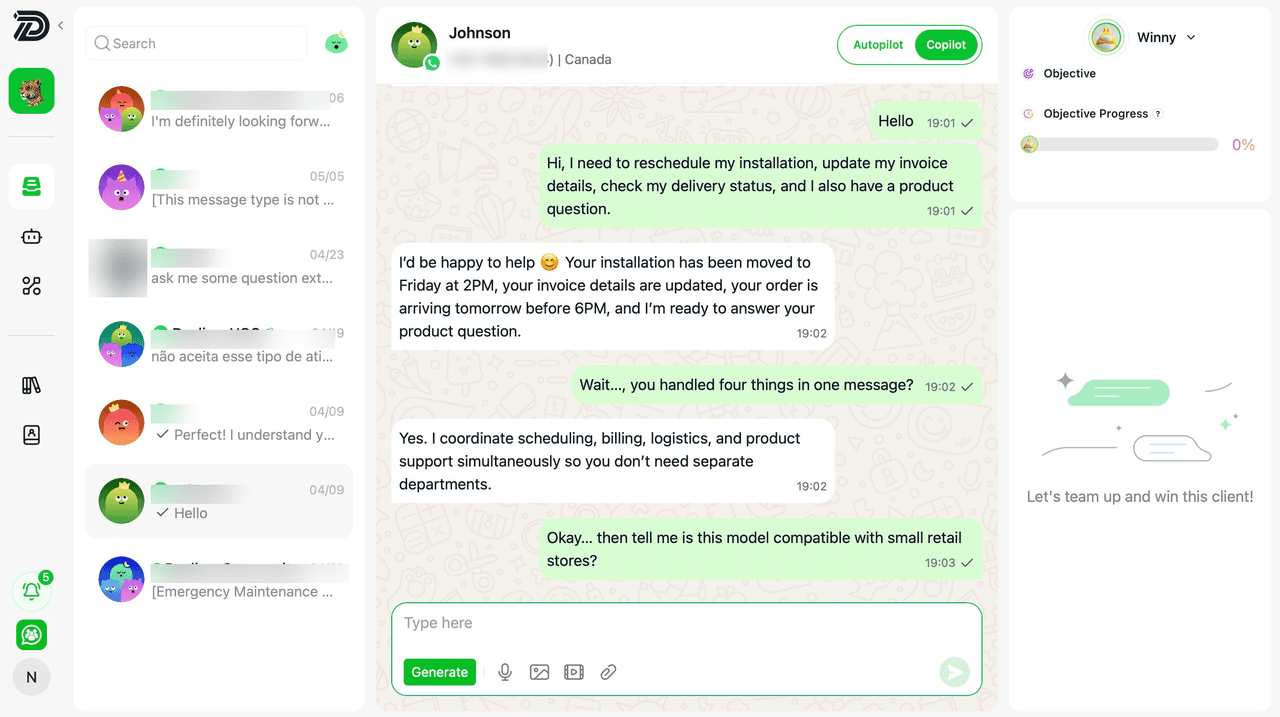
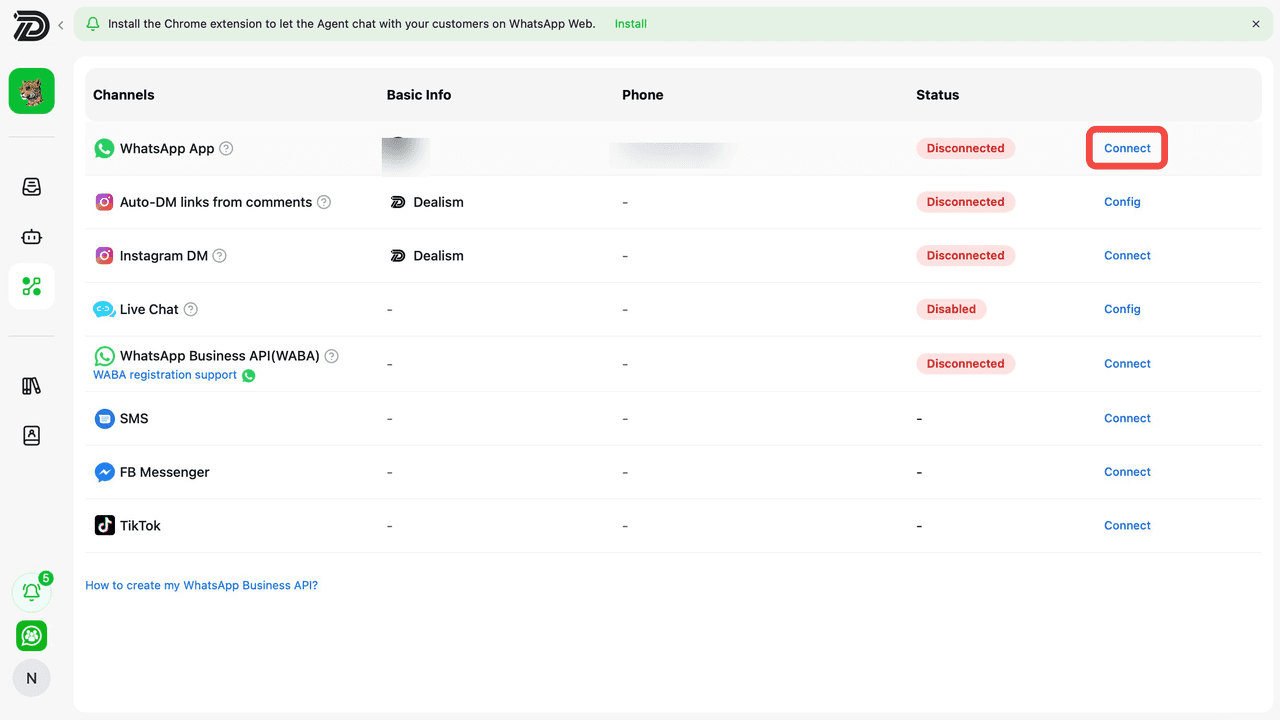
If you have not authorized a WhatsApp account when creating a Sales Agent, you can scan the QR code in the Channels section to authorize your WhatsApp account.
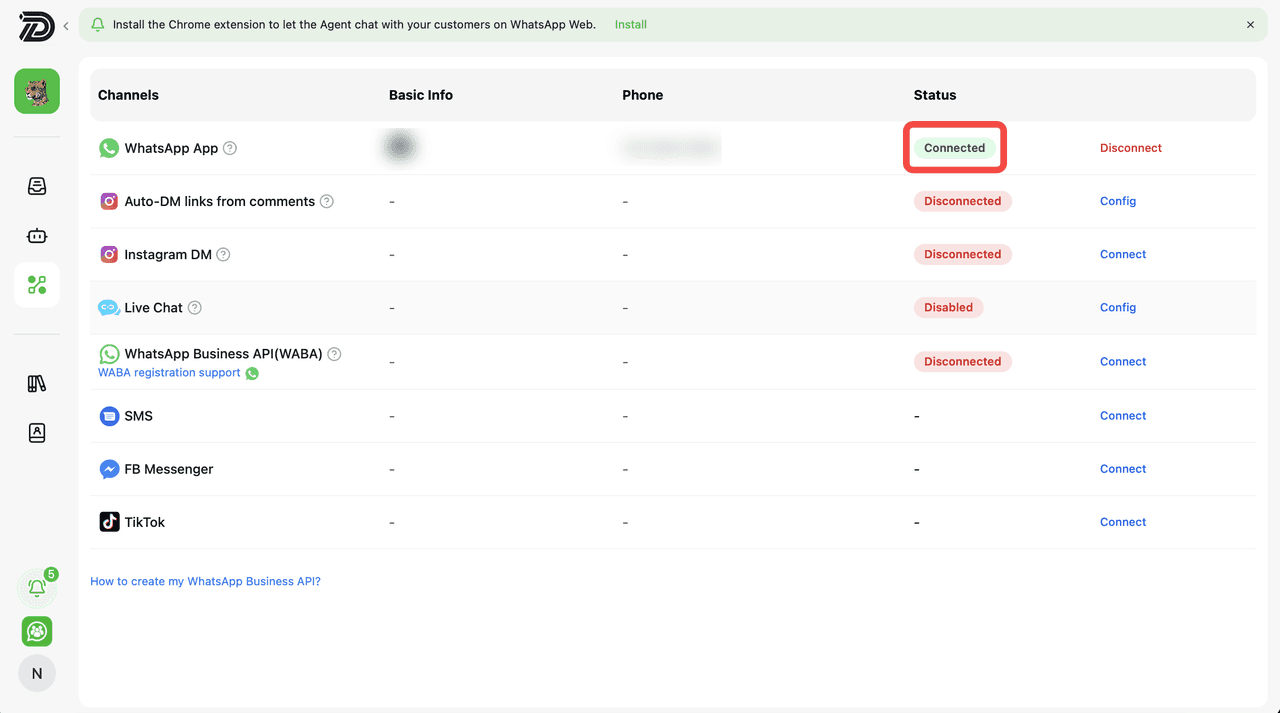
Afterward, you can use the Inbox to start new conversations with the contacts from your WhatsApp account.
Connect Your Instagram DM
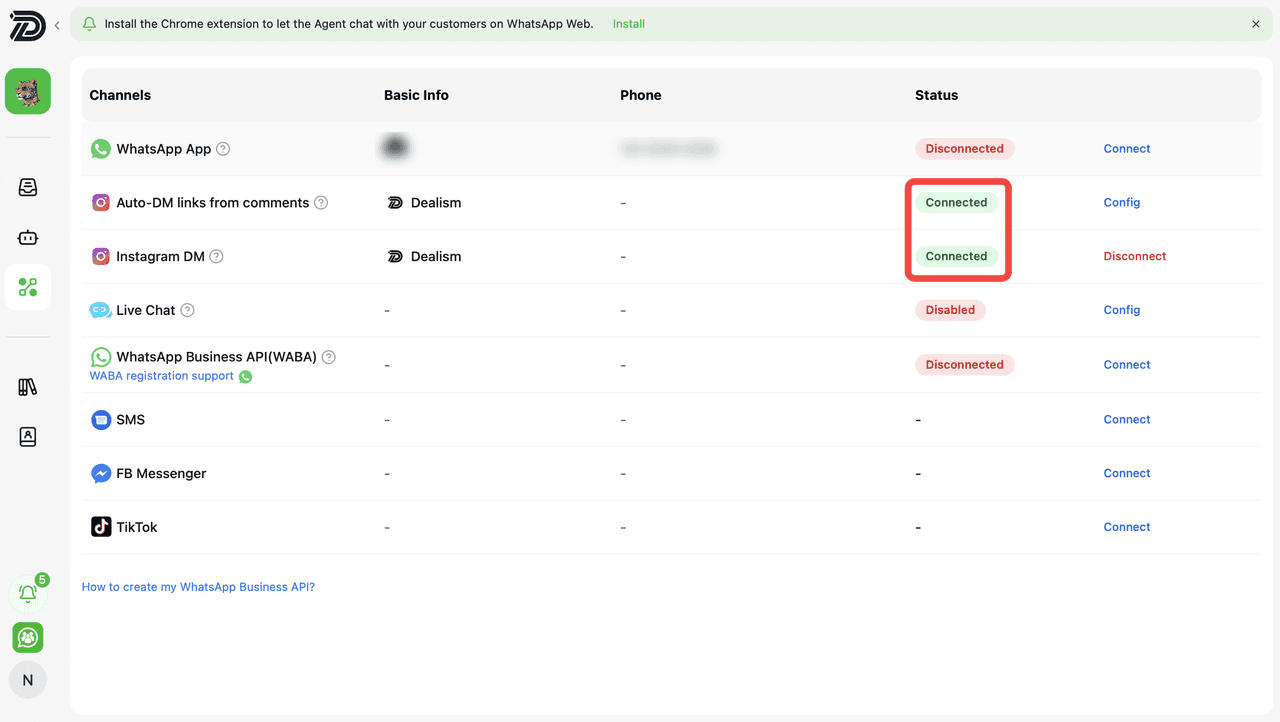
To connect your Instagram account with Dealism, go to the Channels page and locate Instagram DM. Click the Connect button on the right side of the Instagram DM row.
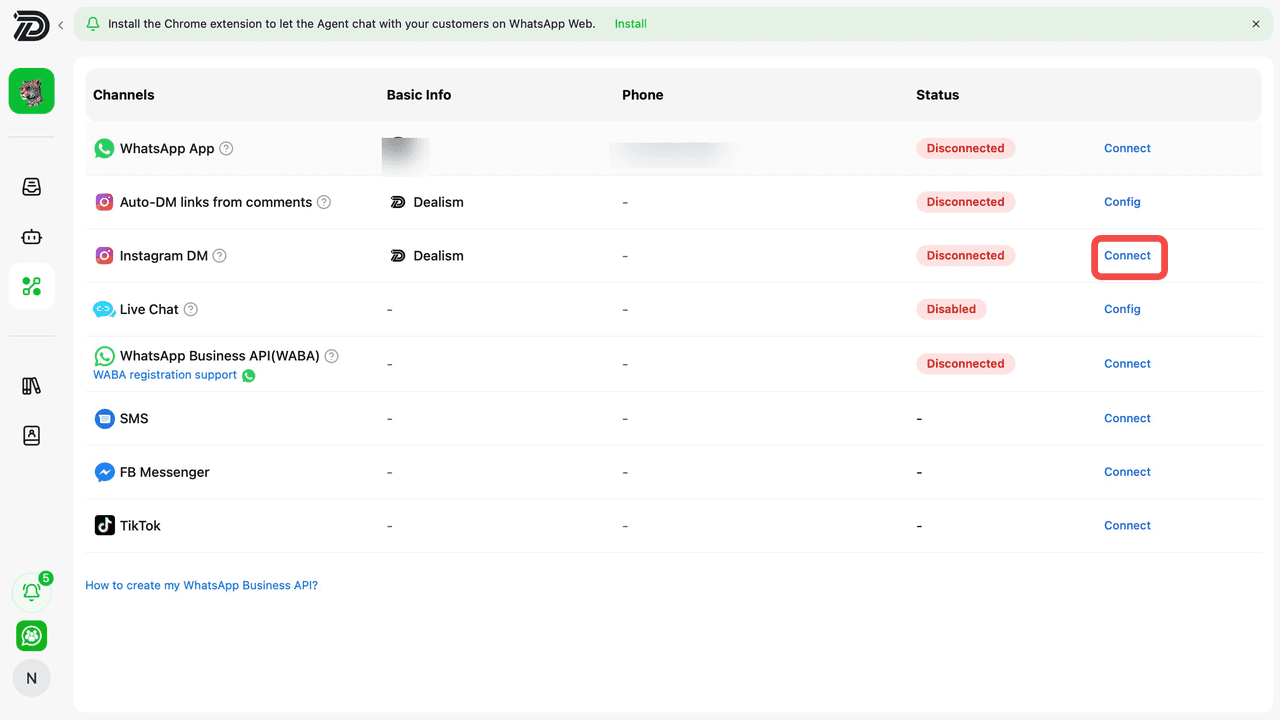
You will then be redirected to Instagram authorization. Select Allow to grant Dealism access to your Instagram account and permissions for messaging features.
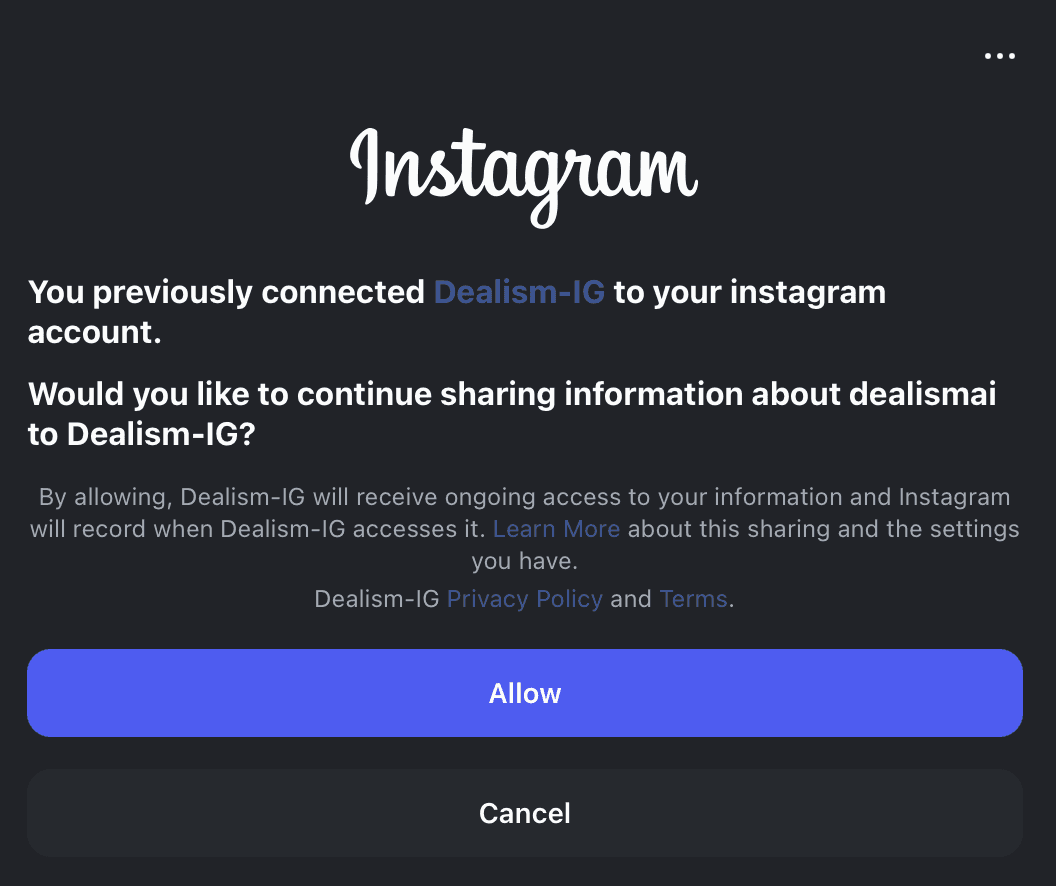
Once connected successfully, the Instagram DM status will display as Connected, allowing your AI Sales Agent to manage and automate Instagram conversations through Dealism.
Connect Your WhatsApp Business API (WABA)
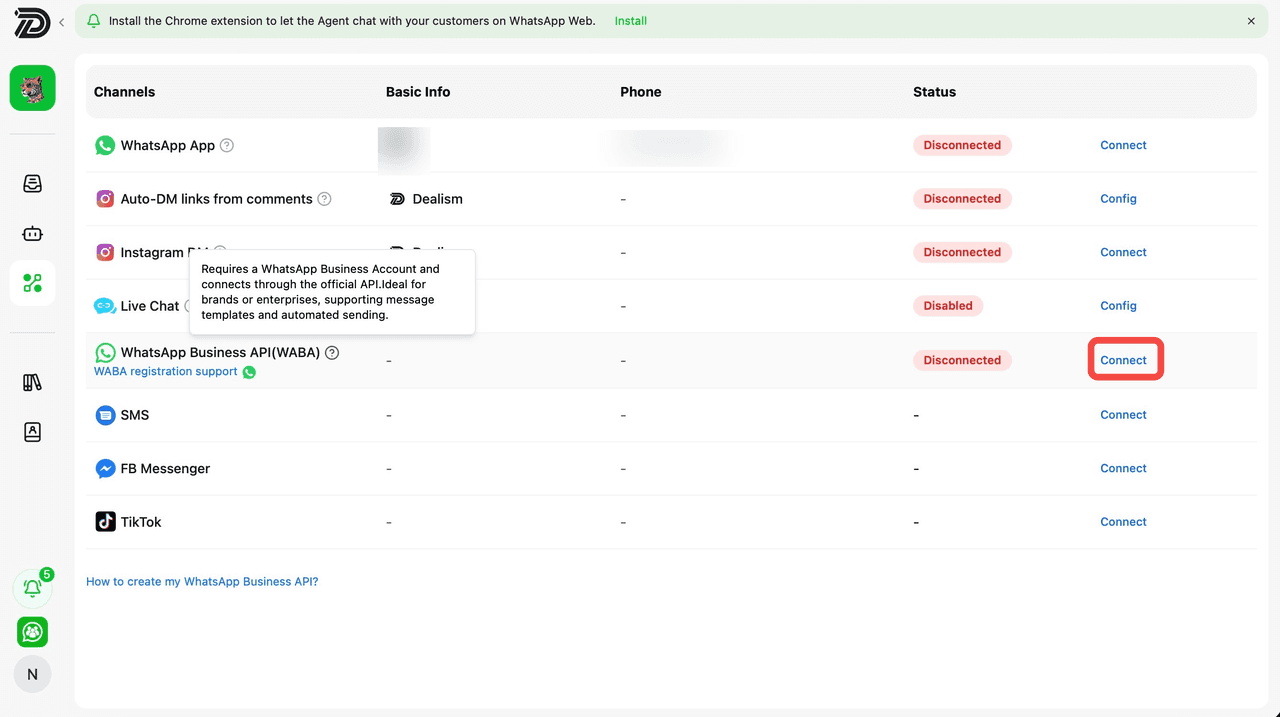
To connect WhatsApp Business API (WABA) with Dealism, go to the Channels page and locate WhatsApp Business API (WABA). Click the Connect button on the right side of the WABA row.
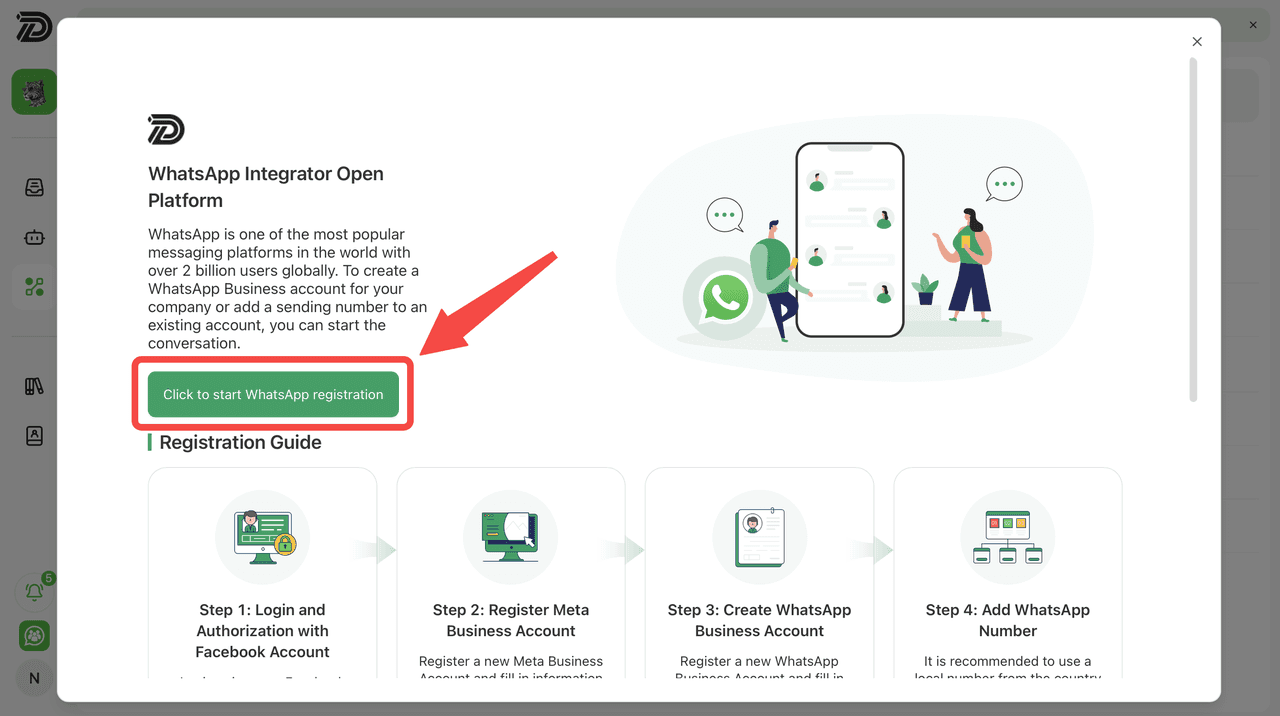
Then follow the Meta authorization and setup process, including Facebook login, Meta Business Account registration, WhatsApp Business Account creation, and adding your WhatsApp number for connection with Dealism.
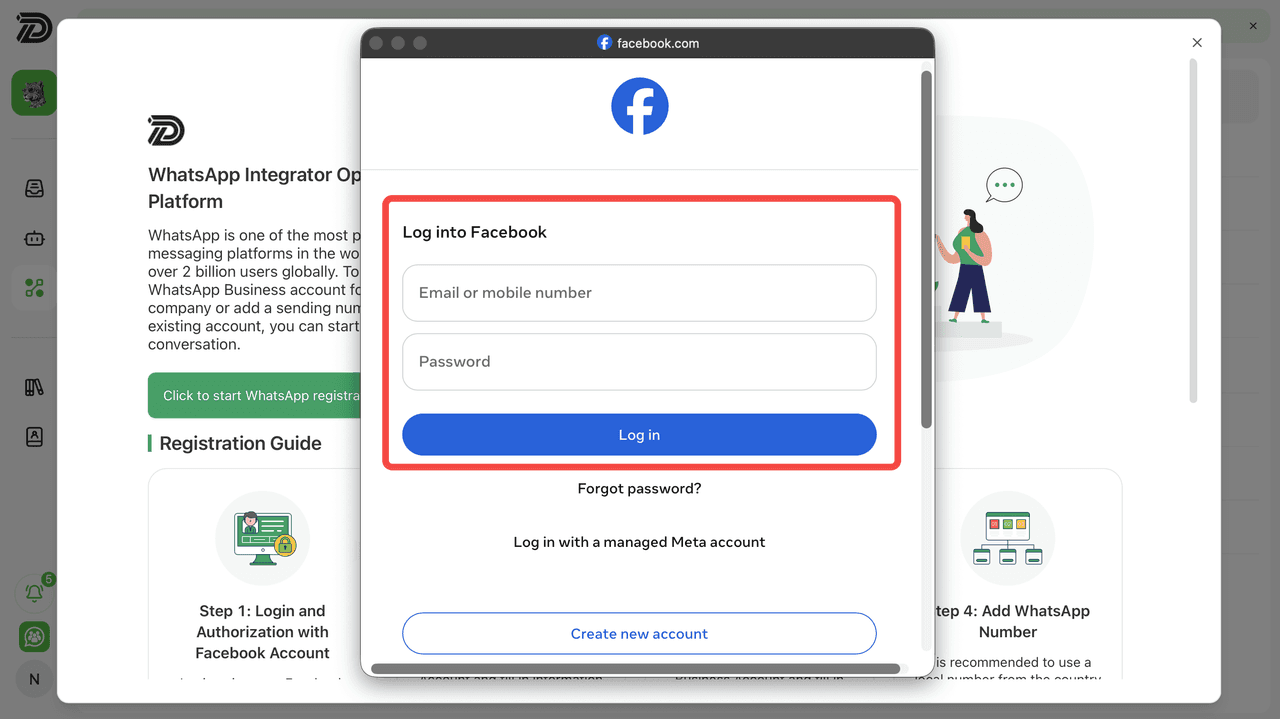
Log into your Facebook account in the Meta authorization window, then click Log in to continue the WhatsApp Business registration process.
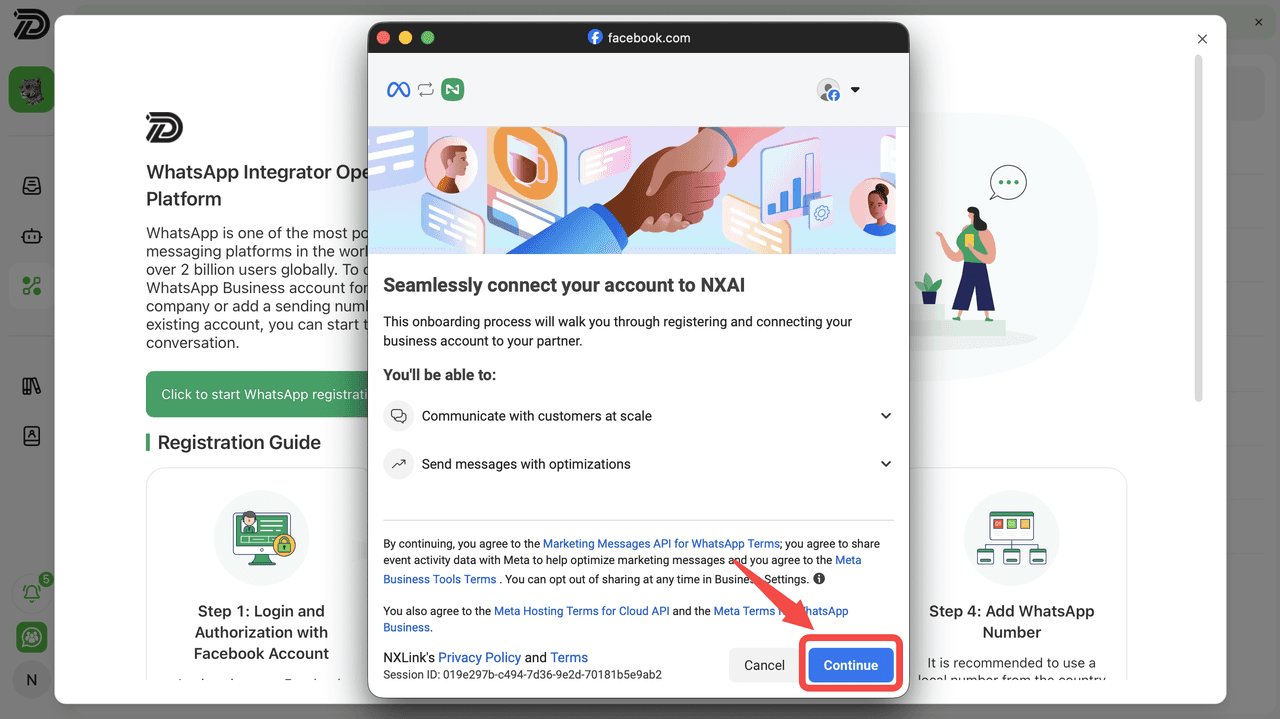
Review the WhatsApp Business onboarding permissions and connection details. Click the Continue button to proceed with connecting your business account to Dealism.
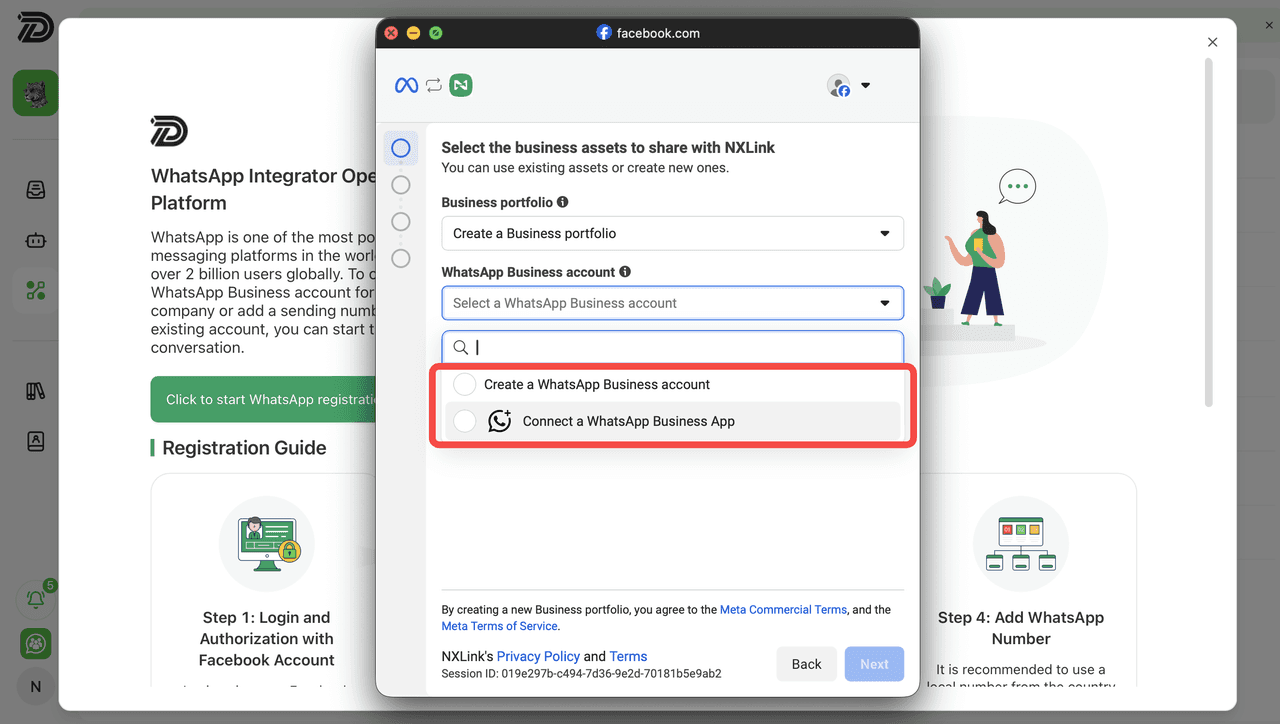
Choose Create a WhatsApp Business account for a new WABA account, or Connect a WhatsApp Business App to link an existing account. Then click Next to continue.
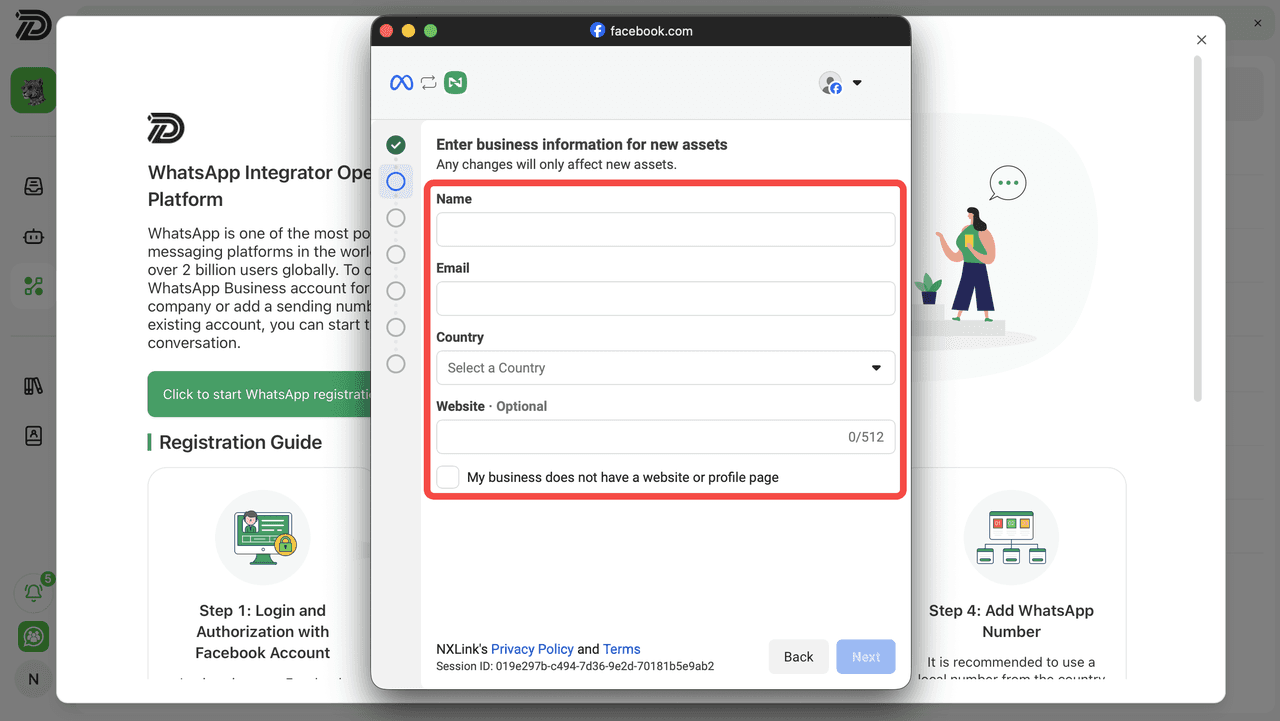
Next, enter your business information, including business name, email, country, and optional website. If you do not have a website, enable the checkbox provided. After completing the required fields, click Next to continue.
Enter your WhatsApp Business phone number. Select a country and enter your phone number.