Register, Meet DealOnca
🚀Quick Start
How to register and get a Free Trial?
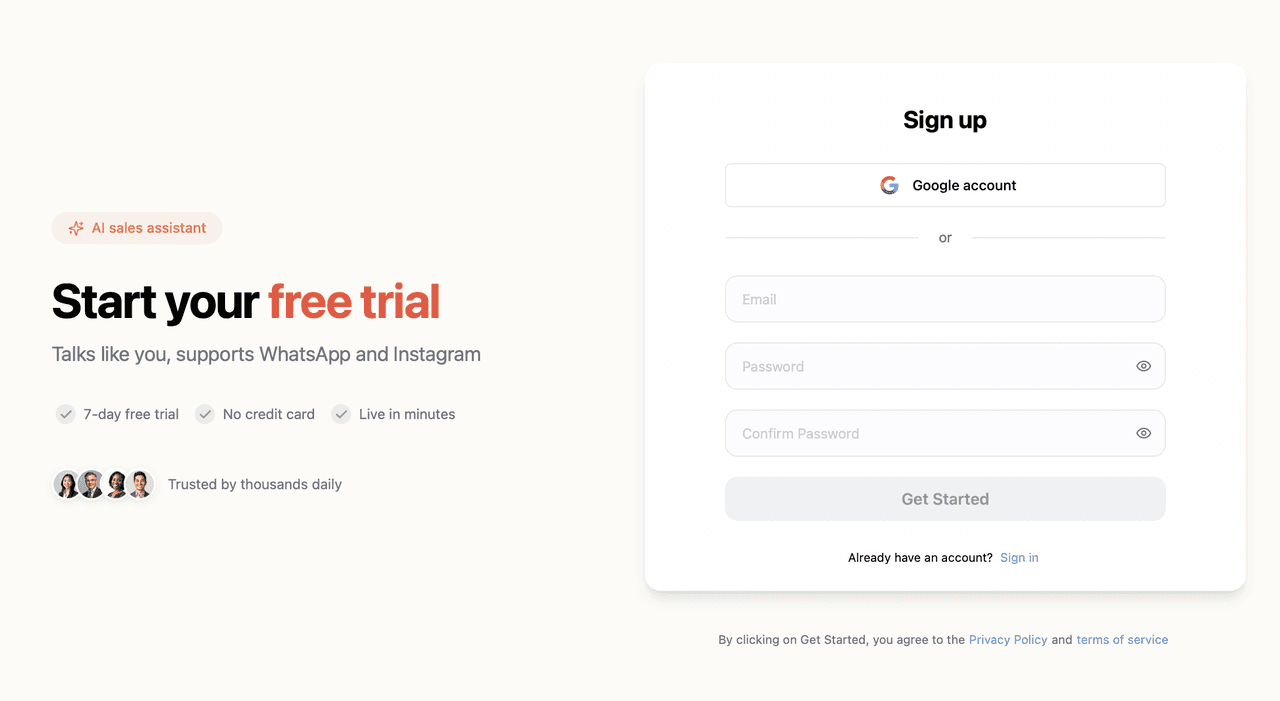
Visit Dealism’s registration page at dealism.ai/register and sign up with your email or Google account to create a new account. You will receive a 7-day free trial and receive 100 free credits with no expiration.
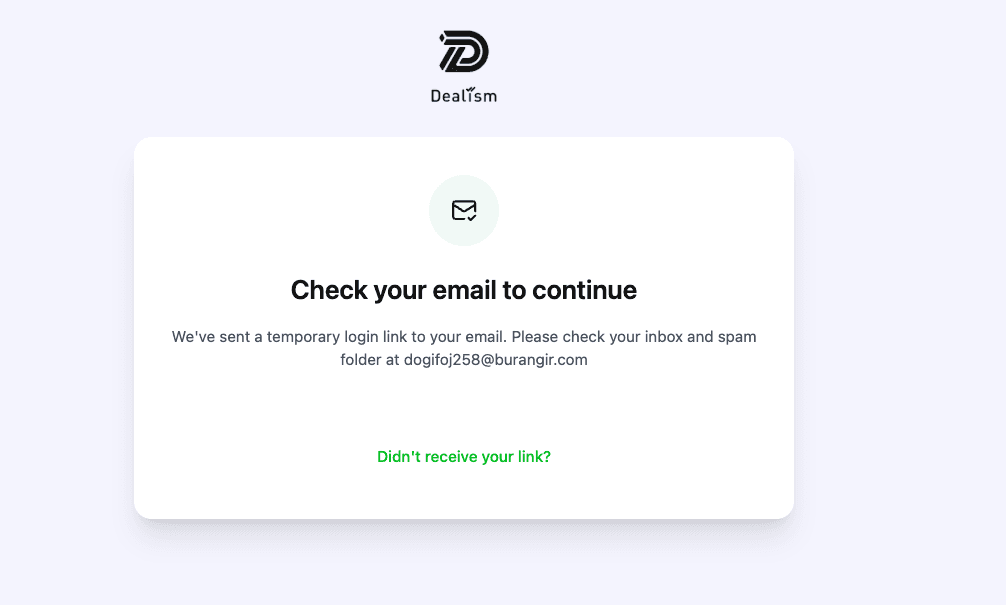
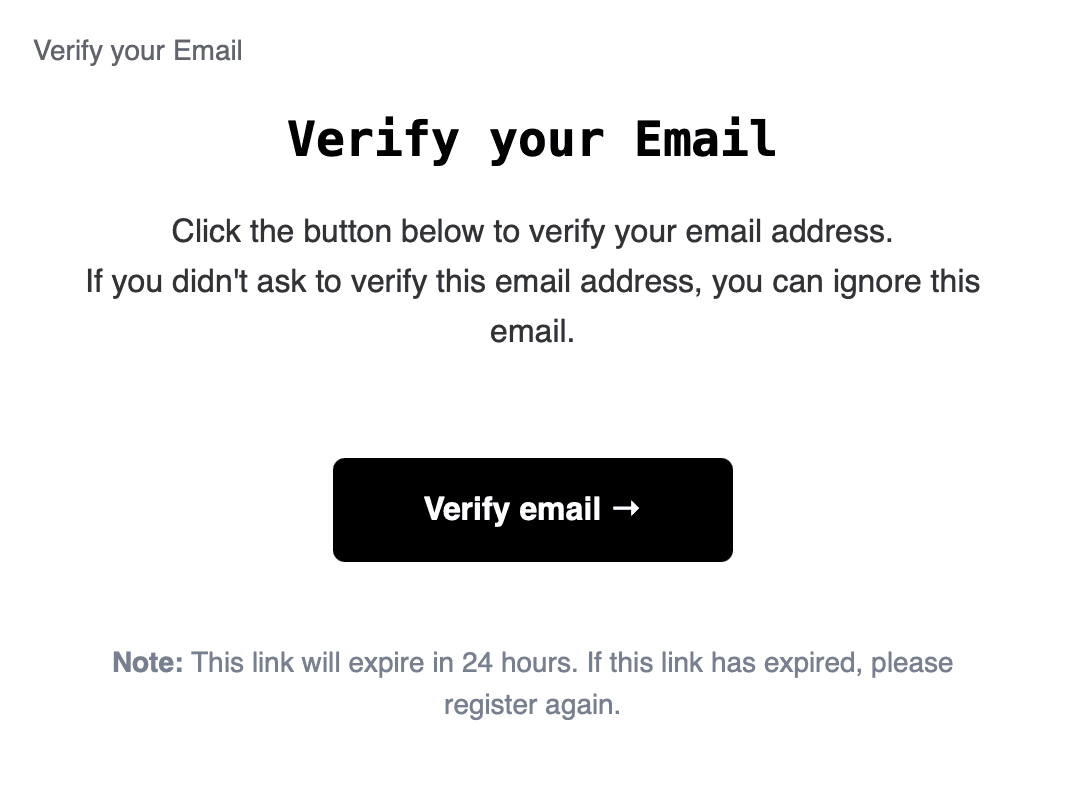
Tips: If you do not see the verification email in your Inbox after signing up with your email address, please check your Spam folder. If it is still not found, you may try resending the verification email.
Create Your First Sales Agent in 3 Minutes
Visit the Dealism login page at https://app.dealism.ai/login and sign in with your newly registered account. You will be directed to the page to create your Sales Agent:
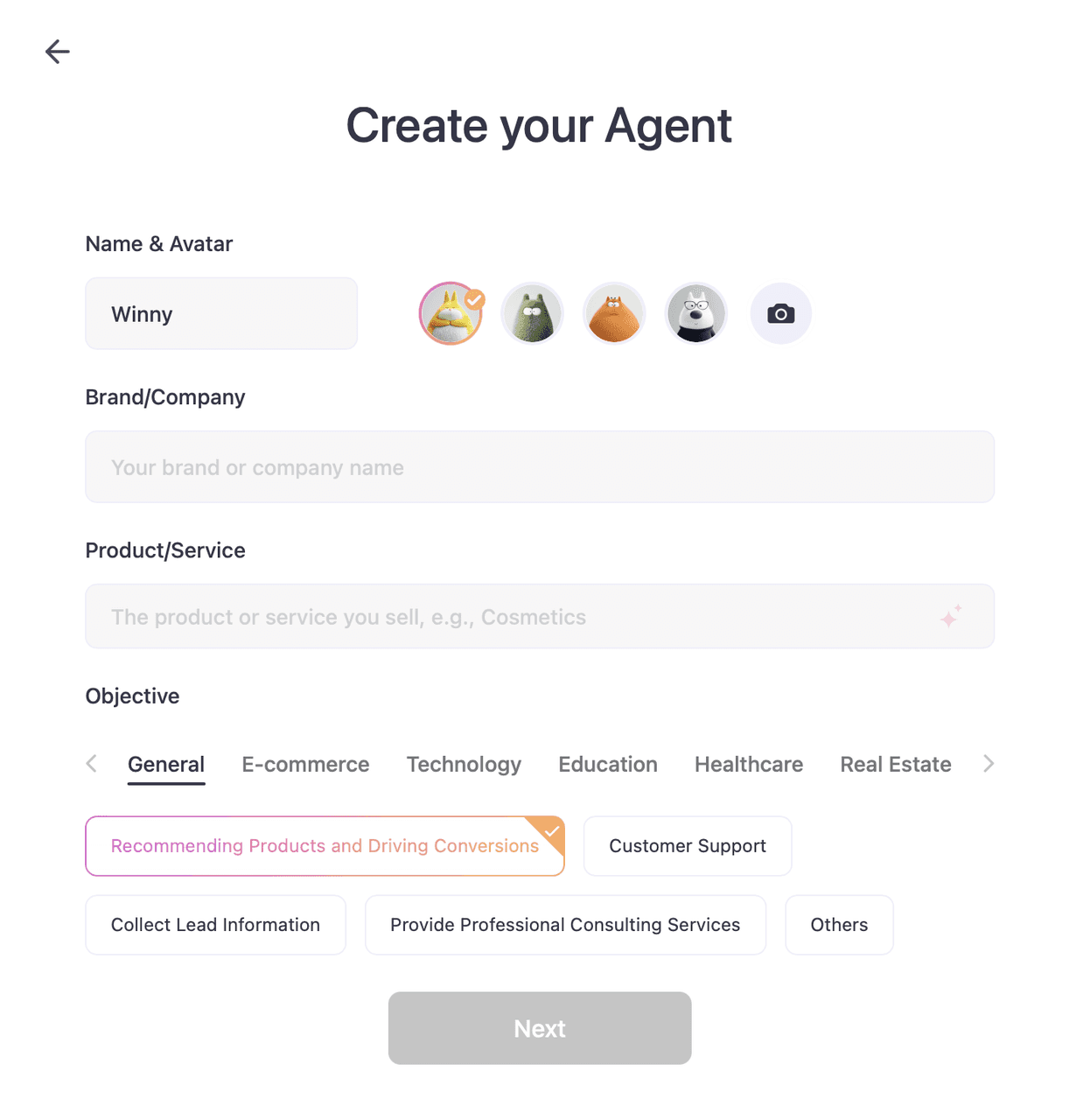
1.Go to the Create your Agent section, fill in and submit the basic information for your Sales Agent, including the Agent name, avatar, brand, product/service scope, and the sales objectives you expect the Sales Agent to achieve during conversations.
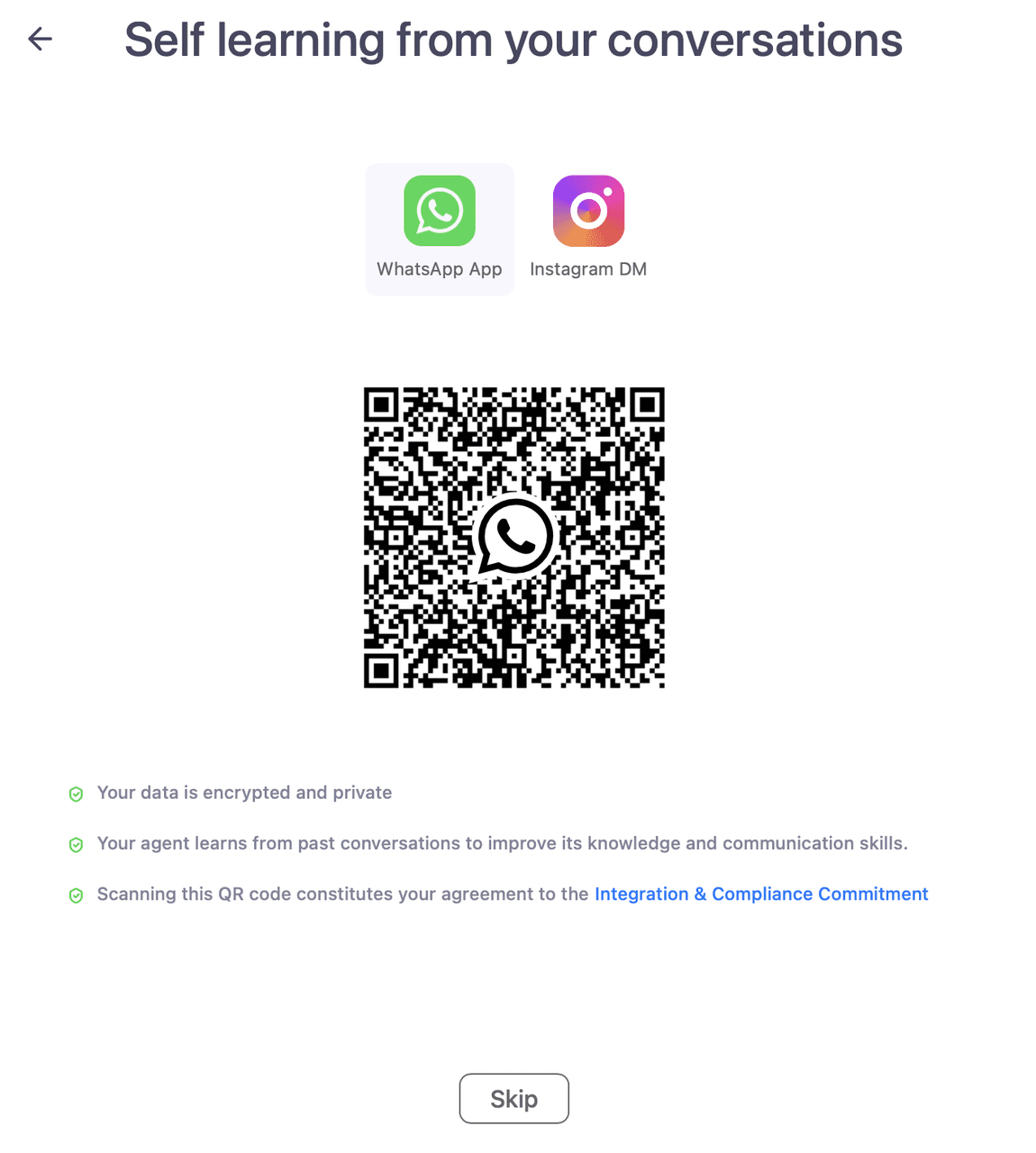
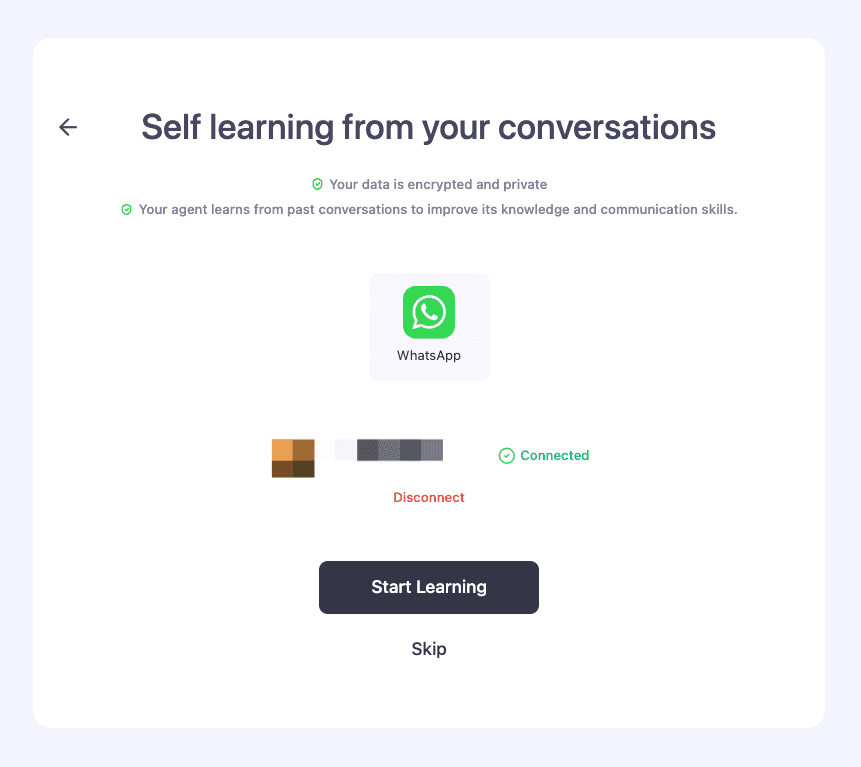
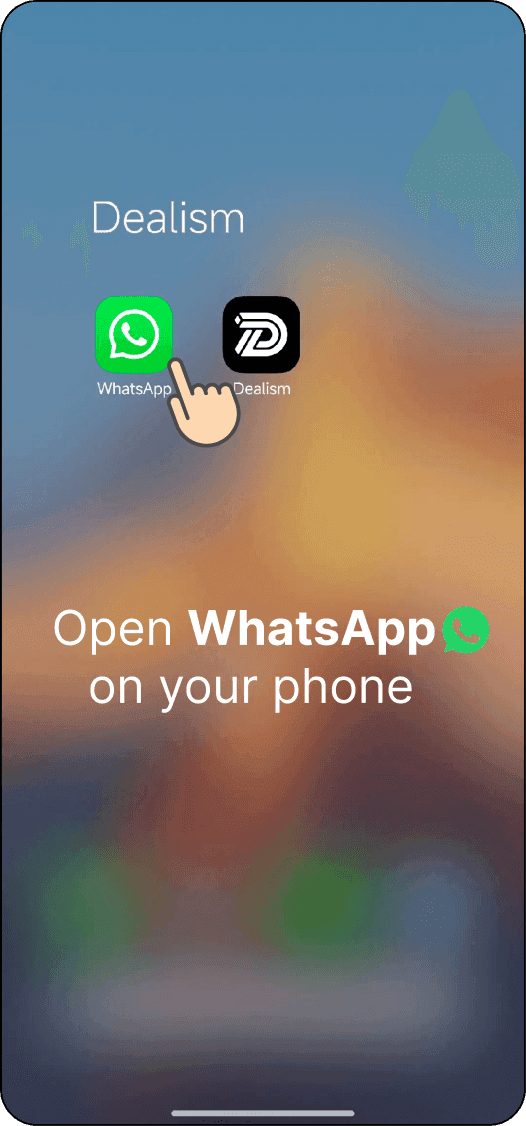
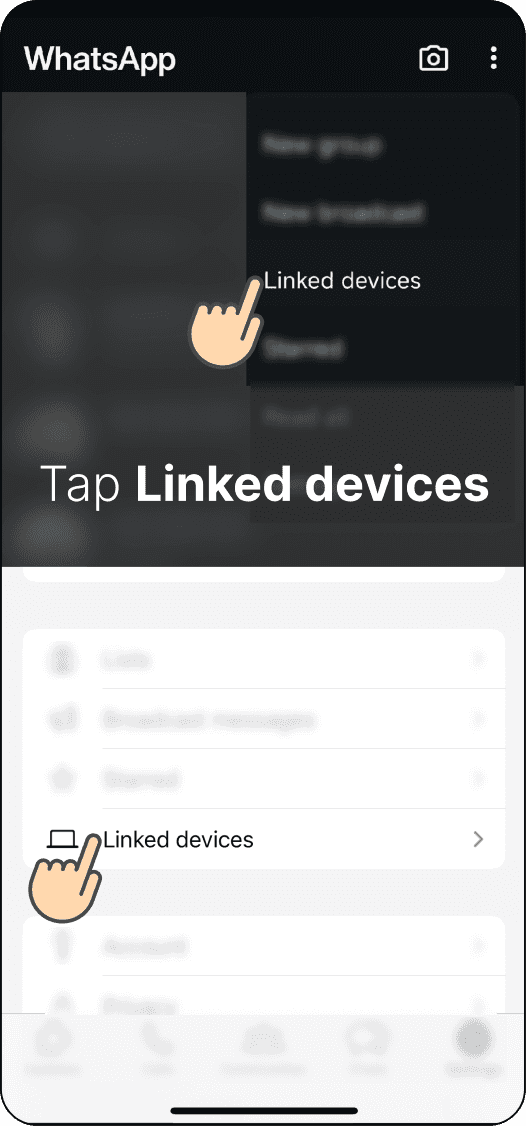
2.Authorize chat history or upload files/URLs to enable your Agent’s first self-learning (1) Go to the Self Learning from Your Conversations section, enable the WhatsApp QR code scanning feature (in the app, go to the Settings module at the top-right corner and click the QR code icon to switch to QR code authorization). After scanning the QR code, click the Start Learning button. Your Sales Agent will begin learning autonomously from the chat history you authorized.
Before scanning the QR code:
After scanning the QR code:
WhatsApp App QR Code Authorization Process:

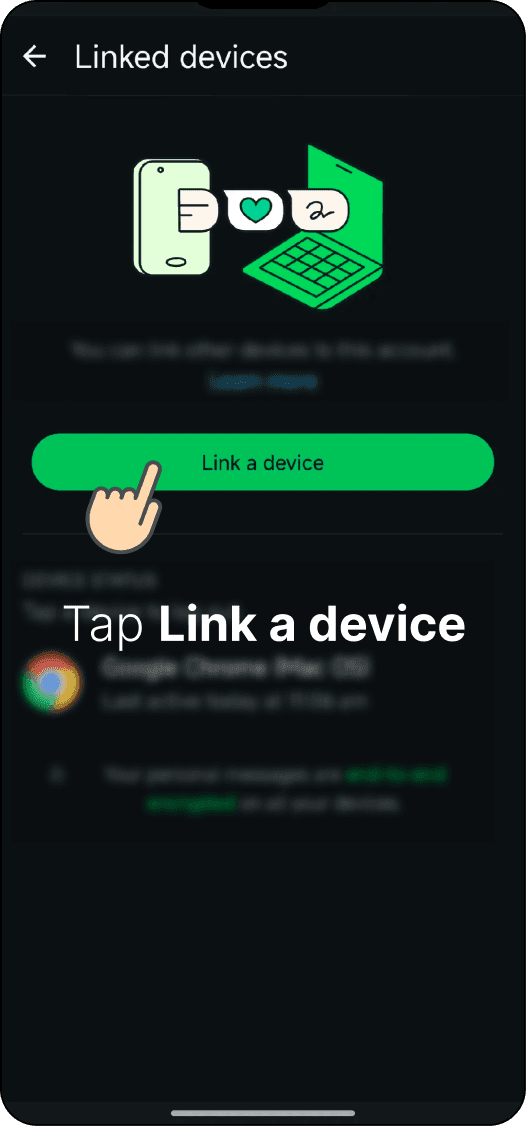
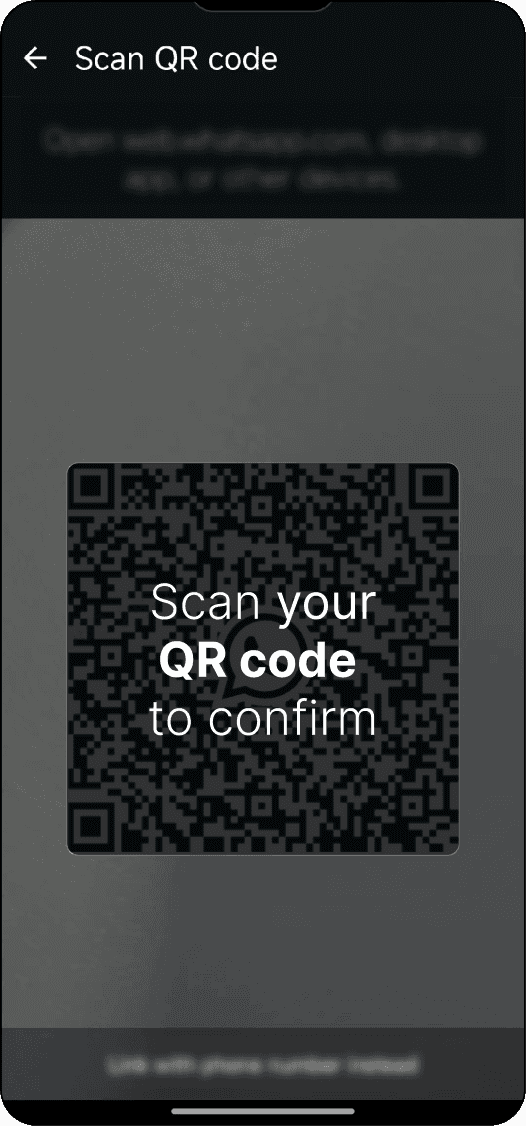
(2) During the QR code authorization step, click Skip to proceed to the section for uploading files and URLs for the Agent to learn from. You can provide URLs or upload files for the Sales Agent to study autonomously. Click the Start Learning button, and your Sales Agent will begin learning sales-related content from the authorized chat history.

Meet DealOnca: Your AI Sales Director
DealOnca is your AI Sales Director inside Dealism, designed to help businesses automate and improve customer conversations across Instagram, WhatsApp, and Live Chat. With DealOnca, users can create and train AI Sales Agents, upload product knowledge, organize sales strategies, analyze customer conversations, and automate follow-ups.
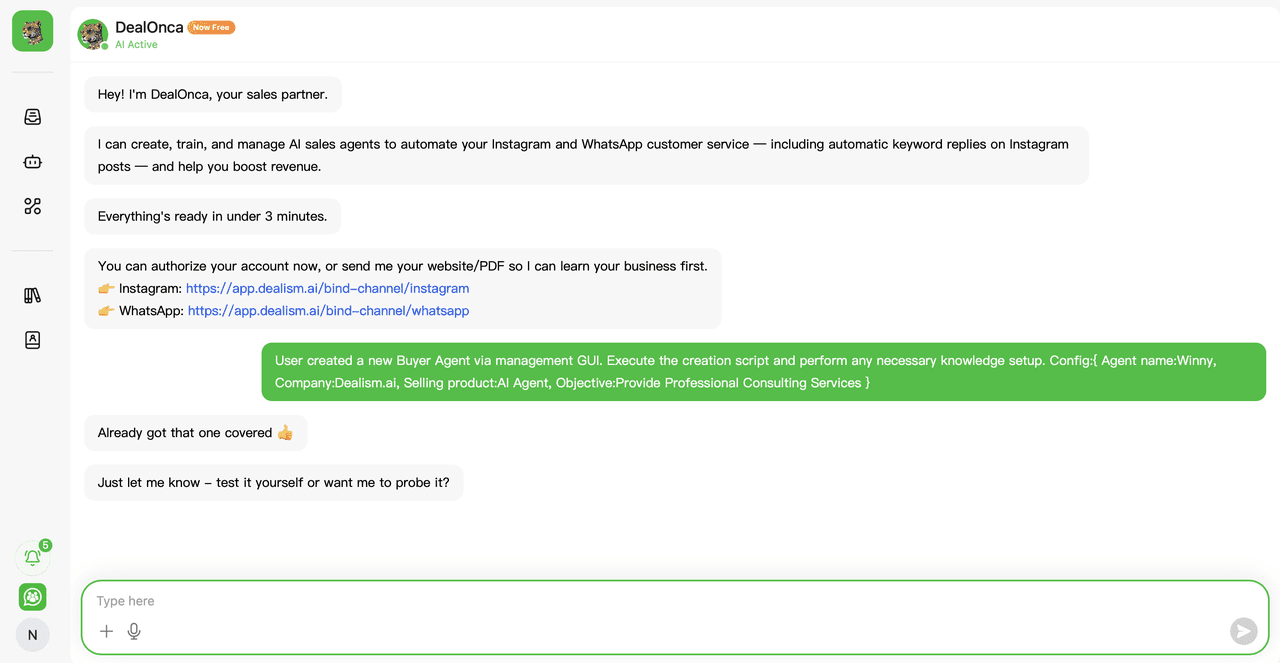
Sync New Knowledge Base Across All Agents: Send PDFs, website links, FAQs, or product documents directly in the chat, and DealOnca will automatically process and save the information to your knowledge base for smarter AI responses.

You can give DealOnca natural language commands such as “Pull up today’s chat logs for all high-intent leads” to analyze conversations, retrieve customer insights, and support your sales workflow automatically.

DealOnca can analyze customer conversations and identify high-intent leads, urgent issues, and follow-up opportunities automatically. You can ask questions like “How many leads did we engage today?” or “Who needs our focus right now?” to receive AI-generated sales insights and recommended next actions.

Follow-Up Actions: DealOnca can automatically follow up with leads and customers through natural language commands. You can ask your AI Sales Agent to reach out to specific contacts, send greetings, check customer intent, and continue sales conversations automatically across connected channels.

DealOnca supports scheduled automations, such as sending messages to specific customers and automatically generating daily sales reports.