Affiliate Program
Updated
3 min read
No separate commission application
After you activate your referral link, eligible paid subscriptions generated through that link are automatically tracked for commission.
Open the programme
Sign in to Dealism.
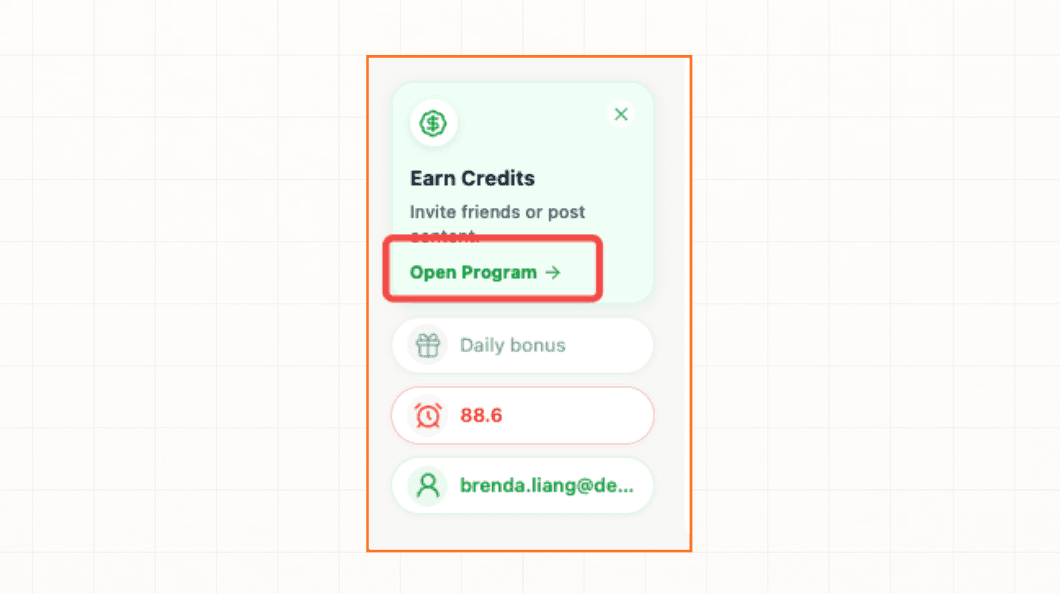
Select Open Program from the Earn Credits card.
In the Invite friends card, select Activate to get your link.
Review and accept the terms
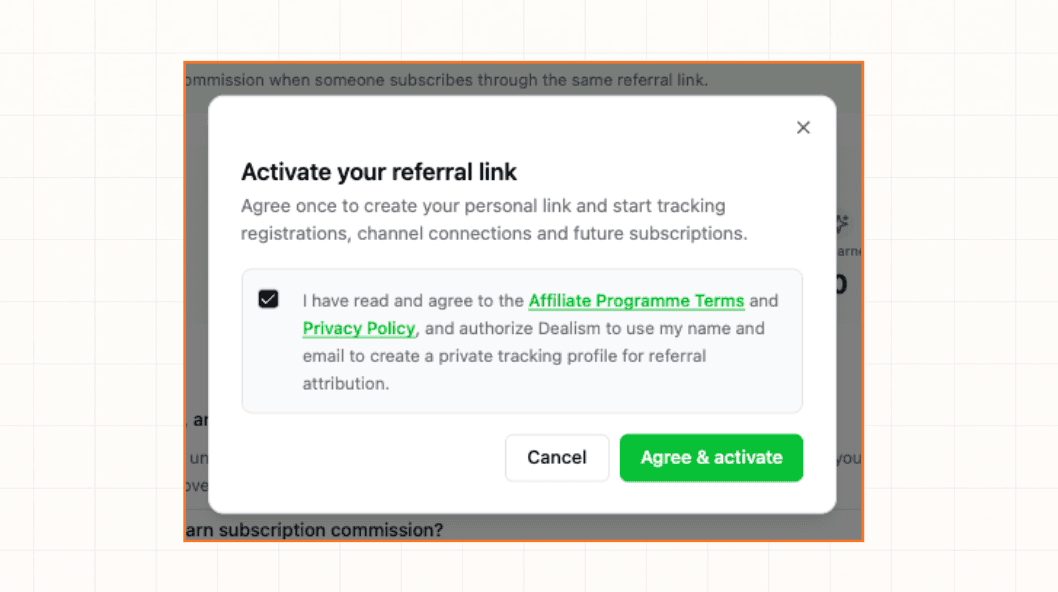
Read the Affiliate Programme Terms and Privacy Policy shown in the activation dialog. Selecting the checkbox also authorizes Dealism to use your name and email to create a private tracking profile for referral attribution.
Activate your link
Select the agreement checkbox.
Select Agree & activate.
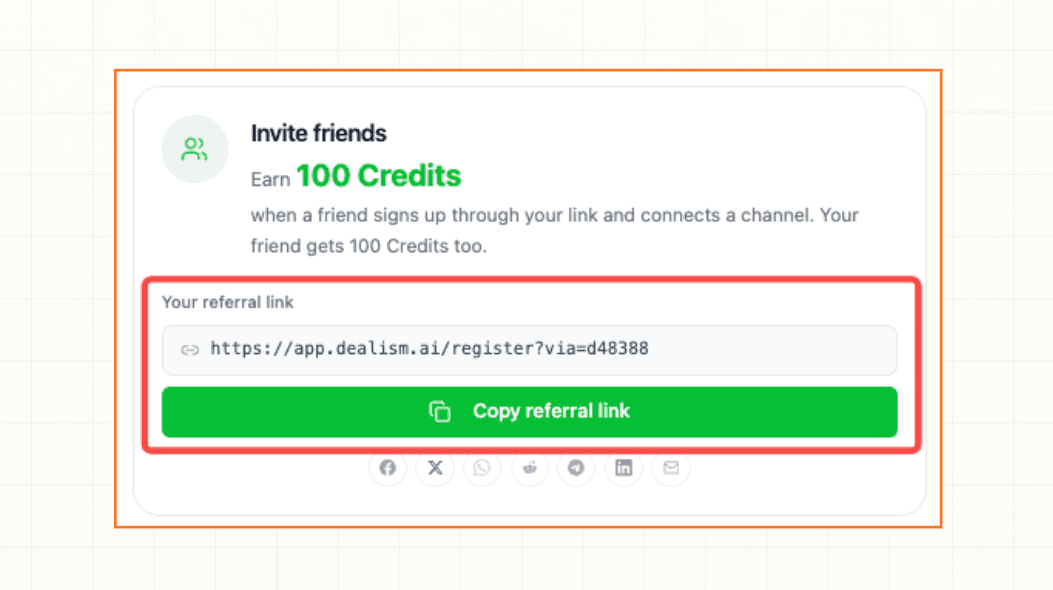
Wait for your personal referral link to appear in the Invite friends card.
You do not need to submit a second application to earn subscription commission. Eligible paid subscriptions attributed to the activated link are tracked automatically.
Confirm activation
Activation is complete when the Invite friends card shows Your referral link and the Copy referral link button. If the link does not appear, refresh Dealism and open the programme again.