Affiliate Program
Updated
3 min read
Keep the complete link
Copy the link using the button in Dealism. Do not remove or change its referral parameter, because that identifies your referral.
Open your Affiliate Programme dashboard
Sign in to Dealism.
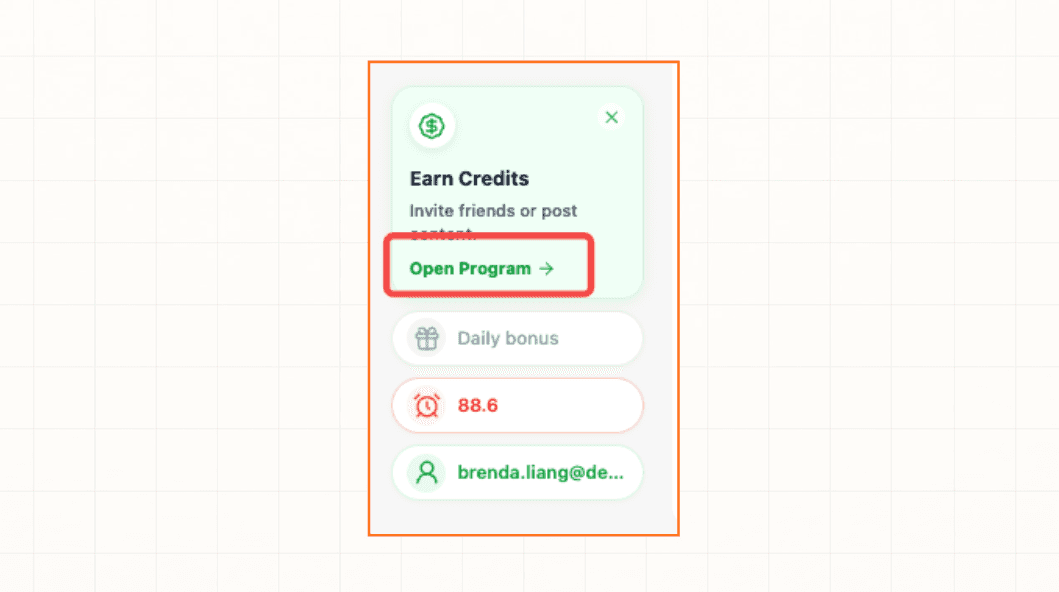
Select Open Program in the Earn Credits card.
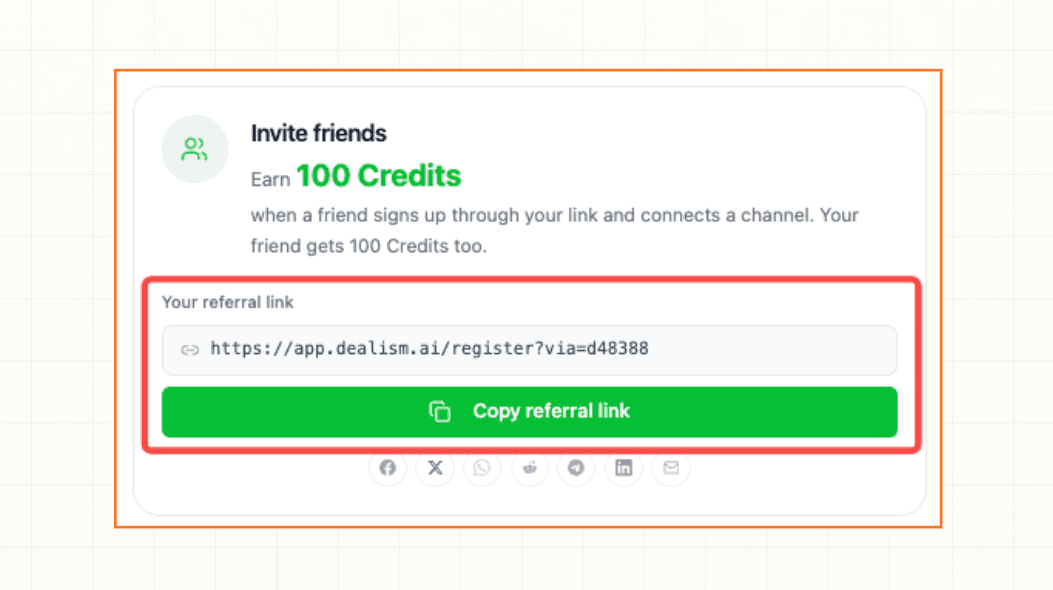
Find the Invite friends card.
Activate the link if needed
If the card shows Activate to get your link, complete the one-time terms and privacy authorization first. Your link appears after activation.
Copy your personal link
Select Copy referral link. Paste the complete link into the message, post, email, or page where you want to recommend Dealism.
Check before sharing
Confirm that the copied URL opens Dealism.
Keep the complete referral parameter in the URL.
Do not share another affiliate's link by mistake.
Use your personal link for invitations and paid referrals; content reward submissions use their own review flow.