Account & Billing
Updated
2 min read
Available languages
The language menu currently includes Simplified Chinese, English, Spanish, and Portuguese.
Open the Account tab
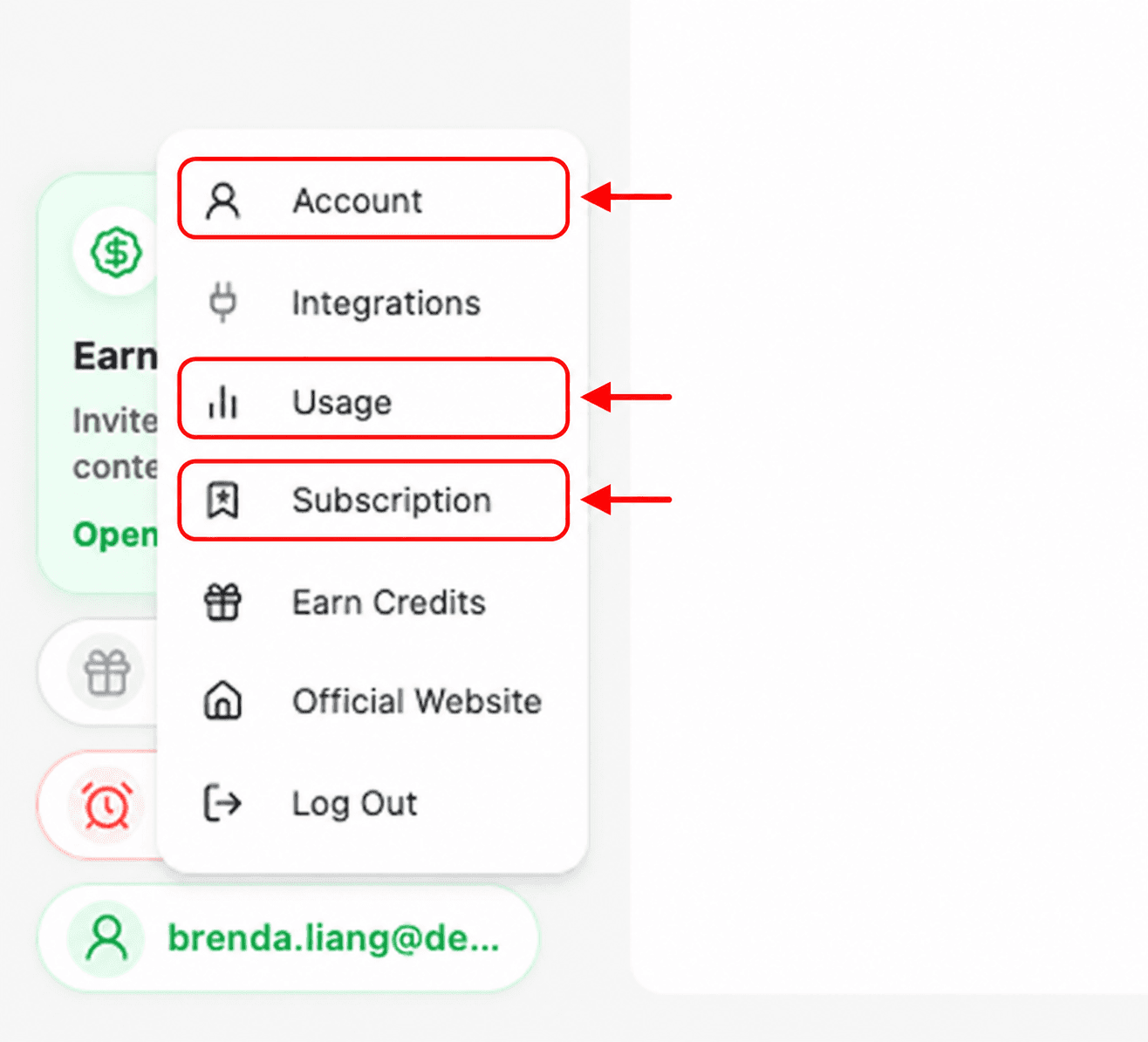
Select your profile button in the lower-left corner.
Select Account from the menu.
Choose a language
Find the Language section.
Open the language menu.
Select 简体中文, English, Español, or Português.

Confirm the change
After you select a language, check the workspace navigation and labels. The interface should update to your chosen language.
If the language does not change
Close and reopen the account panel.
Refresh Dealism and check the selected language again.
If the previous language returns, contact Dealism support and include the language you selected.