Desktop App
Updated
4 min read
Keep the computer awake and online
The Desktop QR connection works as a linked device. Dealism Desktop must stay open on an awake, internet-connected computer for the connection to remain available.
Dealism Desktop at a glance
Dealism Desktop is the quickest way to connect Personal WhatsApp or WhatsApp Business App to Dealism. Install the app on a supported computer, sign in, and scan a QR code from Linked Devices on your phone.
This path is useful when you want to keep using the WhatsApp app on your phone without preparing Meta business assets. The QR flow also lowers the restriction risk compared with older unofficial connection methods.
What you can do after connecting
The Desktop app keeps the core Dealism experience available: your connected conversations appear in the Inbox, your team can work from the same customer context, and supported AI and automation features continue to work. Desktop notifications also make new messages and connection changes easier to notice.
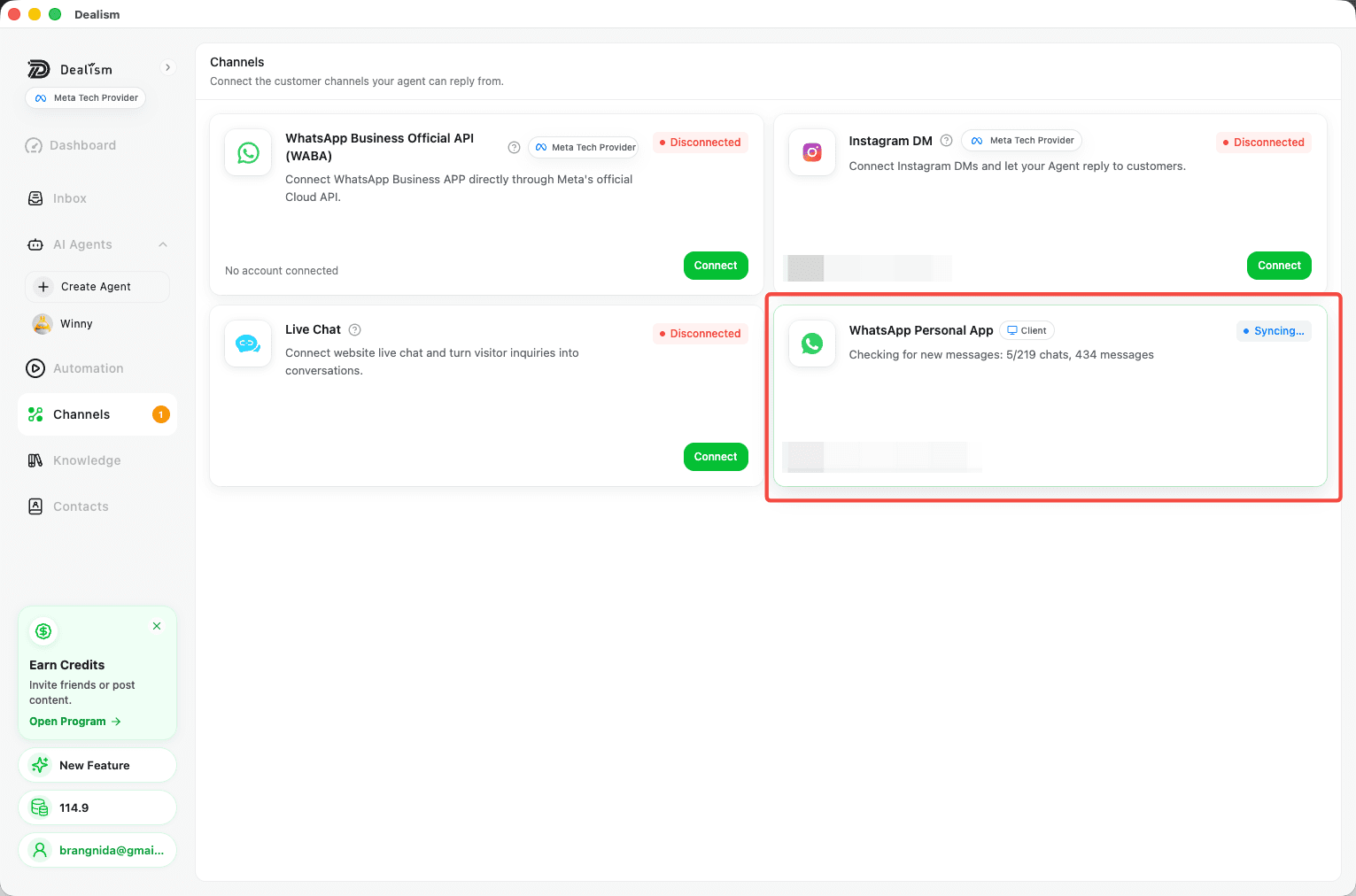
What the connection requires
macOS: Apple Silicon Mac running macOS 13 or later. Intel Macs are not supported.
Windows: Windows 10 or 11, 64-bit.
A stable internet connection on both the phone and computer.
The computer must remain awake, online, and running Dealism Desktop.
If the computer sleeps, shuts down, loses internet access, or closes Dealism Desktop, message syncing may stop until the app is available again.
Desktop QR or WABA?
Choose Desktop QR for Personal WhatsApp or WhatsApp Business App when quick setup and continued phone access matter most. Choose the WhatsApp Business API channel for official WABA Coexistence on an eligible existing Business App number or for a new dedicated API number.
See Connect WhatsApp to Dealism for the full comparison and setup steps.