Moment 01
New service request
Identify the service, location, timing, and relevant project context before an estimate, inspection, or human review.
Prepare the request →
AI chatbot for local service businesses
Understand what a customer needs, collect the details that shape the next step, and keep text conversations moving across WhatsApp, Instagram, and Website Live Chat.
 Human handoff includedNo code required
CUSTOMER · INSTAGRAM
Do you service my area?
CUSTOMER · WHATSAPP
Is this something your team can handle?
DEALISM AI AGENT
I can help check. Which service do you need, and what area are you in?
From question to next step
Customers rarely begin with a complete service brief. Collect only the context your team needs to act.
Clarify whether the customer needs repair, installation, maintenance, inspection, cleaning, or another approved service.
Identify
Ask for the area, city, ZIP code, or other location detail your team uses.
Locate
Gather the timing, urgency, site type, or project condition that changes the next step.
Understand
Guide the request to an estimate, inspection, booking page, callback, or person.
Route
A fast reply is only useful if the next person knows what the customer needs.
Across the customer journey
The information your team needs—and the promises the Agent should avoid—change with the customer’s situation.
Moment 01
Identify the service, location, timing, and relevant project context before an estimate, inspection, or human review.
Prepare the request →
Moment 02
Collect the preferred time and service details, then send an approved booking page or prepare the request for review.
Keep request and confirmation distinct →
Moment 03
Gather initial context and make room for a person without promising a refund, revised schedule, or technical outcome.
Route with context →
The boundary that matters
Make the current state clear while your team keeps control of real commitments.
Requested
The customer has shared a preferred time, service, or location. It is a request—not yet an appointment.
Context collected
Collect the service, area, timing, urgency, and relevant job conditions your business defines.
Ready for review
Guide the request to an estimate, inspection, booking page, callback, or person without making a commitment.
Business confirmed
Only your business or an approved process confirms price, availability, feasibility, or an appointment.
Simple setup
Begin with a customer moment your team already understands. Test the boundaries before expanding the Agent’s role.
Step 01 of 05
Add the supported WhatsApp, Instagram, WABA, or Live Chat account where service inquiries already arrive.
Connect a channel
Choose where customers write
 WhatsApp AppConnectedWABAAdd
 InstagramAdd
 Live ChatAdd
Step 02 of 05
Provide the services, exclusions, coverage rules, policies, and approved answers the Agent should use.
Business knowledge
Sources the Agent can use
Step 03 of 05
Decide which details make a request actionable: service, area, timing, urgency, project context, or another condition your team uses.
Agent Setup
Define your Agent’s identity and core purpose.
Basic Info
Shapes how customers perceive your Agent’s persona, tone, and voice.
Step 04 of 05
Define when to send a booking page, prepare an estimate or inspection request, or involve a person. Test incomplete, urgent, and sensitive questions.
Goals and handoffs
Choose what happens next
Conversation goal
Understand fit, recommend a next step, and route exceptions to your team.
Step 05 of 05
Begin with one clear responsibility. Review real conversations and refine the knowledge or boundaries before asking the Agent to handle more.
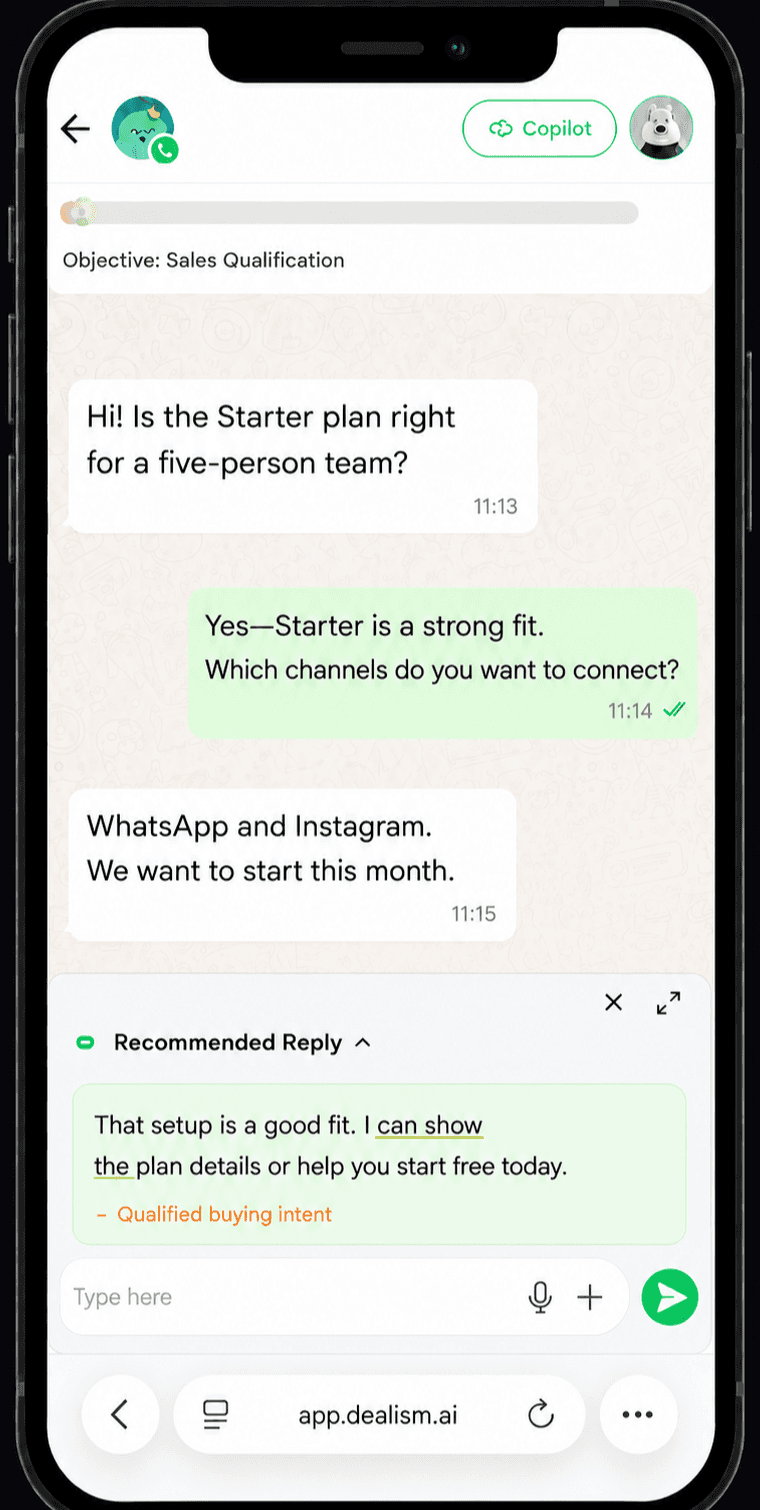
Messages sent
1,380
↗ 15% conversion rate
Knowledge + control
A local business chatbot should not improvise its way through a customer request. Give the Agent the services, coverage rules, policies, processes, and approved answers customers are allowed to receive.
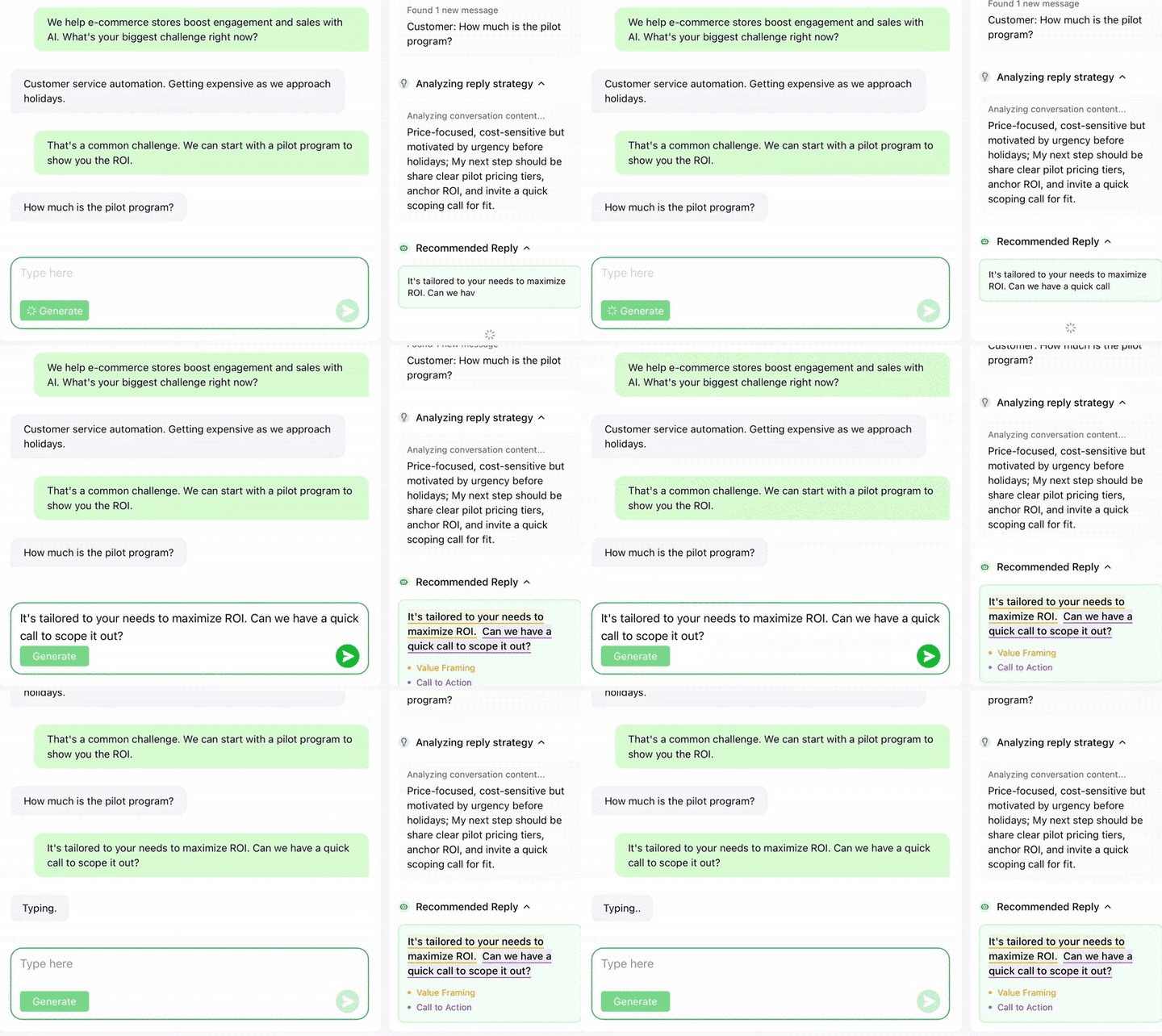
Current Dealism product interface
Services, exclusions, and requirements
Coverage areas and travel rules
Published prices or approved guidance
Hours and response expectations
Estimate, inspection, and booking processes
Handoff rules for exceptions
Two different jobs
Keep the predictable opening separate from open-ended qualification—and keep commitments with your team.
Human where it matters
Let the Agent handle repeatable questions and early qualification. Keep commitments, technical decisions, sensitive moments, and exceptions with your team.
AI Customer Agent
Answer from approved information, collect service context, and guide customers to the next action you define.
Explore the AI Customer AgentYour team
Take over safety concerns, final quotes, feasibility, live availability, exceptions, complaints, and conversations that need files.
See the Unified InboxWhere customers already write
Use the services, coverage rules, tone, and handoff boundaries your business approves across supported customer conversations.
Customer voices
Meet real Dealism customers and read how different businesses use customer conversations in their day-to-day work.






Questions before you start
It is a conversational Agent trained on a business’s approved services, coverage areas, policies, and qualification rules. It can answer common questions, collect useful request details, and guide the customer toward an estimate request, inspection, booking page, callback, or person.
Many AI receptionist products focus on phone calls. Dealism focuses on text conversations across supported WhatsApp, Instagram, WABA, and Website Live Chat channels.
No. This Local Services experience focuses on supported messaging and website chat conversations, not AI phone answering.
Your business can provide services, exclusions, coverage areas, approved prices or guidance, operating information, policies, estimate or inspection processes, booking pages, and handoff rules.
Yes. The Agent can ask about the service, location, timing, urgency, property or equipment context, and other criteria your business defines. Qualification prepares the request for a next step; it does not guarantee the business will accept the job.
It can ask for the location and apply the coverage information your team provides. If the rules are unclear or need review, the Agent should involve a person rather than promise coverage.
The Agent can explain approved prices or processes, collect a preferred time, send an approved booking page, or prepare a request. It should not invent a final quote or imply real-time availability.
Not currently. If the conversation requires files or other materials, a person can take over and send the appropriate attachment manually.
Yes. Your team can join with the earlier conversation context visible when safety, technical judgment, final pricing, current availability, an exception, or personal attention is involved.
Dealism supports Instagram, WhatsApp App, WhatsApp Business Platform, and Website Live Chat. Setup requirements and plan allowances differ by channel.
Yes. The configured trigger is free and uses no AI credits. AI-generated replies, qualification, recommendations, and follow-up are separate and use credits.
Yes. Dealism is a Meta Business Partner and uses supported Meta business messaging connections.
From a question to an actionable request
Answer from approved service information, ask for the detail that changes the next step, and keep unconfirmed prices, appointments, and outcomes clearly unconfirmed.
Build your local service AI AgentStart free · No card required